76
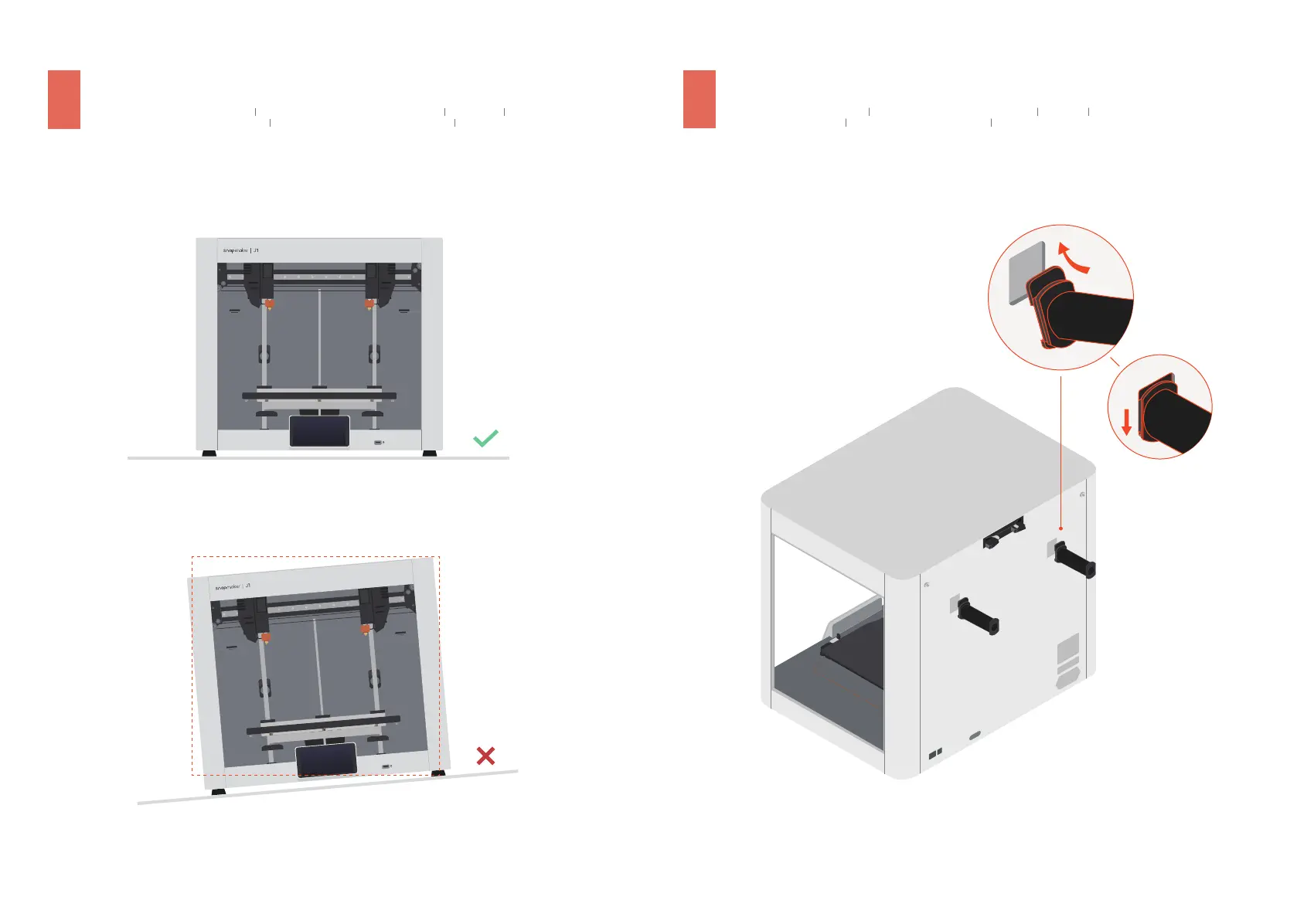
3.2
Place the Printer Horizontally
Stellen Sie den Drucker waagerecht auf Colocar la impresora en posición horizontal 平置打印机
Placer l’imprimante de manière horizontale Posizionare la stampante orizzontalmente プリンター を水 平に 置 きます
3.3
Install Filament Holders
Installieren Sie die Filamenthalter Instalar los soportes de los filamentos 安装料架
Installer les porte-filaments Installare i supporti del filamento フィラメント ホ ル ダー を 取 り付 け ま す
1
2



 To Next Page