18
snom D7 User Manual Configuring the Function Keys
Depending on the number of Expansion Modules V2.0 (0, 1, 2, or 3) connected to the phone, the
D7 Expansion Modules on the Function Keys page will be numbered as follows:
Number of 3xx
Expansion Modules
First D7 Second D7 Third D7
0 Expansion Module 1 Expansion Module 2 Expansion Module 3
1 Expansion Module 2 Expansion Module 3 Expansion Module 4
2 Expansion Module 3 Expansion Module 4 Expansion Module 5
3 Expansion Module 4 Expansion Module 5 Expansion Module 6
Settings on the phone
When an expansion module is connected to the phone, its freely programmable function keys are
shown in the Fkeys submenu of the Preferences menu. The function keys on the phone and on the
expansion modules are numbered consecutively. If the connected phone has 16 freely programmable
function keys, for example, the keys on the first expansion module in the daisy chain are numbers
17 - 34, the keys on the second module are numbers 35 - 52, and the keys on the third module are
numbers 53 - 70.
Note for 3xx phones with USB ports: If there are any Expansion Modules V2.0 for 3xx
phones connected to the phone, their total number of keys is added to the fkeys list of
the phone before the first key on the first D7 Expansion Module.
1. Open the Settings menu of the phone that the module is connected to.
2. Press "1" to open the Preferences menu.
3. Press "6" to open the Fkeys menu.
4. Press the number of the key on the keypad. If you want to configure the setting for the top left key
on the first expansion module of a snom 760, for example, enter "17" on the keypad.
5. Select the Function for key 20.
6. If you have selected Extension, for example, you will first be prompted to enter the number of the
extension. Enter the number and press
.
7. You will then be prompted to enter a Short Text which is the label that will be shown on the
display of the expansion module''. Enter the text and press
to save the setting and return to the
Fkeys menu.
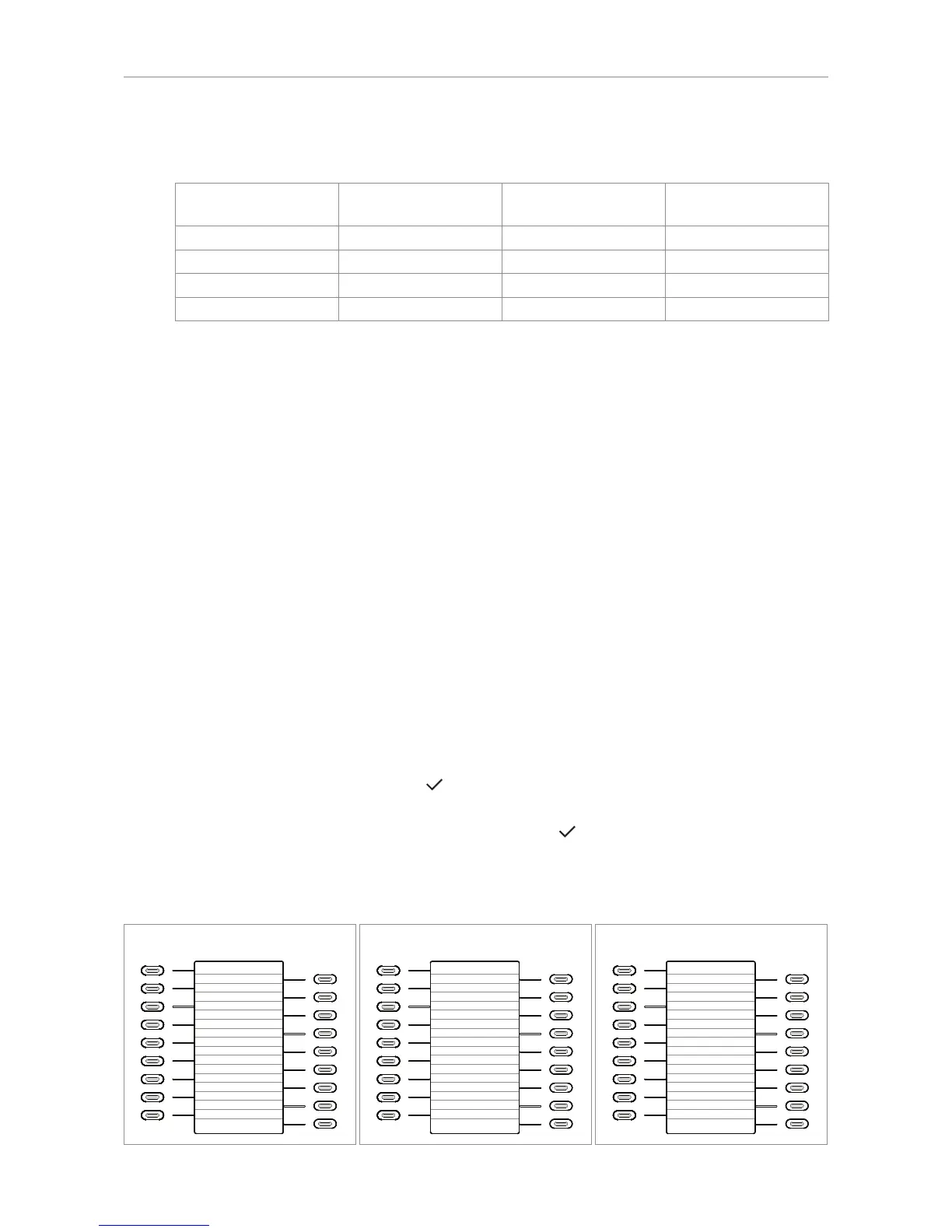
Fkey numbering when D7 is connected to 76x phones
10
11
12
13
14
15
16
17
18
1
2
3
4
5
6
7
8
9
26
27
28
29
30
31
32
33
34
17
18
19
20
21
22
23
24
25
760/D765
Expansion module 1
10
11
12
13
14
15
16
17
18
1
2
3
4
5
6
7
8
9
44
45
46
47
48
49
50
51
52
35
36
37
38
39
40
41
42
43
760/D765
Expansion module 2
10
11
12
13
14
15
16
17
18
1
2
3
4
5
6
7
8
9
62
63
64
65
66
67
69
69
70
53
54
55
56
57
58
59
60
61
760/D765
Expansion module 3



 To Next Page