STATUS INDICATORS (CONTINUED)
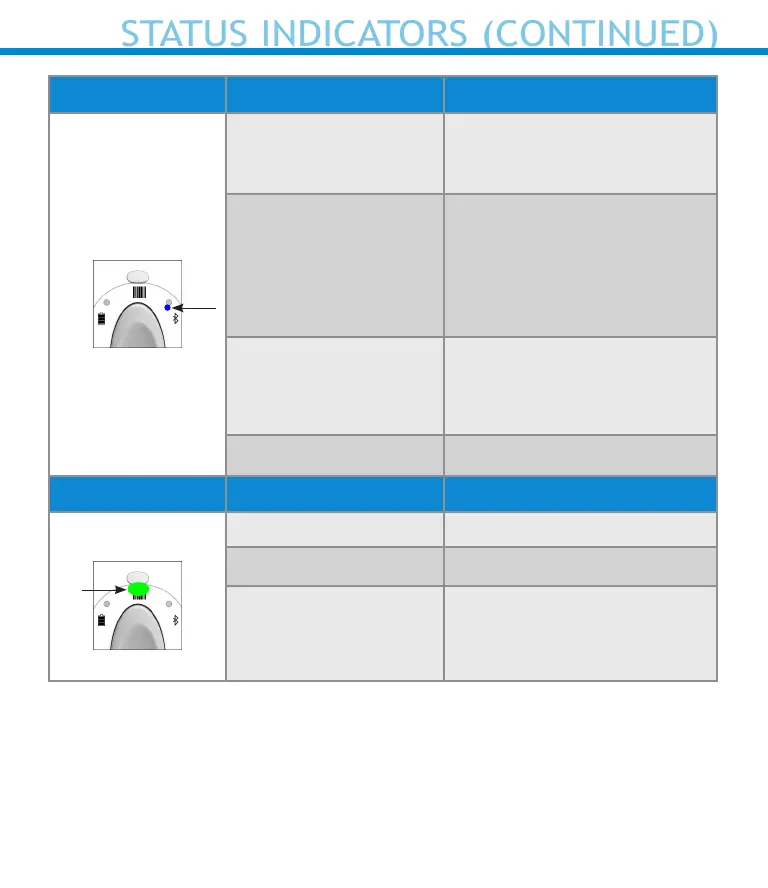
Bluetooth LED Activity Meaning
Bluetooth
Quick Blinking Blue
(2 blinks every
second)
Discoverable - waiting for a
host Bluetooth connection.
Slow Blinking Blue
(1 blink every second)
Scanner is attempting to
connect to the last known
host device.
After 1 minute of blinking,
scanner will stop searching.
No Light - No Activity
Scanner has attempted to
connect and failed. Press
scan button to try again.
Solid Blue Scanner Connected
Scan/Read LED Activity Meaning
Scan/Read
Blink Green Once Good Scan/Read
Blink Red Once Bad Scan/Read
Solid Red - for as long
as power button is
pressed
Power Button Pressed
27















 To Next Page