12 EN
COUNTIS E00/E02 - 547975A - SOCOMEC
8. CONFIGURATION
The device can be congured directly from the COUNTIS E00/E02 screen in programming mode. The paragraphs below
describe conguring using the screen.
8.1. On-screen conguration
From the screen, go to programming mode to reset partial energy to zero. How to browse through the programming mode is
described in the following stages:
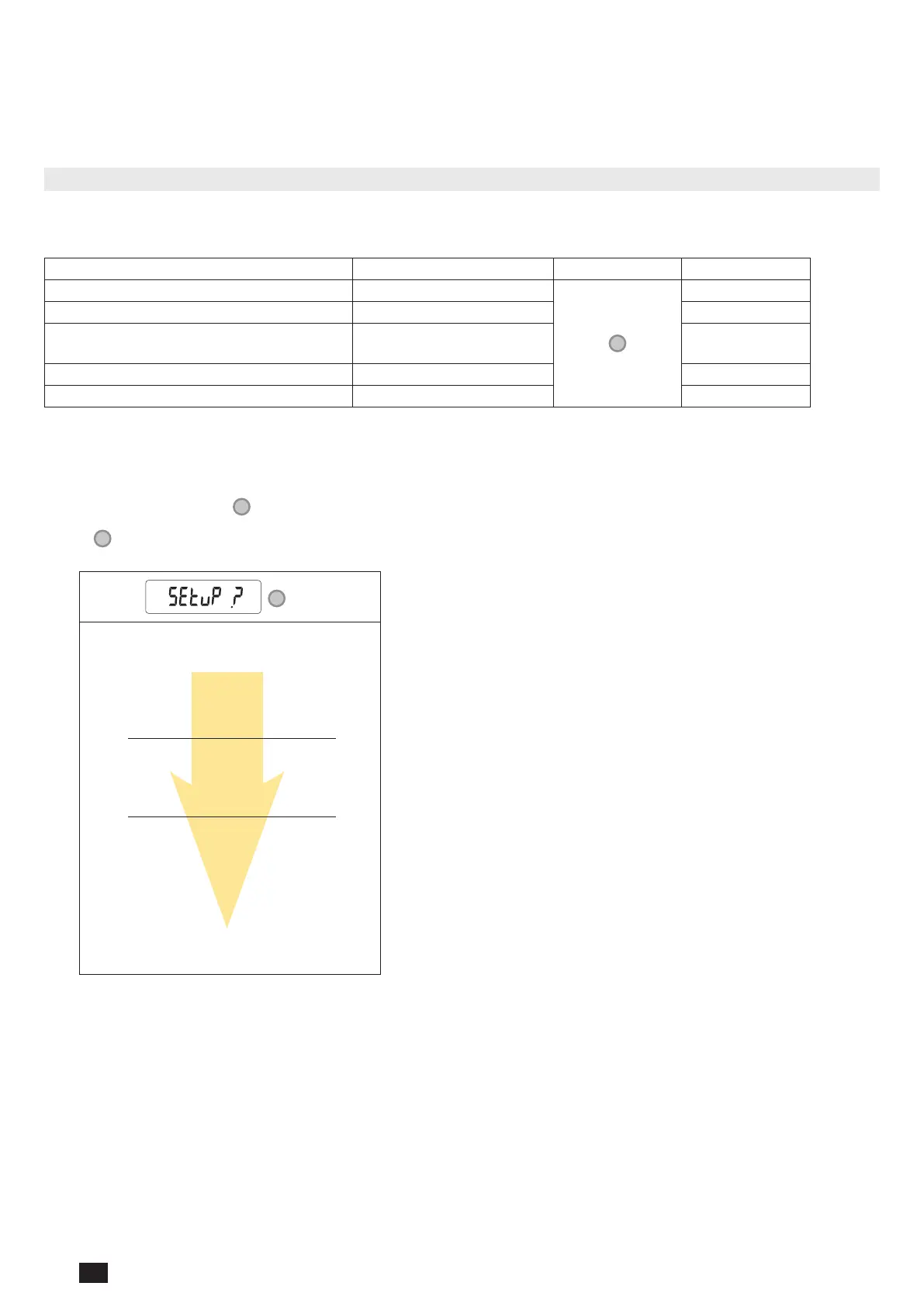
Function Where Buttons Press
Switch pages within a menu Every page within a menu
Realtime
Go to SETUP menu Menu page SETUP >3 sec
Exit SETUP menu
SAVE screen from the
SETUP menu
> 3 sec
Start/stop the displayed partial meter Partial meter menu > 3 sec
Reset the displayed partial meter to zero Partial meter menu > 3 sec
8.1.1. View all of the menu "SETUP"
In the SETUP menu, press " " for 3 seconds to put the device into programming mode.
Press "
" to go to the different screens:
>
3s
Reset partial energy to zero:
Ea+ partial (kWh)
Er+ partial (kWh)
Back to rst screen of "SETUP" menu




 To Next Page