www.soehnle-professional.com
1.12 Electronic data plate
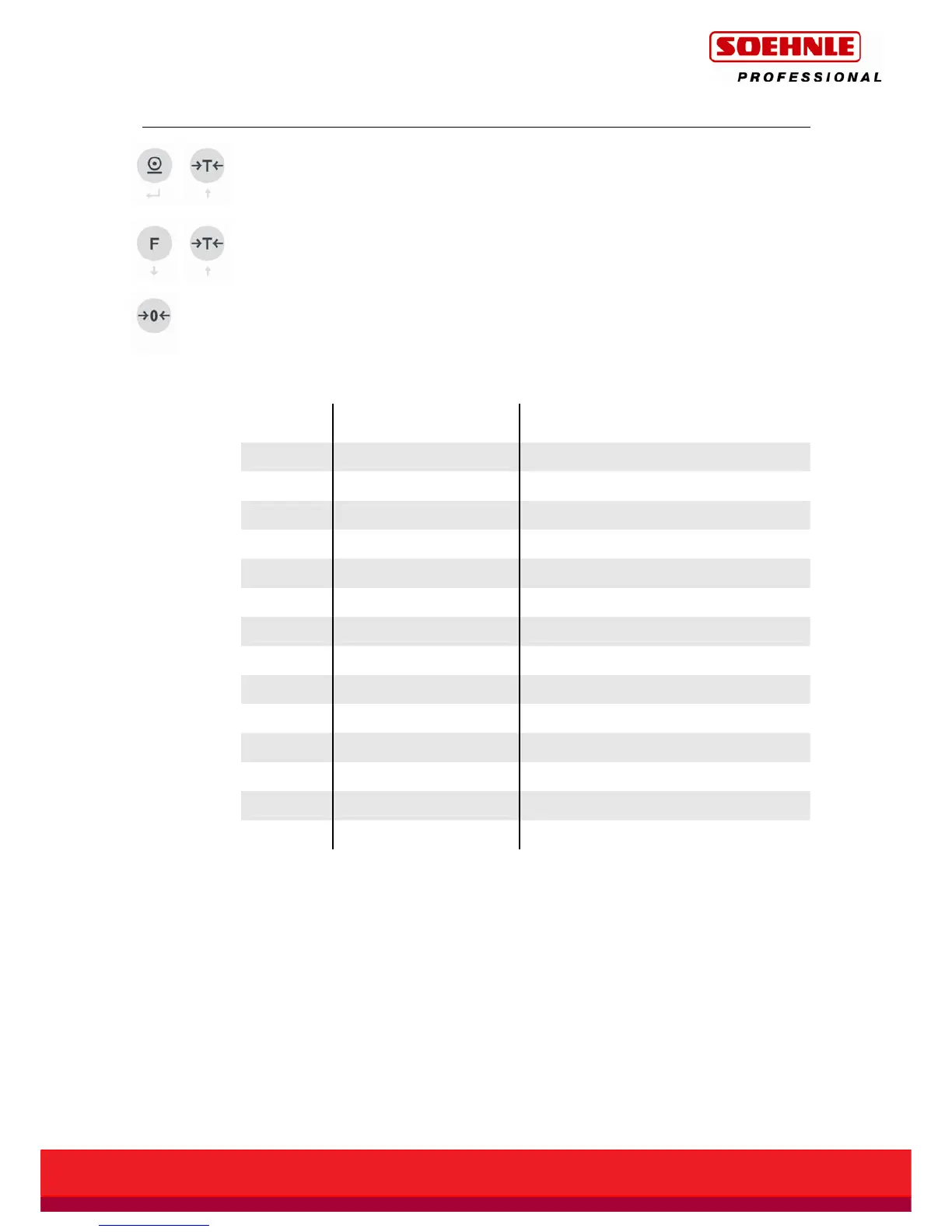
Press the Print and Tare buttons at the same time to view the electronic data plate
(1nFo).
Use the arrow keys (Function key and Tare button) to scroll through the electronic
data plate, serial number and calibration counter for the measuring station selected
on the display.
The Zero button is used to abort or exit the display of the electronic data plate.
On 1 or 2 range scales, the parameters for the other range
are omitted.
Display
step
Parameter Display
1. -
1nFO
2. Calibration counter
E 2
3. Type
t 7132.12
4. Year
Y12
5. Serial No.
Sn1234
6. Max. for range 1
¯
¯
15.000 kg and symbol for range 1
7. Min. for range 1 _ 0.100 kg and symbol for range 1
8. e for range 1 E 0.005 kg and symbol for range 1
9. Max. for range 2
¯
¯
30.000 kg and symbol for range 2
10. Min. for range 2 _ 0.200 kg and symbol for range 2
11. e for range 2 E 0.010 kg and symbol for range 2
12. Max. for range 3
¯
¯
60.000 kg and symbol for range 3
13. Min. for range 3 _ 0.400 kg and symbol for range 3
14. e for range 3 E 0.020 kg and symbol for range 3
On non-approved scales, "d" is displayed instead of "E".



 To Next Page