www.soehnle-professional.com
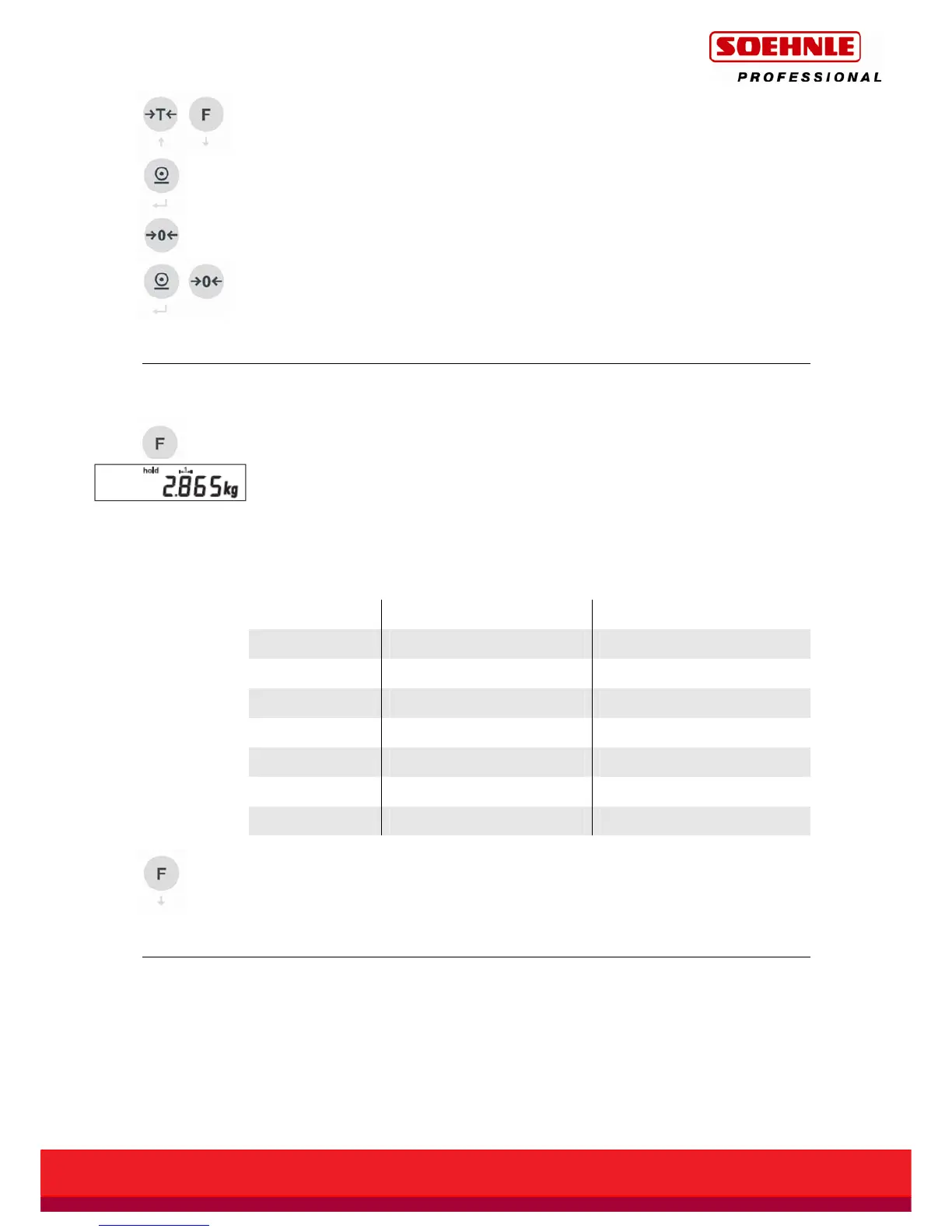
Scroll up or down using the arrow keys (Tare / Function key).
Use the Print button to exit this display mode.
Press the Zero button, UCAL5 appears on the display.
To save the setting and exit, press and hold the Print button then briefly press the
Zero button. The display returns to weighing mode.
2.8 Hold function
The Hold function is activated with the Function key in Setting mode. For Function
key settings, see Paragraph 1.13 or User mode 3710 (see separate description
470.702.099) Æ UCAL 4 Position 02 = Value 1.
In weighing mode, the Hold function is activated by pressing the Function key.
The following Hold functions can be used to freeze the weight data and are
provided as standard in the Standard Compact range of scales. Default is "0".
The Hold function is set in Setting mode (see separate description 470.702.099
User mode 3710) Æ UCAL 1 Position 02.
Hold mode Function To cancel
0 Not active
1 Hold when stable On/Off button
2 Hold when stable Unload the scales
3 Max. value On/Off button
4 Max. value Unload the scales
5 Drag pointer On/Off button
6 Drag pointer Unload the scales
Press the function key again to deactivate Hold mode.
2.9 Traffic light signal connection
The Standard terminal has 4 outputs that can be individually configured in Setting
mode (see separate description 470.702.099 User mode 3710). These outputs are
configured by default for an external traffic light display.



 To Next Page