www.soehnle-professional.com
Weight checks are performed within the tolerance, either visually through the
external traffic lights display (optional) or on the scales terminal with a beep signal
and flashing display.
For additional control settings, see Setting mode (470.702.099 User mode 3710).
3.5 Piece quantity check
The switching points for piece quantity checking are set in Setting mode.
UCAL 2 Pos 04
Reference value for counting / neutral
measurement
UCAL 2 Pos 05
Positive tolerance for counting / neutral
measurement
UCAL 2 Pos 06
Negative tolerance for counting / neutral
measurement
Setting:
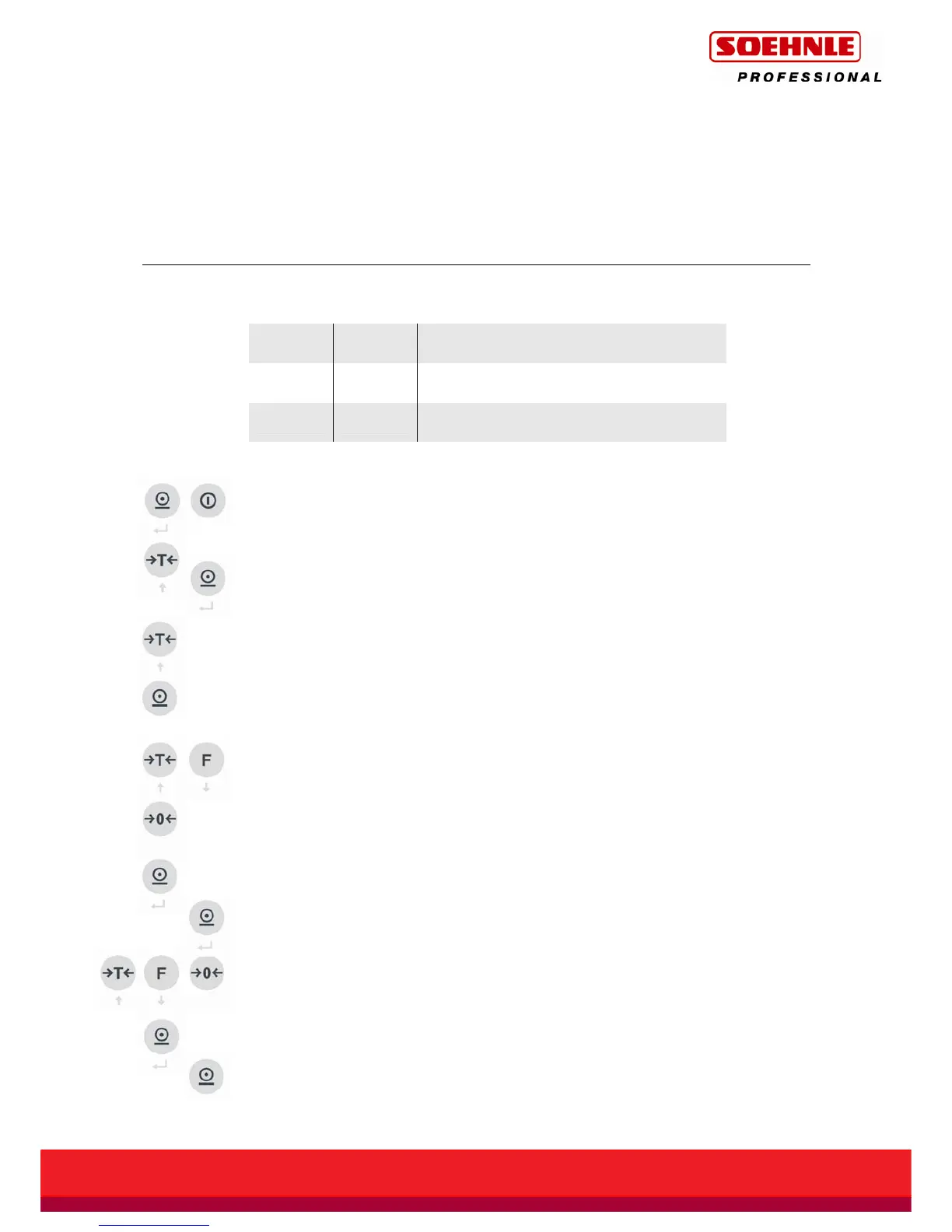
Press and hold the Print button and then press the On/Off button for 5 seconds
until UCAL1 appears.
With the Tare button, raise this value to UCAL2 then press the Print button to store.
Position 01 in UCAL2 is displayed
With the Tare button, raise this value to position 04.
Then, press the Print button to open the input field for the Count/Neutral
Measurement reference value.
Using the Tare button and Function key, set a number value in the flashing space.
You can use the Zero button to move by one decade from right to left.
After setting the reference value for Count / Neutral Measurement, store with the
Print button, position 05 in UCAL2 is displayed.
Then, press the Print button to open the input field for the positive tolerance for
Count / Neutral Measurement.
Use the Tare, Function and Zero buttons to set a number value for the positive
tolerance for Count / Neutral Measurement, as for the Count / Neutral
Measurement reference value.
After setting the positive tolerance for Count / Neutral Measurement, store with
the Print button, position 06 in UCAL2 is displayed.
Then, press the Print button to open the input field for the negative tolerance for
Count / Neutral Measurement.



 To Next Page