15
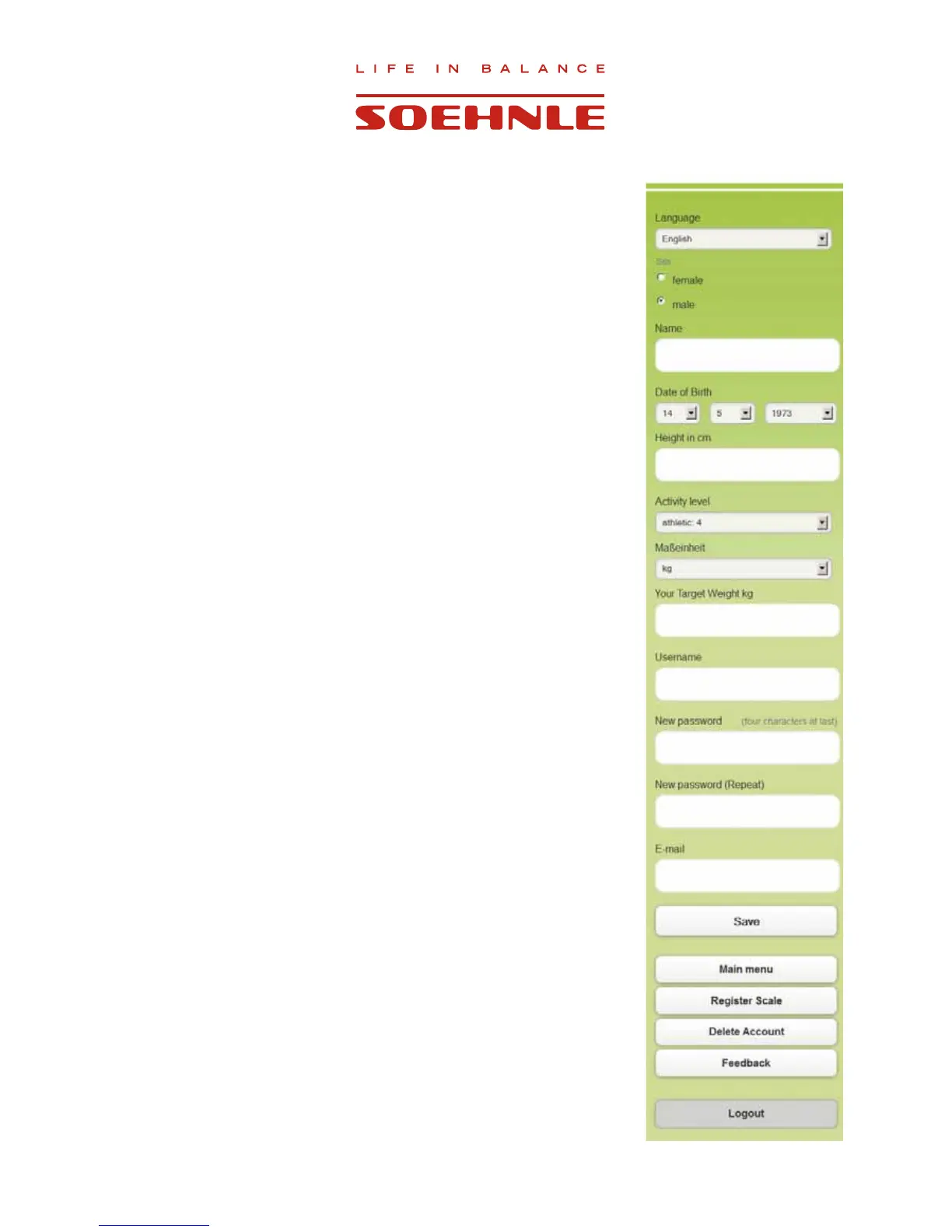
2.9 Entering personal data
0RUHSHUVRQDOGDWDPXVWEHHQWHUHGWR¿QLVKVHWWLQJXSWKHXVHUDFFRXQW
This data is absolutely necessary for interpretation of the measurement
data.
1. Select language
2. Enter gender
3. Enter the name with which you would like to be addressed
4. Set up birthdate
5. Enter body height
6. Select activity level
7. Select desired unit of measurement for display (kg - lb -st).
8. Enter target weight.
9. The user name can be changed here
10. If the password is to be changed, this can be entered here.
11. Email address can be changed here
&RQ¿UPHQWULHVZLWK´6DYH´
Note: Personal data can be changed anytime.
It is also possibly to completely delete the account.
Use ”Logout” to log out.



 To Next Page