17
4. The personal account
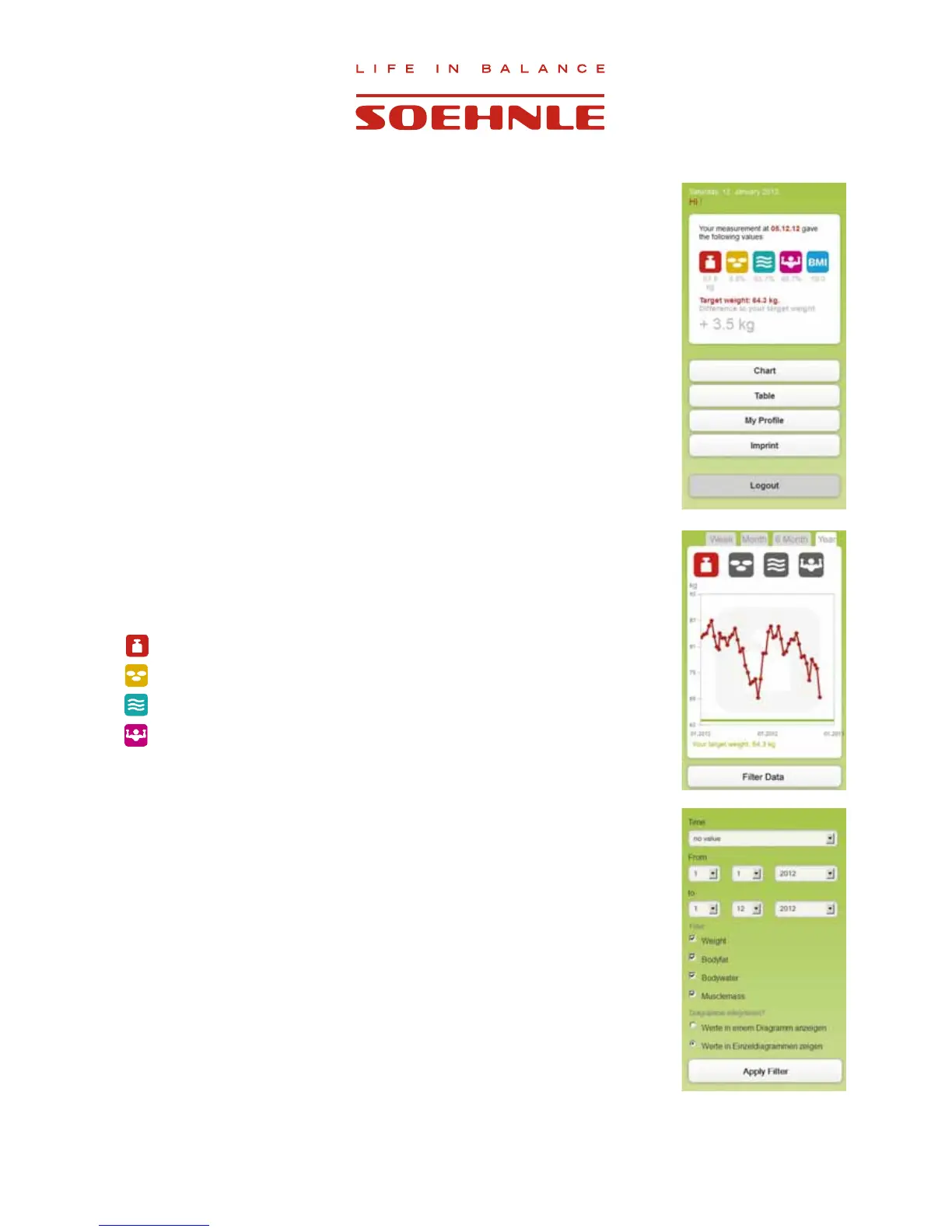
4.1 The main menu
1. Go to my.soehnle.com, enter your user name and your password and tap
on ”Login”.
2. You will be in the main menu.
The values that were determined last and the difference to your desired
weight will be displayed.
Links to the other information pages are available here:
- Diagram display
- Table display
0\SUR¿OHVHHFKDSWHU
4.2 Diagram display
Select the period for review and the parameter to be displayed.
Body weight
Body fat content
Body water content
Muscle mass
Use ”Filter data” to individually adjust the period for review and the parame-
ters to be displayed.



 To Next Page