BTS E5~20-DS5 user manualV1.1
Copyright © Shenzhen SOFARSOLAR Co., Ltd
Figure. 4-16 Diagram of removing fuse outer cover
3) Open the fuse box backward, take out the damaged fuse, place
a new fuse in the fuse slot, and close the fuse box until you hear
a clicking sound, indicating that the fuse box is installed in place.
Figure. 4-17 diagram of replacing fuse
Table 4-3 Fuse model
Specification
Requirements
Rated Voltage:750Vdc
Rated Current:40A
Package Dimensions
:51*14.3mm
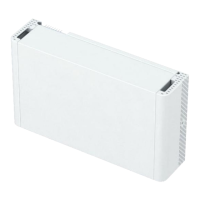
4.6. Install the protective cover
After electrical connections are complete and cable connections are
correct and reliable, install the external protective cover.


 To Next Page
 Loading...