24
© Softing Industrial Automation GmbH
dataFEED Gateway - User Manual
5 Machine Settings
The Machine Settings view allows to configure the part of the device, which is connected with the machine
network. It is expected that the PLC is part of the machine network.
However, it may be likely that there is only one network. In this case, connect only one Ethernet interface of the
device with your network.
5.1 Machine Network
The Machine Network view allows to configure the network settings of the Ethernet Interface of the machine
network.
The following settings are available:
Machine Network Interface
MAC
MAC address of the Ethernet interface (read only)
IPv4 Address
IPv4 address of the Ethernet interface
Assigning the IPv4 address 0.0.0.0 deactivates the interface (for IPv4 communication).
Subnet Mask
Network mask of the IPv4 address in decimal dotted notation, e.g. 255.255.255.0
IPv6
(Read-only) IPv6 address(es) of the machine network Ethernet interface, as assigned by IPv6 autoconf.
The IPv6 information is only shown, if the used network is configured to use IPv6. Up to 16 IPv6 addresses
can be assigned to the Ethernet interface of the machine network.
Note
If you re-configure the IP settings of the Ethernet interface used for configuration, you need to re-
connect afterwards using the new configured IP address.
Saving and applying settings
1. Click the Save button to save your settings.
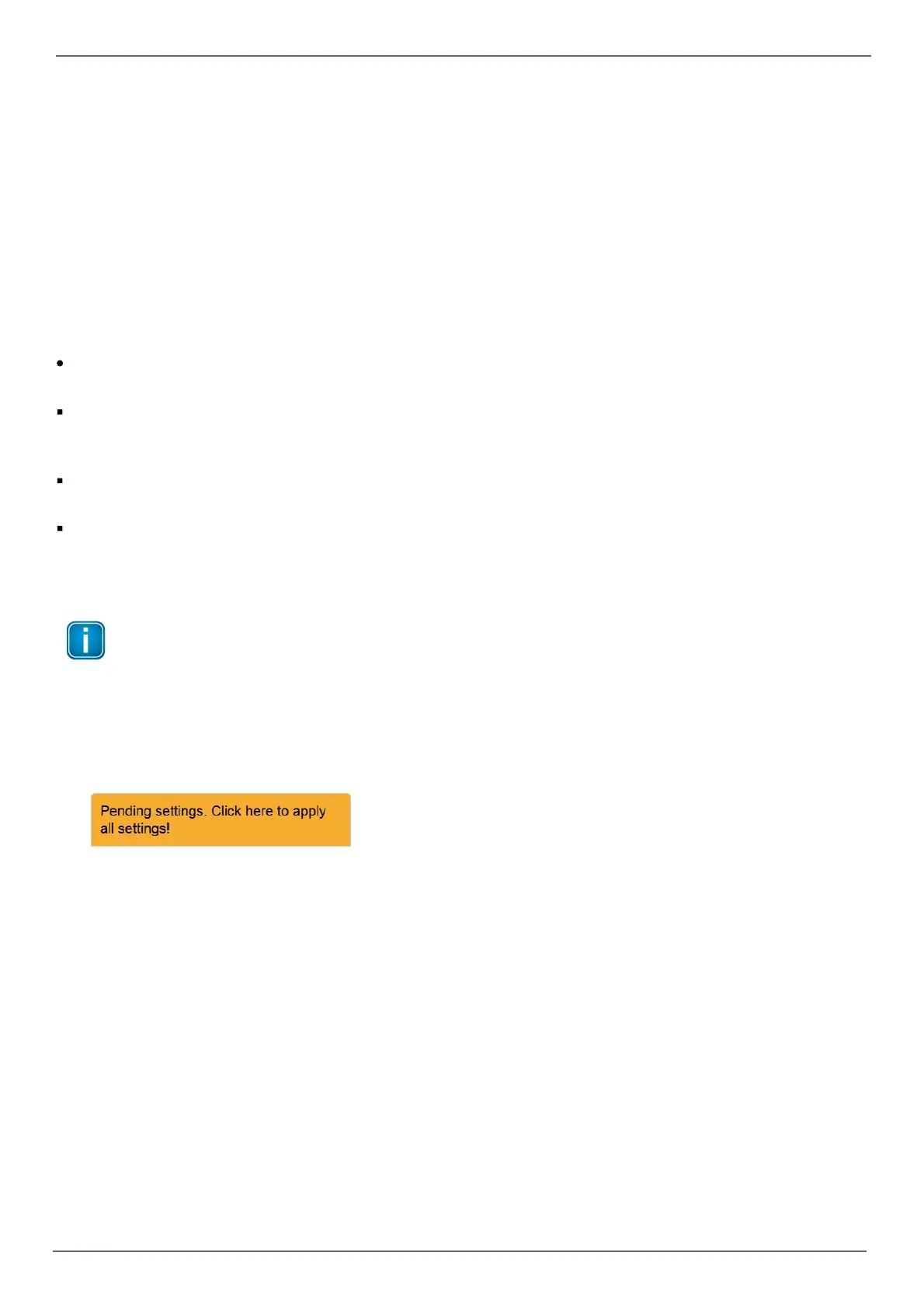
A hint will appear reminding you that the application of some other settings is pending:
2. Click at this link. Your settings will be applied.
Depending on the number of modified settings this process may take some time before being completed.
3. A message in the upper window part will inform you about the successful modification(s).


 To Next Page