Chapter 2 - Installation
10
PBpro ETH - User Guide
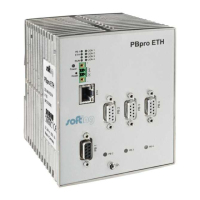
2.5 Ethernet port
The Ethernet port is implemented as a 10Base-T/100Base-TX connection. Using an RJ45
connector, you can connect a twisted pair category 5 cable. The Ethernet port is labeled
"ETH".
2.6 Light Emitting Diodes (LED)
Power
The "Power" LED indicates the power supply status. This LED is on when the internal
power supply is ensured. If this LED is off, the supply voltage (24 V) is missing or the
internal voltage generation is defective. In the latter case, return the unit to the
manufacturer for repair.
ETH
The "ETH" (Ethernet) LED is on when Ethernet frames are sent or received that control
PROFIBUS activity.
RUN
The "RUN" LED is on when the device is operational.
CON <n>
The "CON" LED (connection) is on when the corresponding fieldbus interface is in use.


 To Next Page