Using Console1 Without the
Hardware
Many of today’s musicians and mix engineers work
with portable lap top computers, and use them
in many dierent locations. While the Console1
hardware is not too big or heavy to bring with you,
you may not have it available at all times. For this
reason, we made it possible to adjust Console1’s
settings using the computer mouse.
In your DAW, open the Console1 plug-in on the
track you would like to adjust. Click Show Knobs,
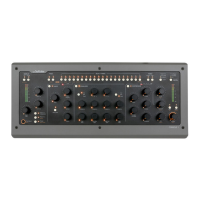
and an interface that resembles the Console1
hardware will appear. is is fully clickable with the
mouse, and you can adjust Console1’s settings from
here.
Automation
All Console 1’s parameters can be automated into
your DAW. Automation can either be programmed,
just like any plug-in in your DAW, or by using the
Console 1 hardware to write the automation in real
time. Please refer to your DAW’s manual for further
information on how this is done.
Automation in Pro Tools
Since the Console1 controls aren’t touch sensitive,
automation is preferably made in Latch or Write
instead of Touch mode.


 To Next Page