EasyManua.ls Logo

SolarMax SP Series - User Manual

SolarMax SP Series
36 pages
Print Icon
To Next Page IconTo Next Page
Loading...
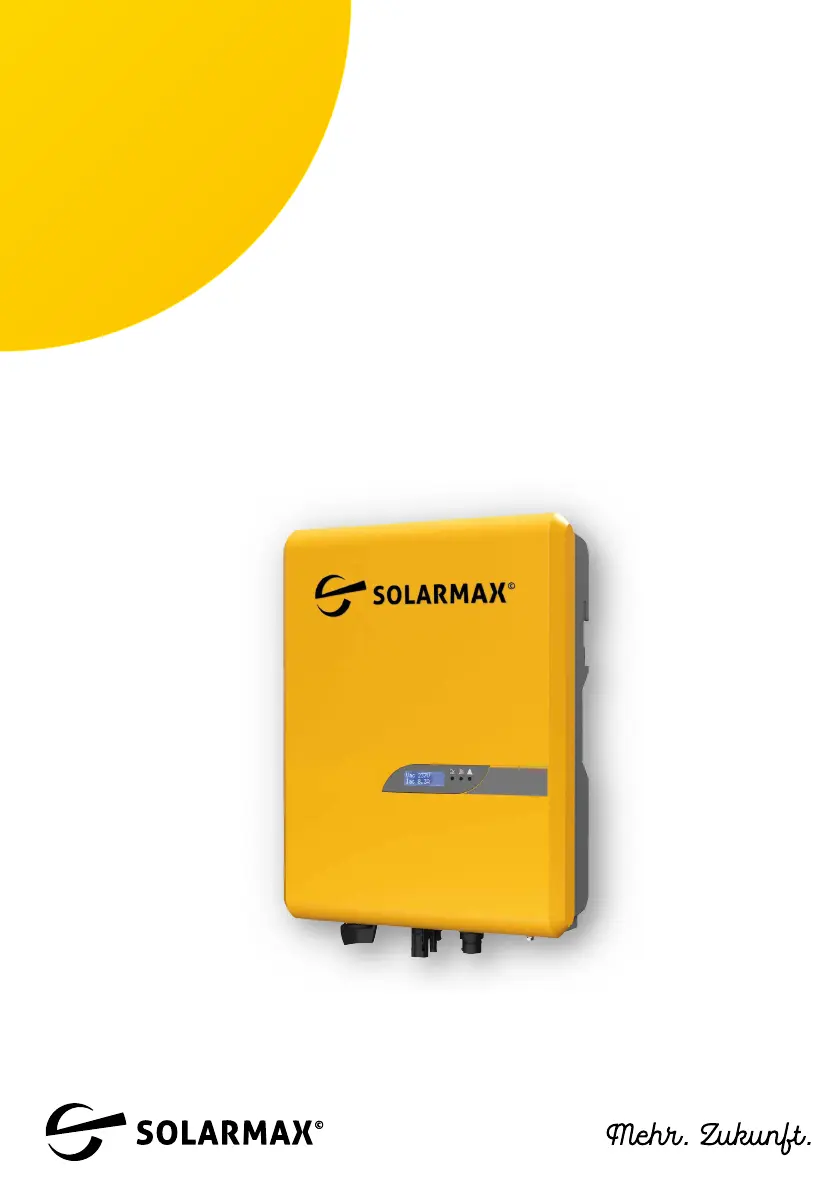
SolarMax SP-series
1000 SP / 1500 SP / 2000 SP /
2500 SP / 3000 SP
Instruction Manual

Questions and Answers

Summary

Notes on the Manual

Scope of Manual

Details installation, operation, maintenance, and troubleshooting for SOLARMAX inverters.

Target Audience

Identifies intended users: plant operators and PV power plant installers.

Manual Availability

Ensures manual availability and provides website for downloads.

Safety Symbols and Notes

Explains safety symbols (DANGER, WARNING, CAUTION, ATTENTION) and notes.

Safety

Intended Use

Defines exclusive use for DC to AC conversion for grid connection.

Safety Instructions

Lists DANGER and WARNING instructions regarding electric shock and fire hazards.

Hazard Symbols and Compliance

Details hazard symbols (high voltage, hot surfaces) and other symbols (CE, disposal).

Product Description

Inverter Identification

Explains how to identify the inverter using the nameplate information.

Key Functions and Features

Highlights characteristics like wide DC range, MPP tracking, and IP65 rating.

Front Panel Overview

Describes the front panel layout, including LED indicators and display.

Lower Part Connections

Details the connectors and ports located on the lower part of the inverter.

Installation Guide

Package Contents

Lists all items included in the inverter's delivery scope.

Installation Location Selection

Provides guidelines and safety precautions for choosing an installation site.

Mounting the Inverter

Details the steps for physically mounting the inverter to a wall.

Electrical Connection

Electrical Connection Safety

Highlights critical safety warnings for electrical connections.

Connecting to the Mains

Provides instructions for connecting the inverter to the AC grid, including RCD/RCM and connection steps.

Connecting to the PV Generator

Details safety and procedures for connecting the inverter to the PV generator.

Commissioning and Operation

Startup Procedure

Step-by-step guide to start up the inverter and check LED indicators.

Powering Off the Inverter

Instructions for safely shutting down and disconnecting the inverter.

Configuration and Connectivity

Connecting the WLAN Antenna

Instructions for installing the WiFi antenna for communication.

Connecting via WLAN

Steps to connect a mobile device to the inverter's WLAN access point for configuration.

Inverter Configuration via App

Guides on configuring national standards, power factor, and derated power via the app.

Troubleshooting and Support

Troubleshooting Measures

Table of common problems and suggested solutions for inverter issues.

SOLARMAX Service Center

Provides contact information and required details for service center support.

Technical Data

Disposal Instructions

Warranty Information

Basic Guarantee Terms

Details the scope and duration of the BASIC guarantee for the inverter and accessories.

Repair and Replacement Assurance

Outlines procedures for repair, replacement, and limitations.

Guarantee Duration for Repairs

Specifies that repaired/replaced devices inherit the original guarantee duration.

Exclusions from Guarantee

Lists conditions that can lead to cancellation of warranty claims.

Asserting a Guarantee Claim

Explains how to claim warranty services and required documentation.

Exclusion of Guarantee Services

Details situations where SOLARMAX can exclude guarantee services.

Guarantee Extension Options

Information on purchasing warranty extensions for specific product series.

Post-Warranty Service Conditions

Details costs for repair and replacement after warranty expiry.

Applicable Law and Jurisdiction

Specifies governing law and jurisdiction for warranty matters.

SolarMax SP Series Specifications

General IconGeneral
Nominal AC Voltage220 V / 230 V / 240 V (Single Phase)
Output Voltage220 V / 230 V / 240 V
Frequency50 Hz / 60 Hz
ProtectionDC reverse polarity protection, AC short circuit protection, Overcurrent protection, Overvoltage protection, Insulation monitoring, Residual current monitoring
CoolingNatural convection

Related product manuals