EasyManua.ls Logo

SolarMax SM30HT4 - User Manual

SolarMax SM30HT4
74 pages
Print Icon
To Next Page IconTo Next Page
Loading...
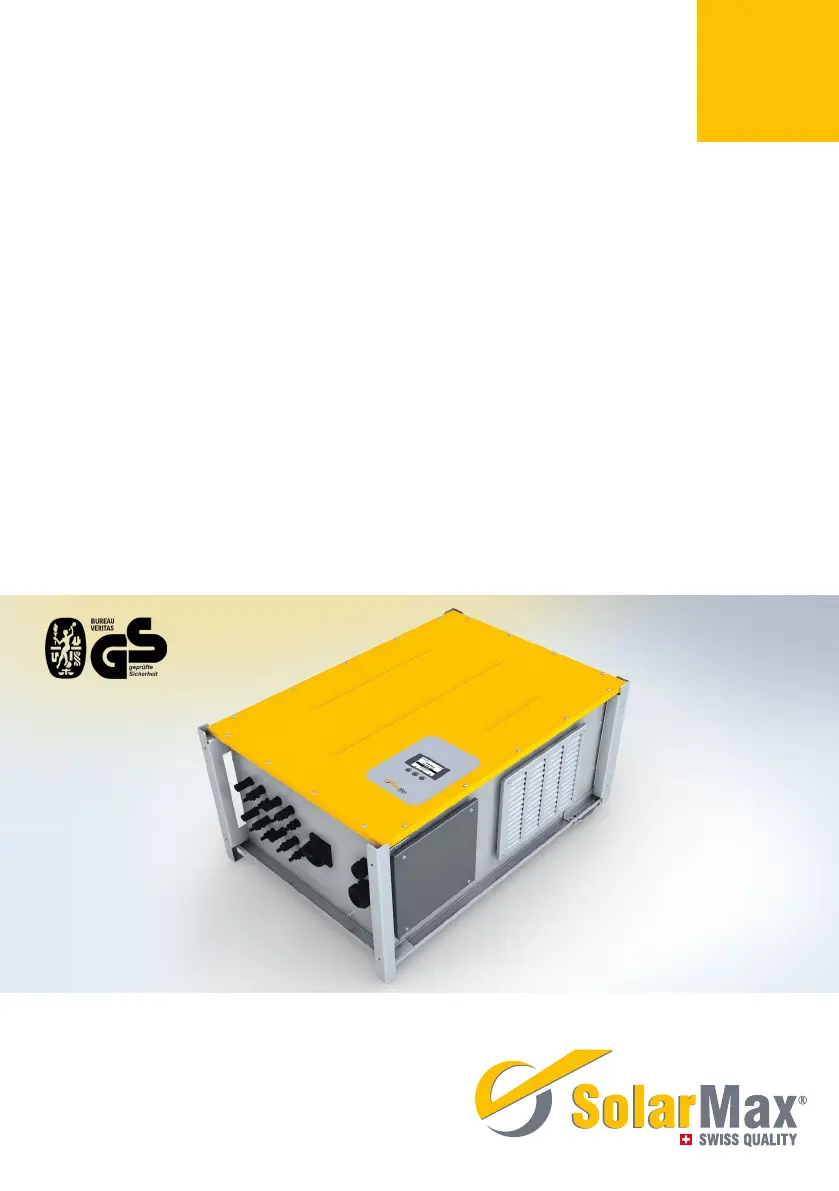
Instruction manual
SolarMax HT series
30HT4 / 32HT4

Table of Contents

Questions and Answers

Summary

Instruction Manual Notes

Scope of Manual

Describes the manual's applicability and intended use.

Target Audience

Identifies the intended users for the instruction manual.

Manual Storage

Guidance on where to keep the instruction manual.

Safety Symbol Definitions

Explains the meaning of various safety symbols used.

Safety Information

Intended Use of Inverter

Specifies the correct application of the SolarMax HT series inverters.

Critical Safety Instructions

Outlines essential safety precautions and hazards.

Inverter Markings

Explains the symbols and labels found on the inverter unit.

Product Overview and Description

Inverter Identification

Information on how to identify the specific inverter model.

Functional Capabilities

Details the inverter's automatic operation and monitoring features.

Safety Installations Explained

Describes surge protection and fault current monitoring systems.

Physical Dimensions

Provides the external measurements of the inverter.

Unit Views and Components

Illustrates the inverter's external parts and their labels.

System Block Diagram

Shows the internal electrical and functional connections of the inverter.

Installation Guide

Transport and Storage Conditions

Guidelines for handling the inverter during transit and storage.

Inverter Lifting Procedure

Instructions on how to safely lift the inverter unit.

Delivery Package Inspection

Steps to check the delivered package for completeness and damage.

Installation Location Criteria

Requirements and considerations for selecting an installation site.

Mounting the Inverter Unit

Step-by-step instructions for physically mounting the inverter.

Electrical Connections

Cover Removal for Access

Procedure to safely remove the inverter cover.

Connection Area Layout

Identifies all terminals and cable glands on the inverter.

Mains Grid Connection

Detailed steps for connecting the inverter to the AC power supply.

PV Generator Connection

Instructions for connecting the DC input from solar panels.

Network Connectivity Options

Guidance on connecting the inverter to Ethernet or RS485 networks.

Status Signaling Contact Setup

How to connect for remote monitoring signals.

External Shutdown Interface

Connecting an interface for remote shutdown control.

External Output Control

Setting up remote control for output power.

Commissioning and Configuration

Inverter Activation

Initial steps to power up the inverter after installation.

Initial Startup and Setup

Comprehensive guide for the first-time startup process.

Country-Specific Settings

Configuration options based on the installation country.

Automatic System Test

Procedure for running the inverter's self-test function.

System Settings Menu

Accessing and modifying various inverter parameters.

Changing System Parameters

How to adjust general settings.

Display Language and Time Setup

Customizing display language and system time.

Network Parameter Configuration

Setting up IP addresses and network communication.

Status Signaling Configuration

Configuring the relay outputs for monitoring.

Configuration Data Display

Accessing and reviewing the inverter's current settings.

Configuration Display Procedure

Steps to view saved configurations.

Extended Function Parameters

Detailed description of advanced functions and parameters.

Displaying Measured Data

Accessing real-time inverter performance values.

MaxTalk Measured Values

Specific data available via MaxTalk software.

MaxView Registration

Guide to registering for the web-based monitoring service.

Operation and Monitoring

Graphics Display Interface

Explanation of the inverter's screen and its elements.

Menu Navigation Structure

Visual representation of the inverter's menu hierarchy.

Operating Data Summary

Display of key inverter performance metrics.

Main Menu Access

How to navigate to the main menu from the overview.

Performance Statistics

Accessing historical daily, monthly, and yearly data.

Daily Performance Data

Viewing yield and operation hours for the last 31 days.

Monthly Performance Data

Viewing yield and operation hours for the last 12 months.

Annual Performance Data

Viewing yield and operation hours for the last 25 years.

Total Performance Data

Viewing cumulative yield and operation hours.

Deleting Statistics Data

Procedure to reset stored performance data.

Inverter Information Display

Viewing device type, serial number, and firmware.

Inverter Status Indicators

Understanding LED signals and status messages.

Booting Status Details

Information during the inverter's startup phase.

Mains Operation Status

Status messages during normal grid-connected operation.

MPP Tracker Status Display

Monitoring the operational state of each MPPT.

Troubleshooting Guide

Service Center Contact

Information for technical support.

Fault Diagnosis and Solutions

Guide to identifying and resolving common issues.

General Troubleshooting Steps

Common problems and their solutions.

Warning Message Interpretation

Understanding and responding to warning alerts.

Failure Status Handling

Actions for inverter failure states.

Error Status Handling

Actions for inverter error states.

Blocked Status Handling

Actions for inverter blocked states.

Routine Maintenance

Decommissioning Procedures

Inverter Replacement Preparation

Steps to take before replacing an inverter.

Inverter Dismounting

Safe procedure for removing the inverter from its mounting.

Inverter Disposal Guidelines

Proper methods for environmentally sound disposal.

Technical Data

Technical Specifications

Comprehensive technical details of the inverter.

Efficiency Curve Graph

Visual representation of inverter efficiency vs. output power.

Temperature Impact on Output

How ambient temperature affects power output.

MaxComm Compatibility Chart

Information on compatibility with communication networks.

Country-Specific Default Settings

Pre-configured settings for different regions.

Accessories and Options

Warranty Information

SolarMax SM30HT4 Specifications

General IconGeneral
AC Output Frequency50/60 Hz
Protection LevelIP65
Operating Temperature Range-25°C ~ +60°C
Max. DC power3300 W
Maximum DC Input Power3300 W
Nominal AC power3000 W
Max. AC power3000 W
Maximum AC Output Power3000 W

Related product manuals