en
53
7�3 Displaying the operating data overview
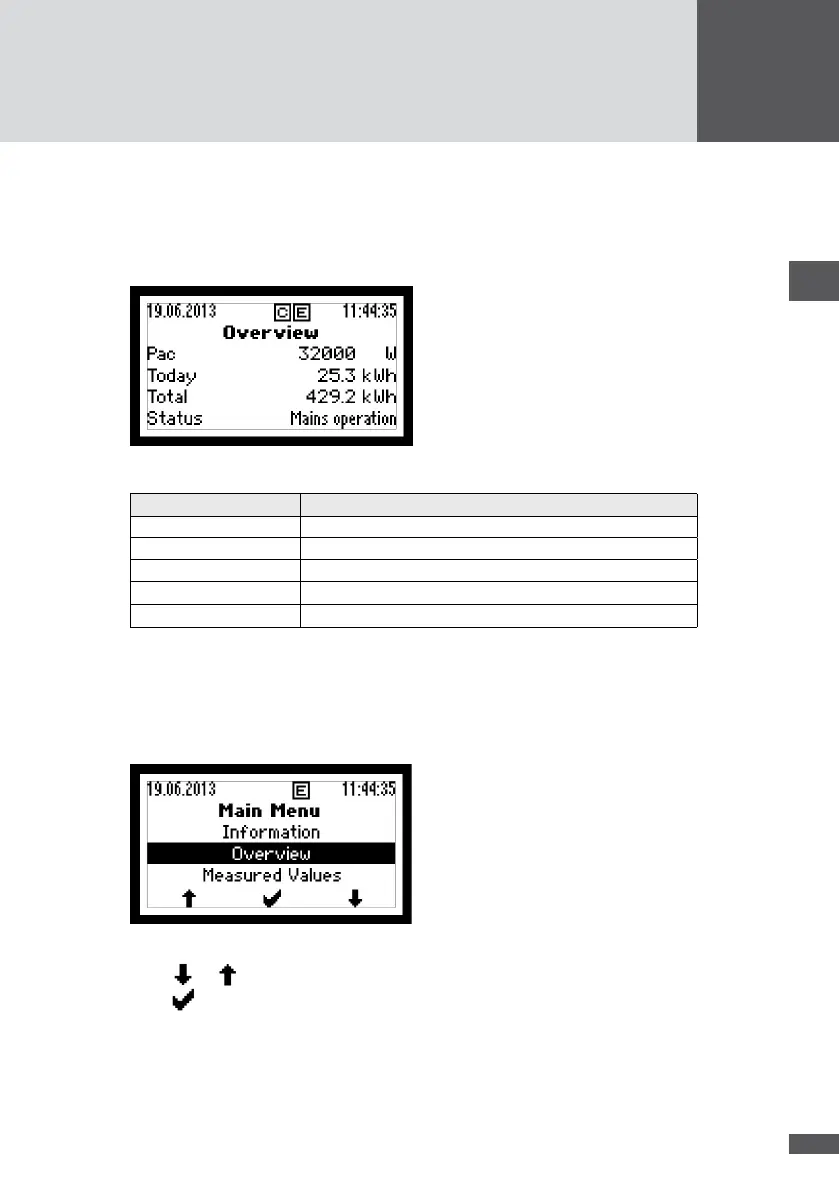
The overview shows the inverter's most important operating data. The graphics display
automatically switches to the "Overview" if no function button is pressed for 120 seconds.
1. In the Main Menu, select the "Overview" menu.
Figure 35 "Overview" menu
Display Description
19.06.2013 / 11:44:35 Date and system time of inverter (examples)
Pac Output power [W]
Today Daily yield [kWh]
Total Total yield since commissioning [kWh]
Status
Operating status of inverter (see Section 7.7)
7�4 Displaying Main Menu
From the Main Menu you can open all menus.
1. In order to switch from "Overview" to the Main Menu, press any function key.
Figure 36 Main Menu
2. Press or to select the menu.
3. Press to conrm the selection.



 To Next Page