EasyManua.ls Logo

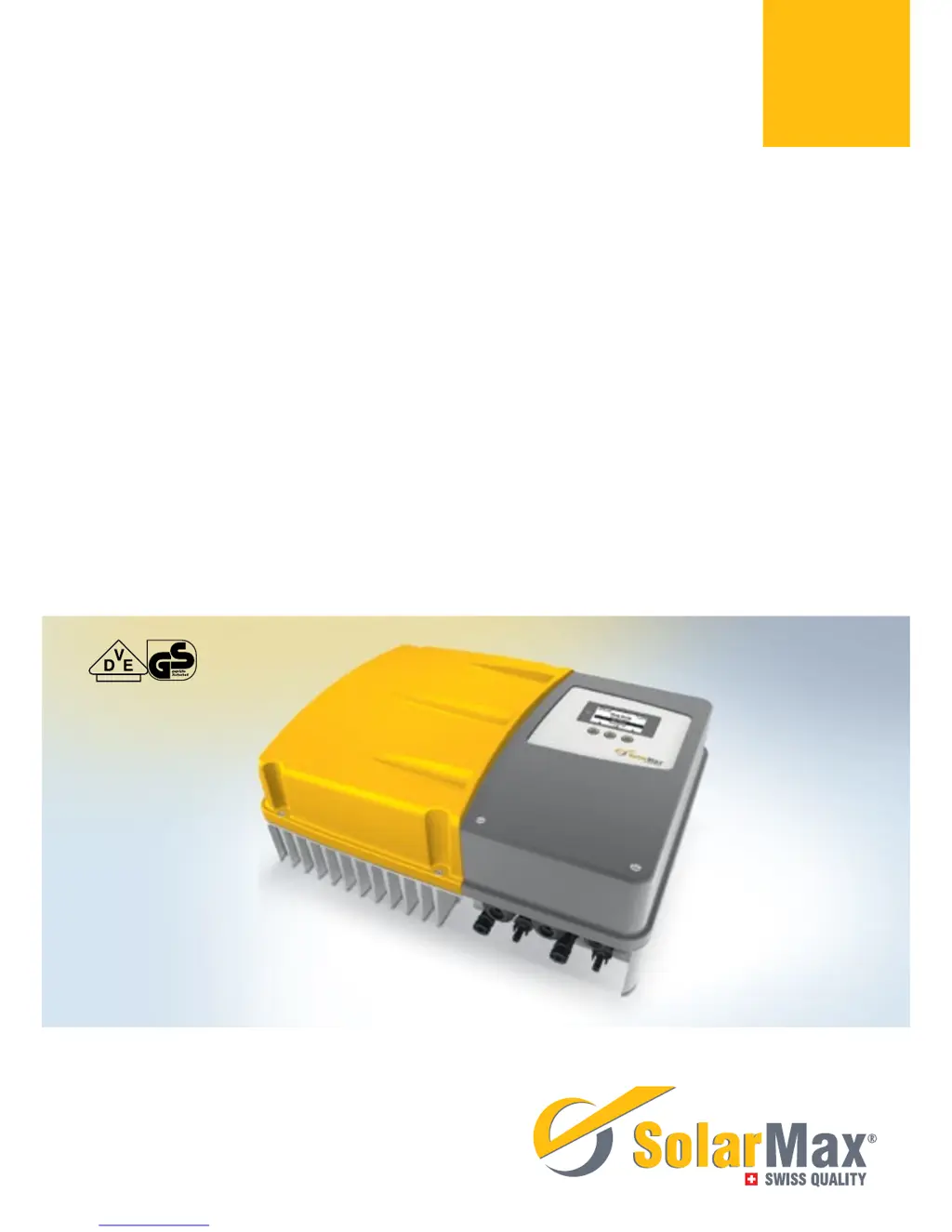
SolarMax 4000P - User Manual

SolarMax 4000P
66 pages
Print Icon
To Next Page IconTo Next Page
Loading...
Gerätedokumentation Instruction manual Documentation d’appareil
Documentación del dispositivo Documentazione dell’apparecchio
SolarMax P-Serie
2000P / 3000P / 4000P / 4600P / 5000P

Table of Contents

Questions and Answers

Summary

Notes on the present instruction manual

Scope

Describes the applicability of the instruction manual to specific inverter models.

Target groups

Identifies the intended audience for this instruction manual.

Where to keep this manual

Provides guidance on manual storage and accessibility.

Symbols used

Explains the meaning of safety and information symbols used throughout the manual.

Safety instructions

Intended use

Defines the specific purpose and application of the inverter.

Safety instructions

General safety warnings and essential precautions for safe operation.

Symbols on the inverter

Explanation of symbols displayed directly on the inverter unit.

Description

Identification

Information on how to identify the specific inverter model.

Functionality

Details the operational features and working principles of the inverter.

Safety installations

Describes the integrated safety features and components.

Dimensions

Provides the physical dimensions and measurements of the inverter.

Views of the unit

Illustrates the inverter with labeled components and connection points.

Block diagram

Diagram showing internal functional components and their interconnections.

Installation

Transporting and storing inverters

Guidelines for safe handling during transport and storage.

Checking the delivery

Procedure for verifying package contents and checking for damage.

Selecting the installation location

Criteria for choosing an appropriate installation site and environmental conditions.

Mounting the inverter

Step-by-step instructions for physically mounting the inverter.

Electrical connection

Opening the inverter

Procedure for opening the inverter to access internal connections.

Removing the contact protection

Steps to remove the internal contact protection cover.

Connection area

Identification and description of the inverter's connection terminals.

Connecting the inverter to the mains

Instructions for connecting the AC power supply to the inverter.

Connecting the inverter to the PV generator

Instructions for connecting the DC power from the PV generator.

Grid connections

Details for connecting network interfaces (Ethernet/RS485).

Commissioning

Activating the inverter

Initial steps to power on and activate the inverter.

Initial start-up

Procedure for the initial setup and configuration of the inverter.

Auto-test

Procedure for the automatic system test.

Settings

Accessing and modifying various inverter parameters.

Setting the network parameters

Configuration of network interface settings.

Displaying the configuration

Reviewing the current inverter settings and parameters.

Displaying the measured values

Viewing real-time operational data and measurements.

Registering for MaxView

Steps for registering for the web-based monitoring application.

Update firmware

Procedure for updating the inverter's firmware.

Operation

Graphics display

Description of the inverter's graphical display interface and controls.

Menu structure

Overview of the inverter's menu navigation system.

Overview

The main operational screen showing key data and status.

Main menu

Access point for all primary operational functions and settings.

Statistics

Accessing historical data logs like daily, monthly, and yearly statistics.

Displaying the daily statistics

Viewing daily yield data from the inverter's data logger.

Displaying the monthly statistics

Viewing monthly yield data from the inverter's data logger.

Displaying the annual statistics

Viewing annual yield data from the inverter's data logger.

Displaying the total statistics

Viewing cumulative yield data since the inverter's commissioning.

Deleting the statistics values

Procedure for resetting or deleting logged statistics data.

Displaying information

Viewing device identification and firmware information.

Operating status

Understanding device status indicators, LEDs, and messages.

Booting

Status indications shown during the inverter's startup phase.

Mains operation

Status indications during normal grid-connected operation.

Troubleshooting

SolarMax Service Center

Contact information for technical support and service inquiries.

Diagnosis & measures

General fault finding and recommended corrective actions.

General troubleshooting

Basic steps for resolving common inverter issues.

Warnings

Explanation of warning conditions, their causes, and recommended actions.

Faults

Explanation of fault conditions, their causes, and recommended actions.

Error

Explanation of error conditions, their causes, and recommended actions.

Blockings

Explanation of blocking conditions and their resolution.

Maintenance

Decommissioning

Instructions for inverter replacement

Procedures and considerations for replacing the existing inverter.

Inverter disassembly

Step-by-step guide for safely disassembling the inverter.

Disposing of the inverter

Guidelines for proper and environmentally sound disposal of the inverter.

Technical data

Accessories and options

Warranty

SolarMax 4000P Specifications

General IconGeneral
Rated Output Power4000 W
Max. DC Power6000 W
Number of MPP Trackers2
Nominal AC Voltage230 V
AC Voltage Range180 - 280 V
Cooling MethodNatural Convection
Protection ClassIP65
AC Output Frequency50/60 Hz
Operating Temperature Range-25°C to +60°C

Related product manuals