89
Note
Entering an incorrect country setting may lead to problems regarding
inverter operation and to the withdrawal of the operating license by the
respective grid operator.
Contact your grid operator or the SolarMax Service Center if you have any
doubt regarding the settings you must select.
You can restart initial start-up by pressing in the "Conrmation"
menu at any time.
6.2.2 Procedure
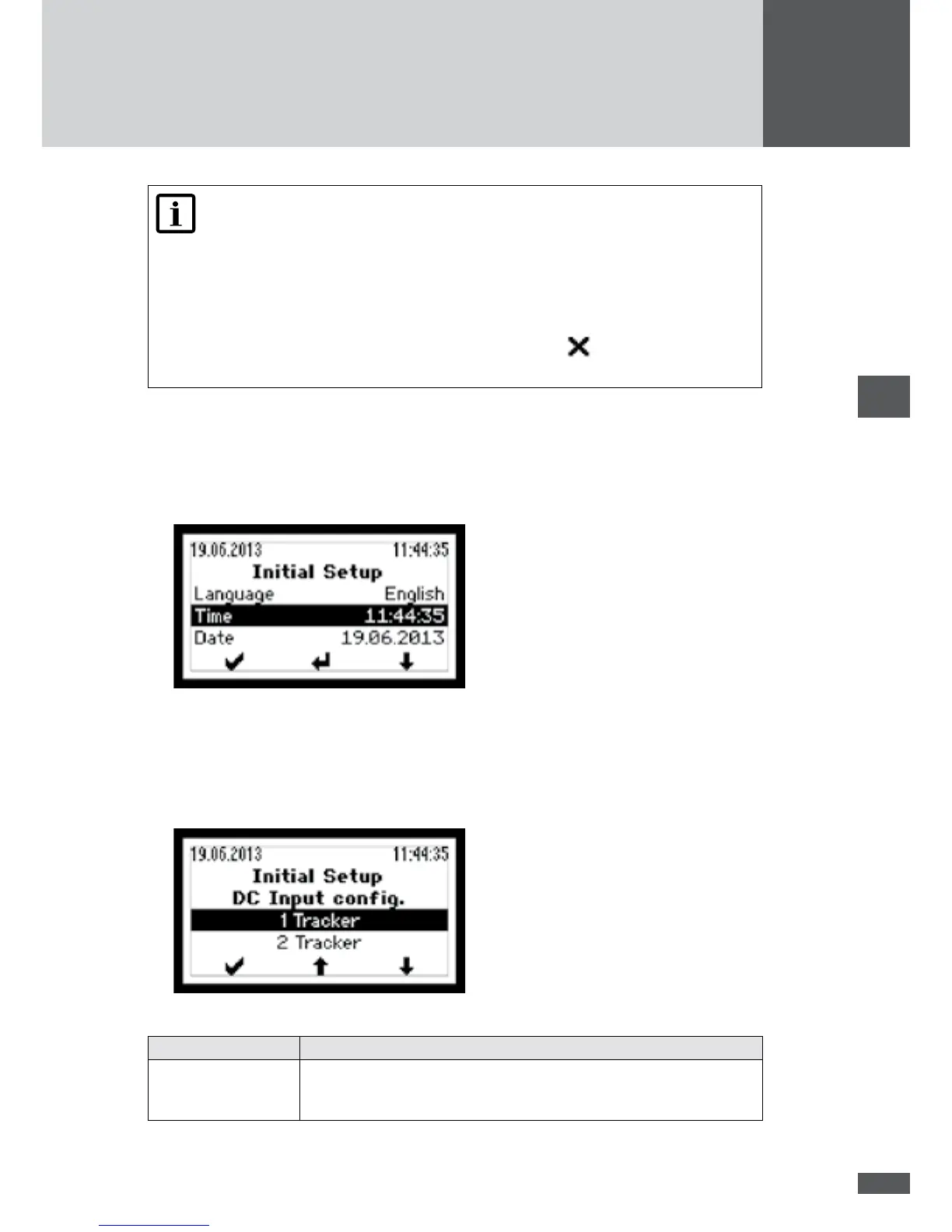
1. Switch on the inverter as described in section 6.1. The "Initial setup" menu will be
displayed:
2. Select the display language from the "Language" menu.
3. If necessary, update the time and the date.
– The inverter saves the date entered as the initial start-up date.
– The "DC input cong." menu will be displayed (only with the SM4000P, SM4600P
and SM5000P):
4. Select the required setting:
Setting Description
1 Tracker The inverter has been congured for single tracking mode operation.
The DC bridges have been tted in the inverter (default conguration ex
works).



 To Next Page