95
6.5 Displaying the conguration
All available operating parameters, standard-specic functions and their parameteriza-
tion can be retrieved in the "Conguration" menu. Conguration of the standard-specic
function depends on the country setting selected.
Note
MaxTalk 2 Pro allows authorized qualied technicians to adjust the operating
parameters individually (see section 12).
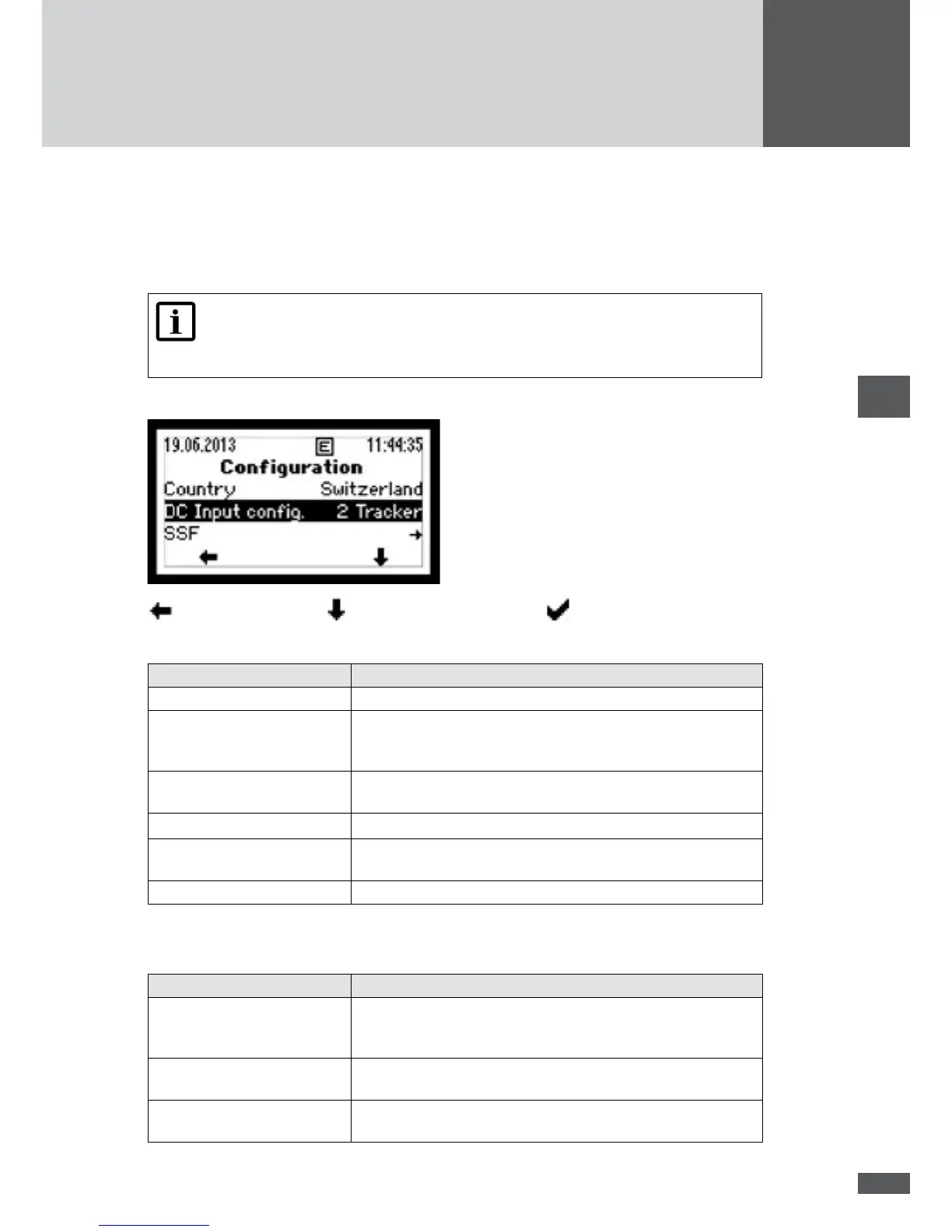
In the main menu, select the "Conguration" menu.
back to main menu / select parameter or menu / conrm selection
The following parameters and menus are available:
Menu / parameter Description
Country Country setting selected at the time of initial start-up.
DC input cong. Conguration selected at initial start-up: 1 tracker (single
tracking) or 2 trackers (dual tracking, only available with
SM4000P, SM4600P and SM5000P).
System power Plant rating selected at initial start-up (only available with "Ger-
many", "Italy" and "Great Britain" country settings).
I/O module Status display of I/O module
Location Part of country selected at initial start-up (only available with
"Greece" country setting).
SSF Menu of standard-specic functions and parameters
To display the menus of the standard-specic functions, select "SSF". The following
menus are available:
Menu Description
External input Display of external control functions (external shutdown and
external output control). To use these functions, the optional I/O
module is required.
Inverter start-up Those functions are displayed which are active before the
inverter is connected to the network (start conditions).
Grid operation Those functions are displayed which are active during the
inverter's grid operation (grid monitoring).



 To Next Page