88
6 Commissioning
6.1 Activating the inverter
Procedure
1. Check that the cover is installed.
– If the cover is not tted, close the inverter as follows:
– insert the contact protection until you hear the two snap closures engage
– then t the cover and tighten.
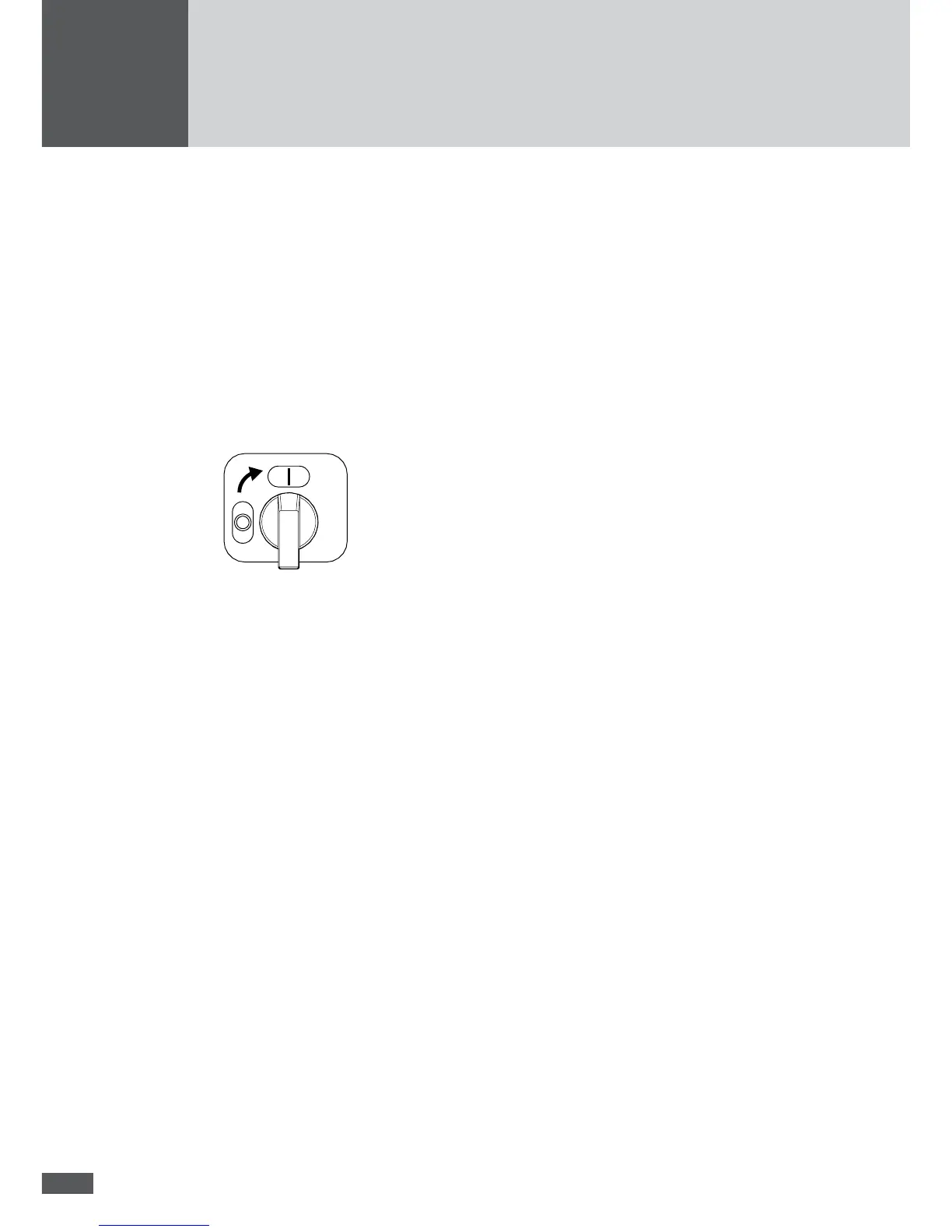
2. Switch on the DC disconnector at the inverter.
– The graphics display shows the "Overview". The status message "Start up..."
appears.
3. Switch on the AC power supply to the inverter.
– Wait for the "Mains operation" status message to be displayed. This indicates that
the inverter is in mains operation.
– During initial start-up of the inverter, instead of the “Overview” menu, an “Initial
setup” menu appears (see Section 6.2).
6.2 Initial start-up
This section describes the initial start-up of the inverter and the graphics display set-
tings required for this purpose. Once initial start-up has been successfully completed, the
inverter will start feeding into the public network.
6.2.1 Requirements
The inverter has been installed and is fully connected.
The contact protection and cover of the inverter are tted.
There is sufcient solar irradiation (sufciently high DC input voltage).
When operating the inverter in dual tracking mode (2 trackers) the DC bridges have to
be removed (see Section „Congure the inverter for dual tracking operation“; page
85).



 To Next Page