106
7.5 Statistics
The "Statistics" menu can be used for accessing the inverter's data logger. The data
logger saves the statistics values of the past 25 years. The daily, monthly, yearly and total
statistics can be displayed. All statistics values can be deleted.
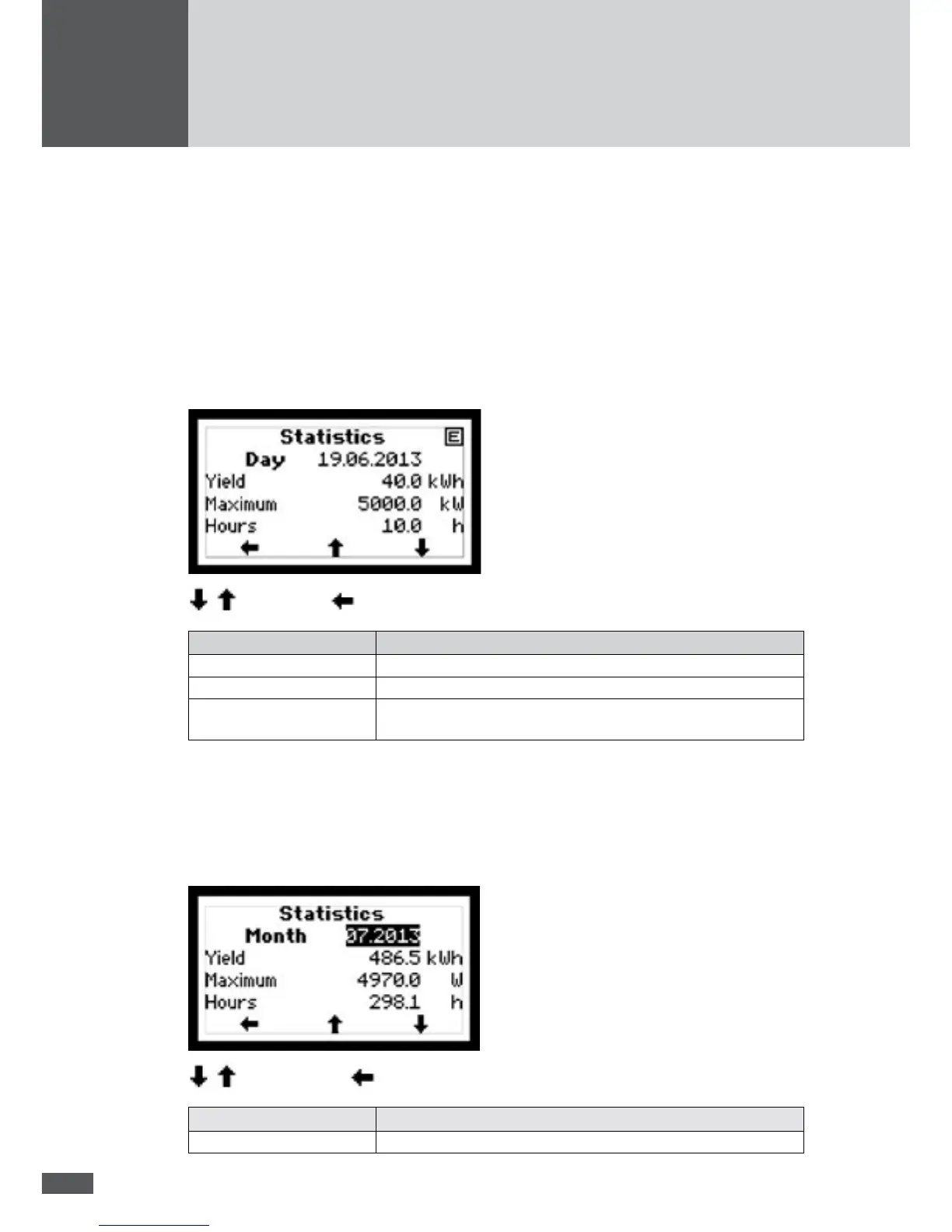
7.5.1 Displaying the daily statistics
The daily statistics displays the statistics values for the last 31 days.
In the "Statistics" menu, select the "Day" sub-menu.
Select day / back to the Statistics menu
Statistics value Description
Yield Daily yield [kWh]
Maximum Fed-in maximum power [W]
Hours
Number of operating hours in the "Mains operation" operating
status
7.5.2 Displaying the monthly statistics
The monthly statistics displays the statistics values for the last 12 months.
In the "Statistics" menu, select the "Month" sub-menu.
Select month / back to the Statistics menu
Statistics value Description
Yield Monthly yield [kWh]



 To Next Page