EasyManua.ls Logo

SolarMax 4200S - User Manual

SolarMax 4200S
64 pages
Print Icon
To Next Page IconTo Next Page
Loading...
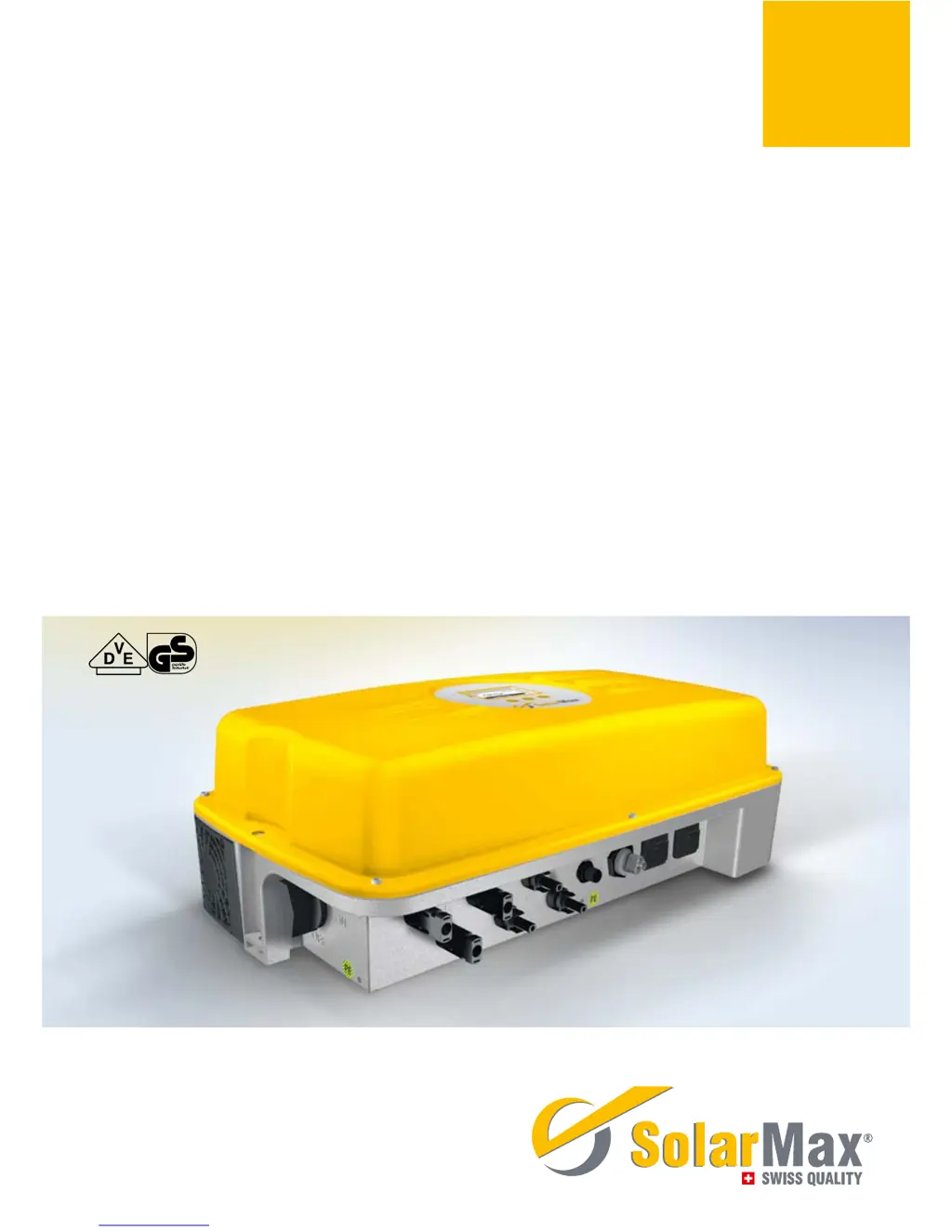
SolarMax S series
2000S /3000S /4200S /6000S
Instruction manual

Table of Contents

Other manuals for SolarMax 4200S

Questions and Answers

  • J
    Jessica HernandezAug 19, 2025
    What should I do if my SolarMax 4200S Inverter shows 'Vac too low or Vac too high'?
    • C
      Christopher CarrSep 12, 2025
      If your SolarMax Inverter displays 'Vac too low' or 'Vac too high', the cause may be that the mains voltage is too low or too high. Check the mains voltage to ensure it is within the appropriate range.
  • N
    Natalie MillerAug 21, 2025
    Why is my SolarMax 4200S Inverter showing 'Overtemperature'?
    • J
      Jason HarringtonAug 21, 2025
      If your SolarMax Inverter is showing an 'Overtemperature' warning, this could be due to several reasons. The ambient temperature might be too high, or there may be insufficient air circulation. Ensure air can circulate at the side of the cooling fans. If a fan is blocked, clean or replace it.
  • T
    Timothy BoydAug 23, 2025
    What does it mean if my SolarMax 4200S Inverter displays 'Insulation fault'?
    • S
      Stephanie NorrisAug 23, 2025
      If your SolarMax Inverter is showing an 'Insulation fault', it could be due to earth leakage or an insulation fault on the DC side. Check the solar generator and DC cabling. It may also be due to phase and neutral conductors being interchanged; in that case, swap the phase and neutral conductors in the AC coupling connector.
  • L
    lambdonaldAug 26, 2025
    What to do if my SolarMax 4200S displays 'Vdc too high'?
    • J
      Jeremy Williams PhDAug 26, 2025
      If your SolarMax Inverter displays 'Vdc too high', it indicates that the solar generator voltage exceeds the permissible value. Immediately disconnect the DC insulation switch and check the module configuration.
  • L
    Lisa DavisAug 28, 2025
    What to do if my SolarMax 4200S displays 'Ierr too high'?
    • S
      Stacey MclaughlinAug 28, 2025
      If your SolarMax Inverter displays 'Ierr too high', it means the fault current is too large. Check the solar generator and DC cabling. It may also indicate an earth leakage or insulation fault on the DC side, in which case you should ensure equipotential bonding between the inverter and module frame.
  • C
    collinscandiceAug 29, 2025
    How to fix a SolarMax Inverter with no graphics display?
    • A
      abeasleyAug 30, 2025
      If your SolarMax Inverter has no graphics display, it could be due to several reasons: * The DC insulation switch may be switched off. If so, switch it on. * The irradiance may be too low. Wait until irradiance is high enough. * Strings may be interrupted. If so, rectify the interruption. * It could be an internal fault. If so, notify the SolarMax hotline.
  • B
    Bradley GonzalezSep 1, 2025
    Why is my SolarMax 4200S Inverter flashing and displaying 'Irradiance too low'?
    • D
      daltonreedSep 1, 2025
      If the graphics display on your SolarMax Inverter flashes periodically or shows a status message indicating 'Irradiance too low', it means that the irradiance is too low. Wait until the irradiance is high enough for normal operation.
  • M
    Michaela BakerSep 3, 2025
    What does it mean when the alarm LED on my SolarMax 4200S is flashing green/red?
    • J
      Joseph PierceSep 3, 2025
      If the alarm LED on your SolarMax Inverter is flashing green/red, it indicates a temperature limitation. The inverter output is reduced when the heat sink temperature reaches 75 °C.
  • C
    Craig BellSep 5, 2025
    What does it mean if my SolarMax Inverter displays 'Iac asymmetric'?
    • G
      garzagabrielSep 5, 2025
      If your SolarMax Inverter displays 'Iac asymmetric', it indicates that the DC component of the mains current is too large. First switch off the AC side and then the DC side for 20 seconds, then switch it on again. For recurring faults, contact the SolarMax hotline.
  • C
    Carlos SullivanSep 7, 2025
    What should I do if my SolarMax Inverter displays 'No mains, frequency too high or too low'?
    • K
      Kara Newman DDSSep 8, 2025
      If your SolarMax Inverter displays 'No mains, frequency too high or too low', it could be due to a grid or mains voltage interruption. Check the AC connection. It could also be that the mains frequency is outside the tolerance; in that case, wait until the mains frequency is within tolerance.

Summary

About this Instruction Manual

Target Audience and Manual Handling

Defines the manual's scope, intended users, and guidance on its use.

Safety Instructions

Critical Safety Precautions and Appropriate Use

Outlines critical safety warnings and defines the inverter's intended operational purpose.

Product Description

Technical Configuration Overview

Details the internal architecture, safety, and control functions of the inverters.

External Elements and Dimensions

Illustrates the external components and physical dimensions of the inverter unit.

Installation

Transport, Storage, and Site Selection

Provides instructions for safe transport, storage, and selecting an optimal installation site.

Cooling, Lightning Protection, and Delivery

Details cooling systems, lightning protection requirements, and the scope of delivery.

Mounting and Installation Procedures

Guides on mounting the inverter and general installation steps.

Electrical Connection and Data Communication

Details electrical connections, protection, and data communication setup.

Commissioning

Pre-Commissioning Checks

Lists essential checks to perform before starting up the inverter for the first time.

Initial Setup and Country Settings

Guides through the automatic initial setup process and country-specific parameter selection.

Operation

Switching Inverter On;Off

Explains how to safely operate the inverter, including start-up and shutdown.

Graphics Display and Menu Navigation

Explains how to use the display and navigate through menus.

Measured Values and Statistics

Details how to access and interpret measured values and statistical data.

Data Communication

Communication Platforms Overview

Introduces Sputnik's MaxComm platform for data recording and monitoring.

Interface Configuration Settings

Explains the necessary settings for Ethernet and RS485 communication interfaces.

Options

Accessory Components

Lists available accessory components for enhancing inverter functionality.

Operating Status and Troubleshooting

Status Messages and LED Indicators

Describes the meaning of different status messages and LED indicators.

Troubleshooting Faults and Errors

Provides guidance on diagnosing and resolving common issues.

Maintenance, Removal, and Disposal

Operator Maintenance and Cleaning

Outlines maintenance tasks for the plant operator.

Removal and Disposal Procedures

Details the steps for safely removing and disposing of the inverter.

Technical Specifications

Key Technical Data Summary

Presents a comprehensive summary of technical specifications.

Efficiency Curves and Derating

Shows efficiency performance and temperature-dependent output reduction.

Country-Specific Settings

Lists parameter settings tailored for different country regulations.

Guarantee and Warranty

Warranty Terms and Limitations

Explains the terms, duration, and limitations of the product warranty.

SolarMax 4200S Specifications

General IconGeneral
AC Voltage230 V
Output Voltage230 V
Efficiency96%
Frequency50/60 Hz
WaveformSinusoidal
Protection FeaturesOvervoltage, Short Circuit

Related product manuals