EasyManua.ls Logo

SolarMax 8MT2 - User Manual

SolarMax 8MT2
62 pages
Print Icon
To Next Page IconTo Next Page
Loading...
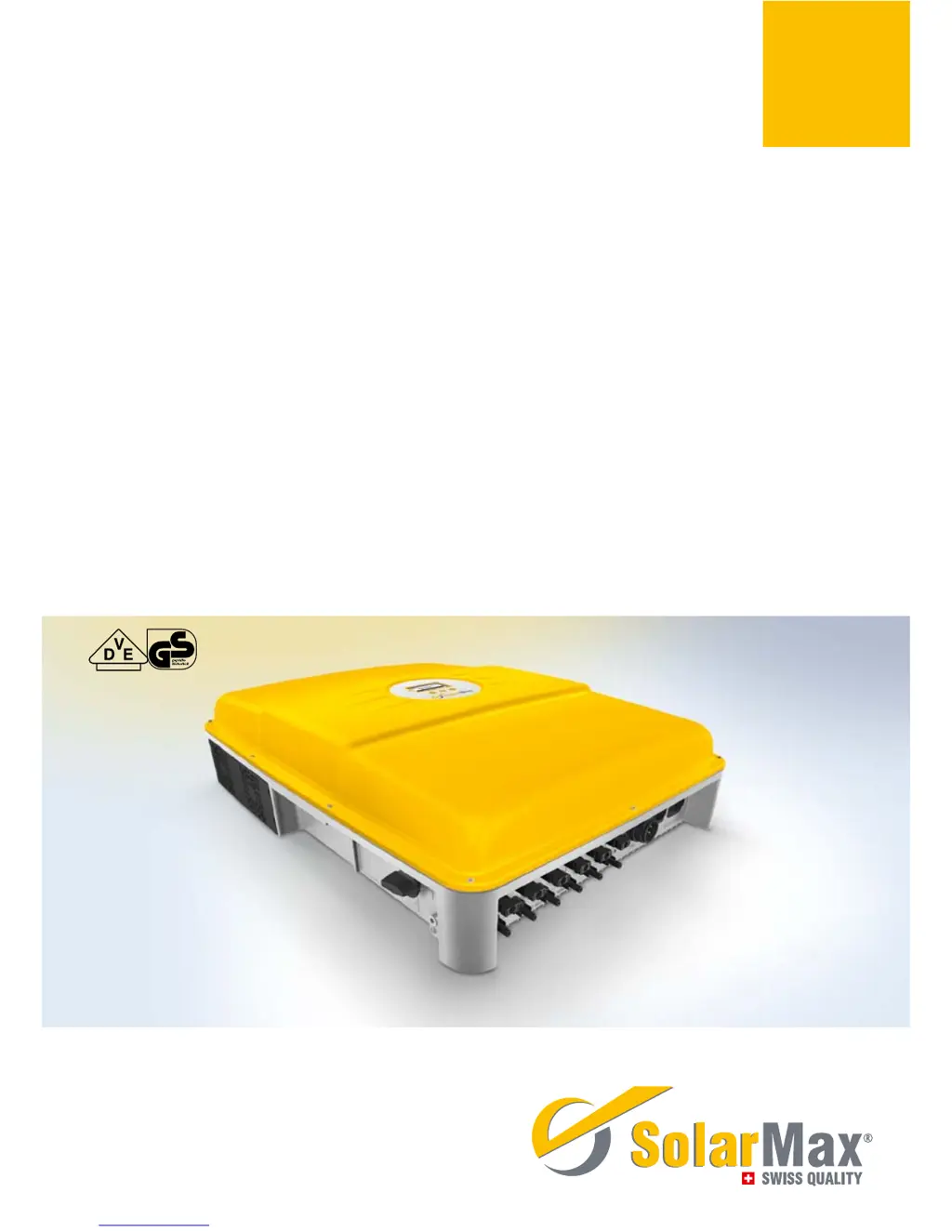
SolarMax MT-Serie
8MT2 / 10MT2 / 13MT2 / 13MT3 / 15MT2 / 15MT3
Gerätedokumentation n Instruction manual n Documentation d’appareil
n Documentación del dispositivo n Documentazione dell’apparecchio

Table of Contents

Questions and Answers

  • H
    Heather RobertsSep 9, 2025
    What does 'RTC error' mean on my SolarMax Inverter?
    • S
      Sharon WrightSep 9, 2025
      An RTC error means that the real-time clock in the inverter is malfunctioning, and the date and time have been reset. If this problem happens frequently, contact the SolarMax Service Centre. Set the time and date correctly.
  • W
    Wesley EricksonAug 23, 2025
    What does it mean when my SolarMax 8MT2 shows 'Vdc too high (VDC3, VDC2, VDC1)'?
    • W
      wtaylorAug 23, 2025
      This message indicates that the DC input voltage at the specified DC connection is too high. Immediately switch off the DC disconnector Q1 and disconnect the PV generator from the inverter. Then, check the sizing of the PV generator.
  • P
    Paul CaldwellAug 25, 2025
    What to do if SolarMax Inverter shows 'No mains No mains BP'?
    • D
      Dr. Meredith CannonAug 25, 2025
      This message means that there is no mains voltage or the AC supply has been interrupted. You should check the AC supply to resolve this issue.
  • T
    Thomas DavisAug 26, 2025
    What does it mean when my SolarMax 8MT2 displays 'Temperature limitation'?
    • W
      wrightjeffreyAug 26, 2025
      The feed-in power has been temporarily reduced to limit the temperature of the inverter. Clean the fan grids and improve ventilation in the operations room to resolve this.
  • J
    James GordonAug 28, 2025
    What to do if my SolarMax 8MT2 displays 'Insulation fault DC Insulation fault DC BP'?
    • T
      tyler88Aug 28, 2025
      This indicates that the insulation resistance of the PV generator against earth is too low. Check the PV generator to resolve this issue.
  • V
    Victoria TurnerAug 29, 2025
    What to do if SolarMax 8MT2 Inverter shows 'Vac 10min too high (L1 L2 L3) Vac 10min too high BP (L1 L2 L3)'?
    • D
      David WallAug 29, 2025
      The maximum 10-minute average value of the mains voltage at the specified phase is too high. If this problem continues to occur, contact the responsible grid operator.
  • T
    teresa95Sep 18, 2025
    Why SolarMax Inverter shows 'Flash error'?
    • M
      Mitchell GarciaSep 18, 2025
      A flash error has occurred. Inverter mains operation continues to be guaranteed. Contact the SolarMax Service Centre.
  • C
    cchavezSep 22, 2025
    Why SolarMax 8MT2 shows 'Firmware mismatch'?
    • B
      Brian WilsonSep 22, 2025
      The firmware versions of the inverter controllers do not match. Contact the SolarMax Service Centre.
  • M
    Mark BakerSep 7, 2025
    What does 'External blocking' mean on my SolarMax 8MT2 Inverter?
    • D
      David FrenchSep 8, 2025
      This indicates a 0% command from MaxRemote, originating from the grid operator. Wait until the grid operator suspends the blocking of the inverter via MaxRemote.
  • J
    Jacqueline Douglas MDSep 4, 2025
    What should I do if my SolarMax 8MT2 displays 'Error DC polarity'?
    • J
      Jeremy JohnsonSep 4, 2025
      This message indicates that one or more DC connections are connected incorrectly (incorrect polarity). Connect the DC supplies correctly.

Summary

Safety Instructions

Installation

Siting

Offers recommendations for selecting an appropriate installation location.

Installation

Details the physical mounting procedure for the inverter.

Electrical Connection

Covers all aspects of connecting the inverter electrically.

Commissioning

Switching On and Off

Provides step-by-step instructions for powering the inverter on and off.

Initial Start-up (Initial Setup)

Guides through the first-time configuration process upon startup.

Operation

Configuration

Details the adjustable operating parameters and advanced functions.

Settings

Covers communication parameters and monitoring functions.

Auto Test According to DK 5940

Data Communication

Configuration of the Data Communication Interfaces

Guides on setting up RS485 and Ethernet communication.

Operating Status

Troubleshooting

SolarMax Service Centre

Provides contact information for technical support.

Diagnosis & Measures

Details diagnostic procedures and corrective actions for failures.

General Troubleshooting

Lists common issues and their basic solutions.

Failures

Details specific error messages and failure conditions.

Specifications

Specifications

Presents detailed technical data for all inverter models.

Individual Country Settings

Lists configurable parameters specific to different countries.

Guarantee

SolarMax 8MT2 Specifications

General IconGeneral
BrandSolarMax
Model8MT2
CategoryInverter
LanguageEnglish

Related product manuals