EasyManua.ls Logo

SolarMax 2000S - User Manual

SolarMax 2000S
28 pages
Print Icon
To Next Page IconTo Next Page
Loading...
TÜV
Rheinland
Product Safety
BAUART
GEPRÜFT
TYPE
APPROVED
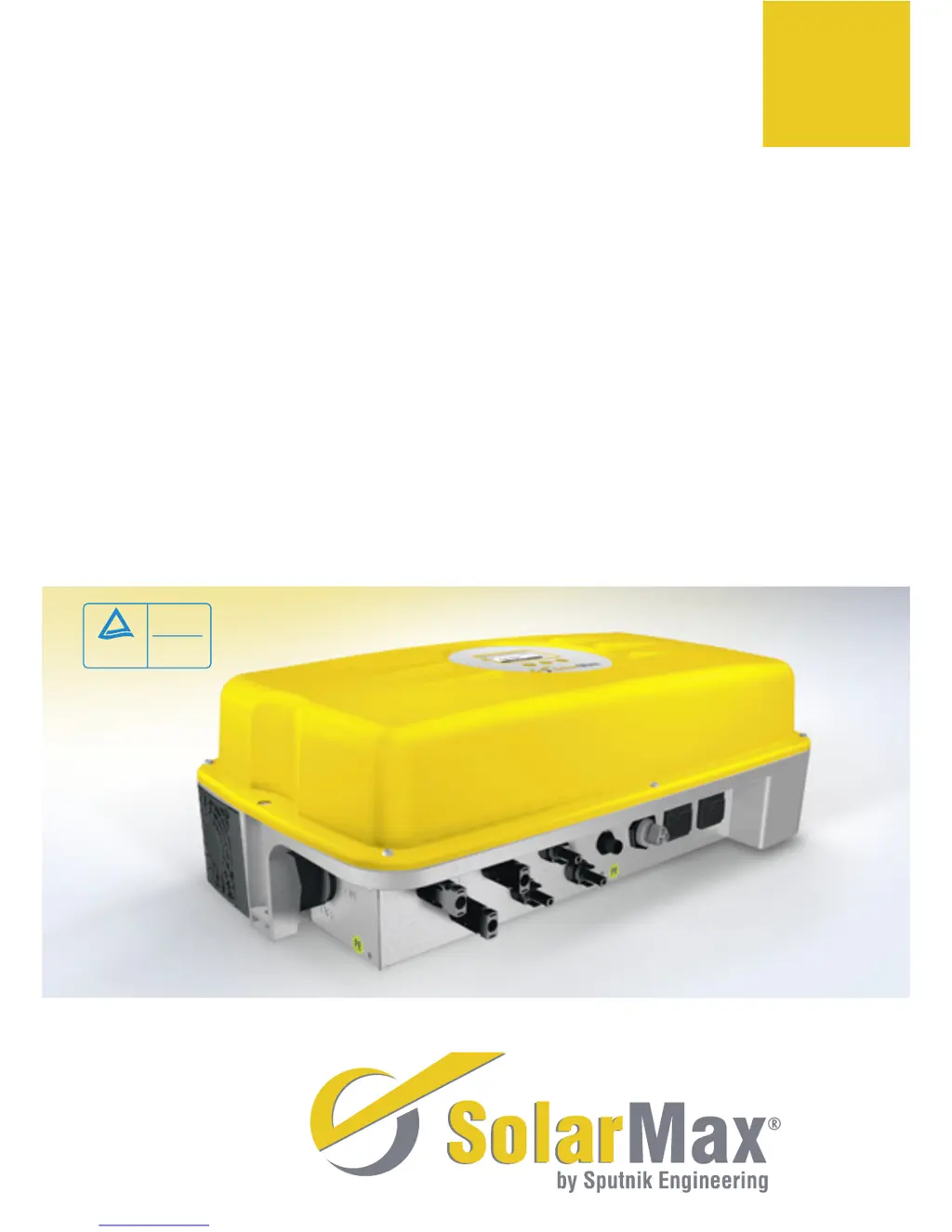
SolarMax 2000S/3000S/4200S/6000S
05/08
Der Wechselrichter für netzgekoppelte Solarstromanlagen
n
The inverter for grid-connected
PV installations
n
Londuleur pour les installations électriques solaires couplées au réseau
n
El inversor para sistemas de electricidad solar conectados a la red
n
L’inverter per impianti
solari di corrente collegati alla rete
Gerätedokumentation
n
Instruction Manual
n
Documentation d’appareil
n
Documentación del dispositivo
n
Documentazione dellapparecchio

Questions and Answers

Summary

Introduction

Safety Instructions

Installation

Installation Procedure

Details on the physical installation process and mounting the inverter unit.

Installation Notes and Precautions

Important notes, safety warnings, and environmental considerations for inverter installation.

Electrical Connection

AC Cable Socket Assembly

Step-by-step guide for assembling the AC cable socket connector.

RJ45 Communication Connection

Information on using RJ45 sockets for communication and recommended connectors.

Fuses and Cable Cross-sections

Guidelines for selecting appropriate fuses and cable cross-sections for AC and DC connections.

Protective Earth Connection

Details on the requirement and connection of a second protective earth conductor.

Overvoltage Protection

DC Side Surge Arrester Connection

Diagram showing how to connect additional surge arresters on the DC side.

Device Operation

Switch-On Procedure

Steps to follow when powering up the SolarMax inverter.

Switch-Off Procedure

Steps to follow when powering down the SolarMax inverter.

Device Removal

Instructions for safely removing the inverter from its mounting.

Configuration and Settings

Regional Setting Parameters

Table detailing configurable parameters based on regional settings.

Device Model Parameters

Table detailing configurable parameters specific to different SolarMax models.

Heat Sink Temperature Limit

Explanation of how high temperatures affect inverter output and potential shutdown.

Initial Setup Procedure

Step-by-step guide for the first-time setup of the inverter.

Importance of Country Setting

Explanation of why the correct country setting is crucial for inverter operation.

Status Signalling Contact

Details on the status signalling contact and its configurable settings.

Auto Test Function

Auto Test Definition (Italy)

Description of the Auto Test procedure according to Italian standard DK 5940.

Starting the Auto Test

Procedure for initiating the Auto Test function on the inverter.

Auto Test Procedure Details

Details of the maximum voltage, minimum voltage, frequency tests.

Maximum Voltage Test

Procedure for testing the maximum voltage monitoring threshold.

Minimum Voltage Test

Procedure for testing the minimum voltage monitoring threshold.

Maximum Frequency Test

Procedure for testing the maximum frequency monitoring threshold.

Minimum Frequency Test

Procedure for testing the minimum frequency monitoring threshold.

Operation and Display

Graphics Display Overview

Description of the front panel graphics display for system parameters and status.

LED Status Indicators

Explanation of the LED indicators for device status (On, Startup, Mains, Error, Alarm).

Key Symbol Functions

Explanation of the symbols used for menu navigation and operation.

Menu Structure and Navigation

Overview of the main menu, submenus, and navigation methods.

Statistics and Yield Data

Accessing and viewing daily, monthly, yearly, and total statistics.

Configuration and Settings

Adjusting country, limit values, language, time, date, and network settings.

Device Information

Displaying device type, firmware version, and commissioning date.

Status and Alarm Messages

Startup Status Messages

Messages related to the inverter's startup phase.

Mains Operation Status Messages

Messages indicating status during mains operation.

Malfunction Status Messages

Messages indicating malfunctions and their causes.

Fault Status Messages

Messages indicating device errors and their causes.

Alarm Signals

Table of alarm messages, their LED indication, and associated causes.

Alarm Messages and Causes

Table of alarm messages, their LED indication, and associated causes.

Troubleshooting

Troubleshooting Introduction and Hotline

General recommendations and contact information for PV system fault resolution.

Graphics Display Troubleshooting

Steps for resolving faults indicated via the inverter's graphics display.

Malfunction and Fault Diagnosis

Diagnosing and resolving malfunctions like AC/DC voltage issues, frequency, and faults.

Device Errors and Alarms

Addressing device errors, fan failures, temperature limits, and sensor issues.

Maintenance Recommendations

Routine maintenance checks and procedures, including fan replacement.

Data Communication

MaxTalk Software

Description of MaxTalk PC software for inverter queries and settings.

MaxVisio System

Description of MaxVisio for PV systems without remote monitoring.

MaxWeb Internet Gateway

Description of MaxWeb for monitoring PV installations via the internet.

SolarMax Web Portal

Accessing PV system data and analysis options via the web portal.

Data Communication Interface Parameters

Settings required for connecting the inverter to communication interfaces.

Device Address Configuration

Setting a unique address for each inverter in a network.

Ethernet Interface Settings

Configuring the Ethernet interface (on/off).

IP Address and Netmask Configuration

Setting the IP address and subnet mask for the network.

TCP Port Configuration

Setting the required TCP port for inverter communication.

Technical Description

Technical Configuration 2000 S;3000 S

Block diagram and description of the 2000S/3000S model architecture.

Technical Configuration 4200 S;6000 S

Block diagram and description of the 4200S/6000S model architecture.

Safety Functions

Description of integrated safety mechanisms like fault current monitoring.

Control Functions

Overview of the inverter's control functions managed by the DSP.

Technical Data

Technical Data for 2000 S;3000 S Models

Detailed specifications for 2000S/3000S models, including input, output, and system data.

Technical Data for 4200 S;6000 S Models

Detailed specifications for 4200S/6000S models, including input, output, and system data.

Glossary of Terms

Definitions of symbols and terms used in the manual.

Efficiency Data and Graphs

Performance data including efficiency curves and detailed tables for all models.

Efficiency Tables for 4200 S

Detailed efficiency data for the SolarMax 4200S model.

Efficiency Tables for 6000 S

Detailed efficiency data for the SolarMax 6000S model.

Warranty, Liability, and Legal Information

Guarantee Terms and Conditions

Details of the Sputnik guarantee, coverage, and 'free of charge' conditions.

Guarantee Exclusions and EU Directive

Cases where the guarantee does not apply and its compatibility with EU directives.

Service Prolongation and Liability Limitation

Options for extended services and limitations on Sputnik's liability.

Applicable Law and Jurisdiction

Details on governing law and the exclusive place of jurisdiction.

Certificate of Conformity

EU Declaration of Conformity

Declaration confirming compliance with EU directives and standards.

Country-Specific Certifications

Information on where to find country-specific certifications.

SolarMax 2000S Specifications

General IconGeneral
BrandSolarMax
Model2000S
CategoryInverter
LanguageEnglish

Related product manuals