73
05/08
74
en
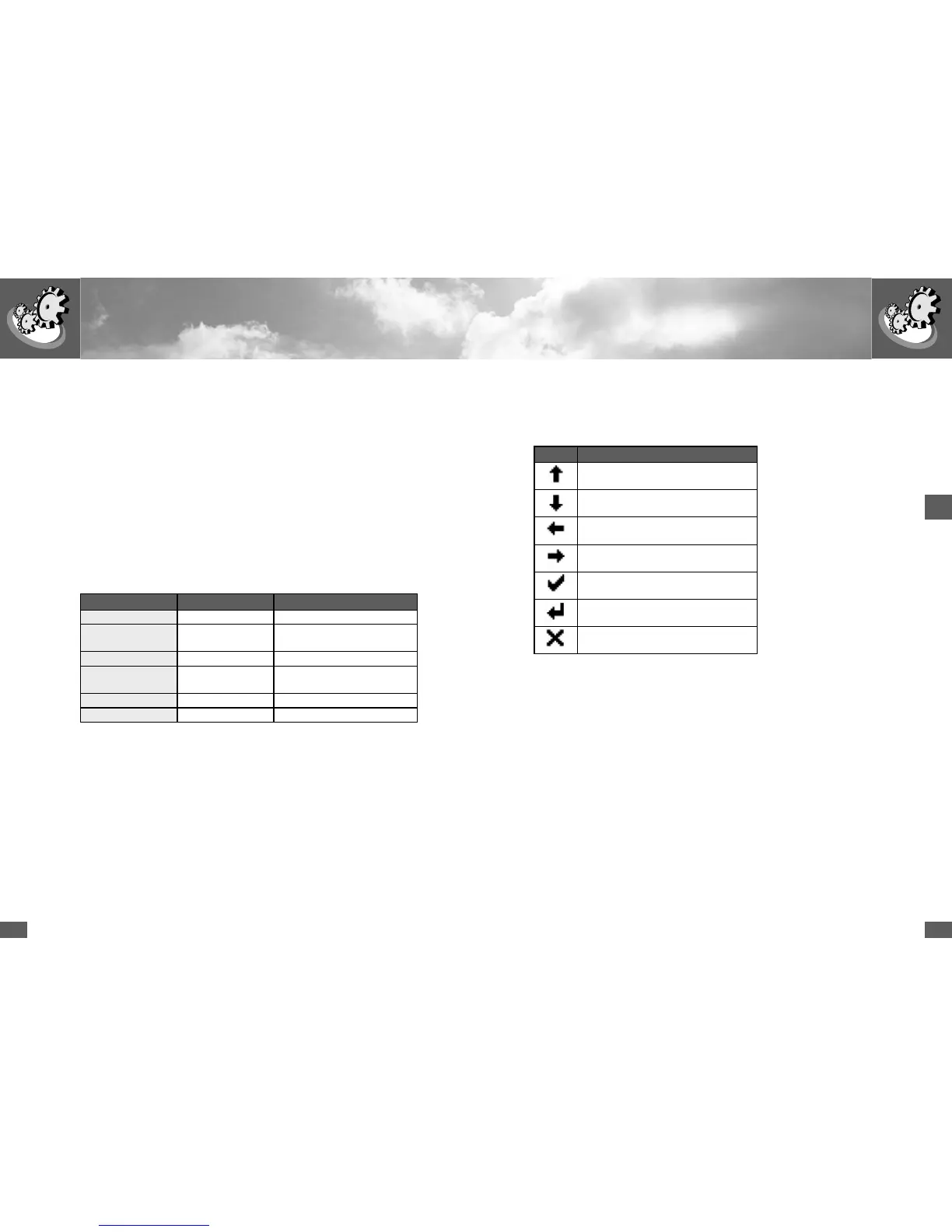
4.3 Menu key symbols
Seven symbols are used for menu prompting:
Symbol Function / description
Scrolling upwards / increment number, or
next element
scroll down or previous element
Back to higher-level menu
Select next number
Shows the required submenu or stores
any changes
Starts edit mode for the selection
Cancel
4 Operation and fault display
4.1 Graphics display
The graphics display at the front is used to display system parameters, status
information, and SolarMax fault messages, thereby offering the user convenient
options for obtaining information about the device status.
The graphics display is backlit in order to improve readability under adverse light
conditions. The backlight switches on whenever one of the three keys is pressed,
and remains on for 180 seconds after the last key activity.
4.2 LED display
In addition to the graphics display, an LED display is available for indicating the
device status (green, red or orange).
LED display Device status Description
Off Offline Device is switched off
Flashing (green) Startup Device starting (initialisation,
restart delay)
Green Mains operation Device feeding in
Orange Malfunction Malfunction (e.g. mains
monitoring, overtemperature)
Flashing (red) Error Device fault
Green/red flashing Alarm Alarm messages see Section 4.7



 To Next Page