81
05/08
82
en
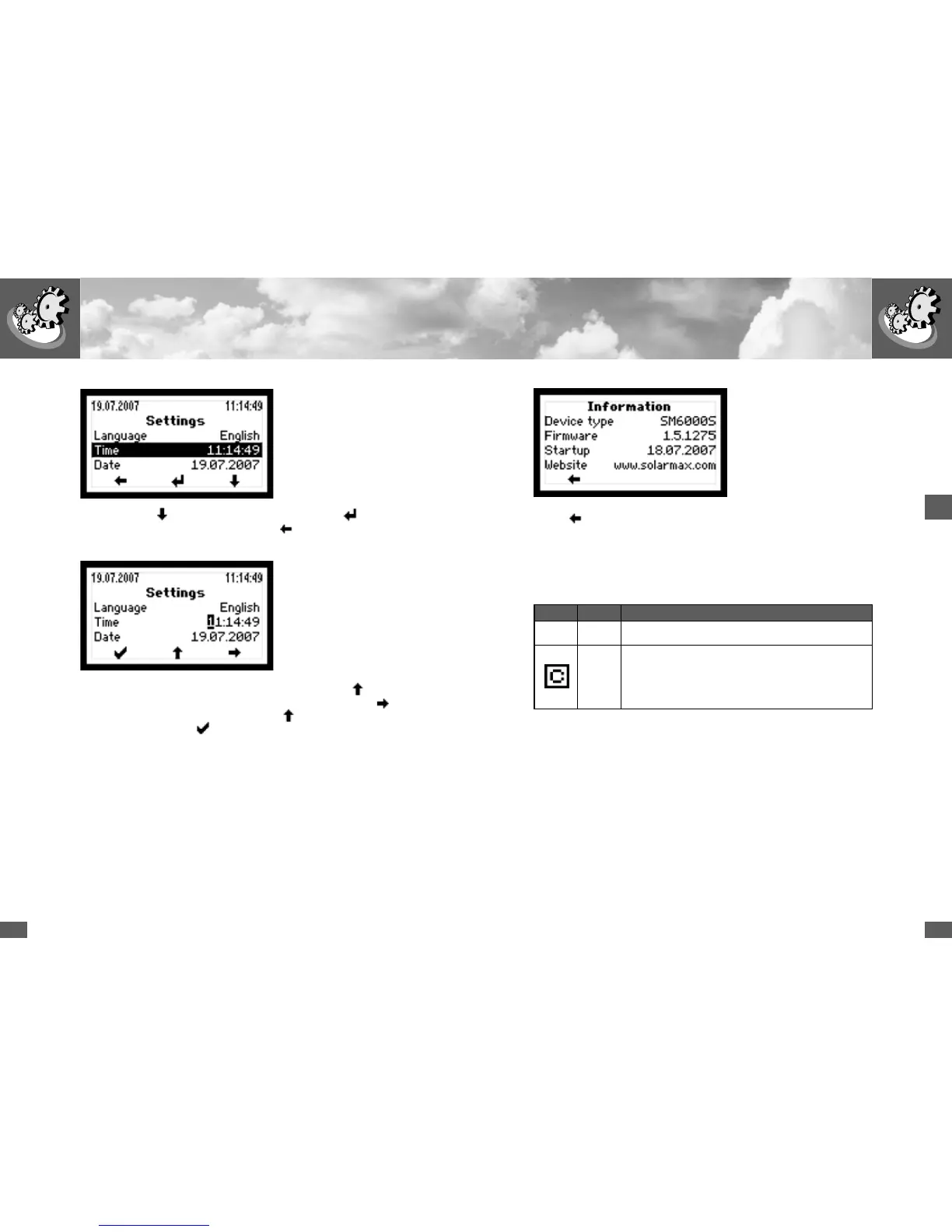
In edit mode each digit is modified individually. Example: use the key to incre-
ment the selected digit. Once the right value has been selected use the
key to
switch to the next digit and increment it with the
key. Once all digits have been
set, exit edit mode with the
key.
Information
This menu shows the following information:
n Device type (SM2000S, SM3000S, SM4200S, SM6000S)
n Firmware version
n Date of commissioning
n Web address (www.solarmax.com)
Use the arrow key to select the required parameter. Use the key to switch
to edit mode for the selected parameter. Use the
key to switch back to the main
menu.
Use the
key to switch back to the main menu.
4.5 Communication activity
If the symbol in the top line of the display is lit the inverter has received data.
Symbol Mode Function / description
No communication (no symbol is displayed)
Comm
Communication activity; this is displayed if the inverter has
received data
(synonymous with the activity display of network cards)



 To Next Page