75
05/08
76
en
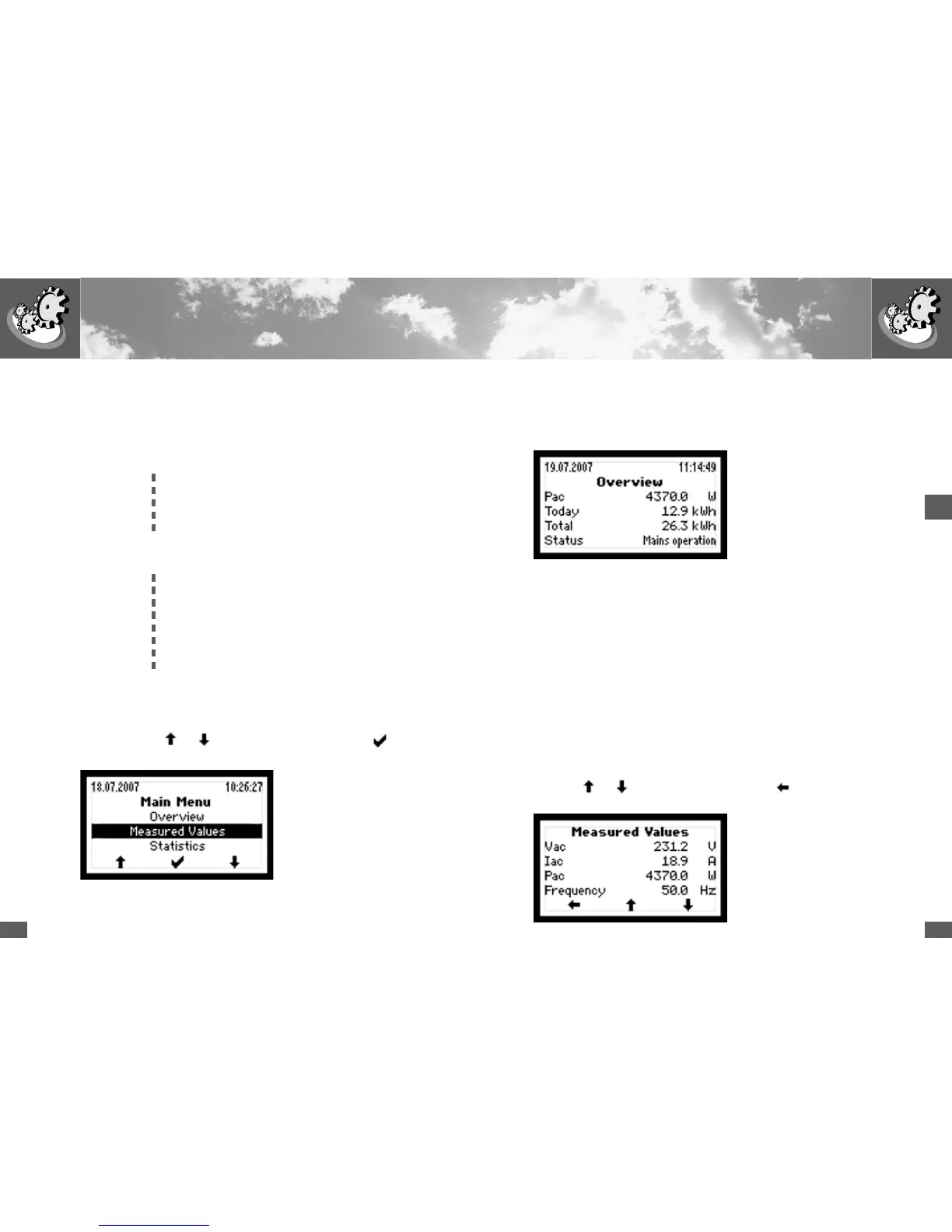
Overview
If none of the three keys is pressed for 120 seconds the display automatically
switches to the Overview menu, which shows the three main parameters and the
operating status.
➡ current inverter output
➡ yield today
➡ total yield since commissioning
➡ operating status
Measured Values
The following measurement readings can be displayed:
n Vdc ➡ current solar generator voltage
n Idc ➡ current solar generator current
n Vac ➡ current mains voltage
n Iac ➡ current infeed current
n Pac ➡ current inverter output
n Frequency ➡ mains frequency
n Temperature ➡ heat sink temperature
n Fan (on/off) ➡ fan switched on or off
A maximum of four measured values can be displayed simultaneously. Use the
arrow keys
and to switch to other values. Use the key to switch back
to the main menu.
4.4 Menu structure
The following submenus can be called up from the main menu:
n O v e r v i e w
n Measured Values
n Statistics
Days
Months
Years
Total
Reset
n Configuration
n Settings
Language
Time
Date
Device address
Ethernet
IP address
Netmask
TCP Port
n Auto Test*
n Information
*Auto Test if regional setting is set to IT (see Section 3)
Use the arrow keys
and to select the required menu. Use the key to
switch to the selected menu.



 To Next Page