93
6.4 Settings
Different communication parameters and monitoring functions can be set in the "Set-
tings" menu of the graphics display. All settings except the IP mode can also be made
using the MaxTalk service software.
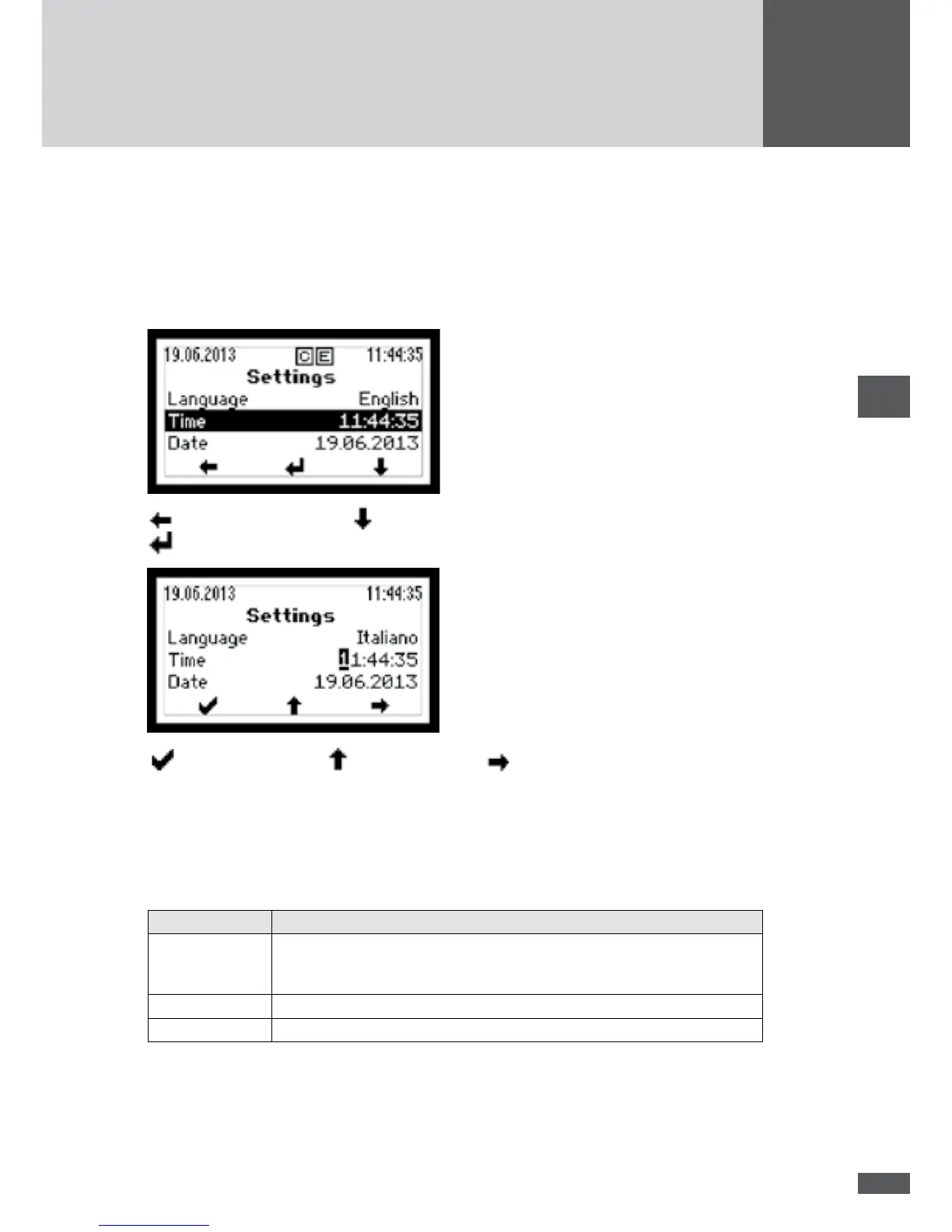
In the "Main menu" select the "Settings" menu. The settings can then be made as follows:
back to the main menu / select parameter (e.g. "Time")
Edit parameter
Conrm parameter / increase number / highlight next number
6.4.1 Setting the display language and system time
After initial start-up, set the display language and check the system time of the inverter.
In the "Settings" menu, select the following parameters and enter the desired values:
Parameter Description
Language Selection of the display language: German, English, French, Italian or
Spanish. The display language selection does not depend on the selected
country.
Time System time of the inverter
Date The date displayed by the inverter



 To Next Page