108
Statistics value Description
Yield Total yield [kWh]
Hours Total operating hours in the operating status "Mains operation"
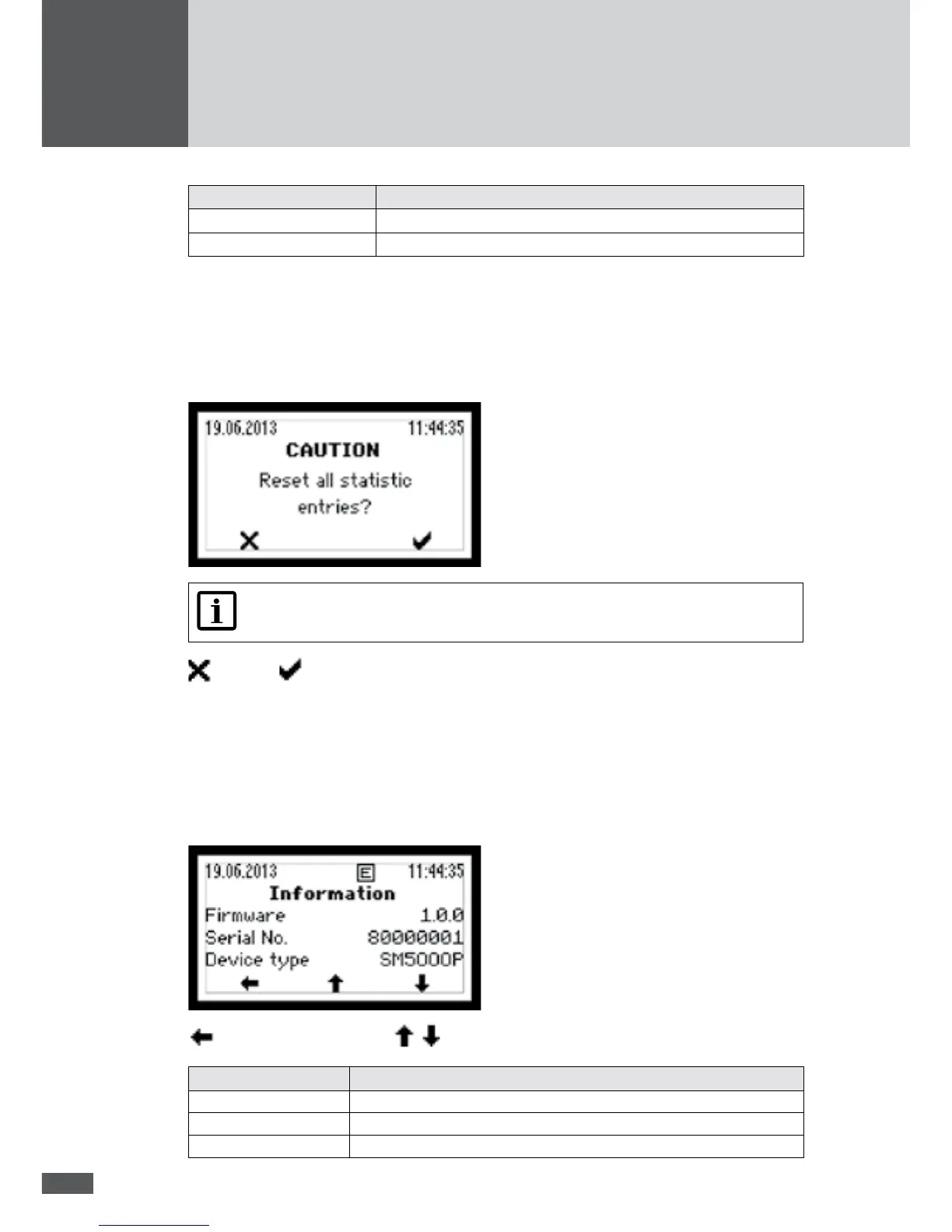
7.5.5 Deleting the statistics values
The statistics values of the data logger can be deleted.
In the "Statistics" menu, select the "Reset" sub-menu.
Note
The deletion process cannot be undone!
Cancel / Conrm deletion
7.6 Displaying information
This menu displays information about the inverter. The menu can be used to identify the
inverter.
In the main menu, select the "Information" menu.
back to the main menu / scroll display
Display Description
Device type Inverter type
Serial No. Inverter serial number
Firmware Firmware version installed in the inverter



 To Next Page