103
7 Operation
7.1 Graphics display
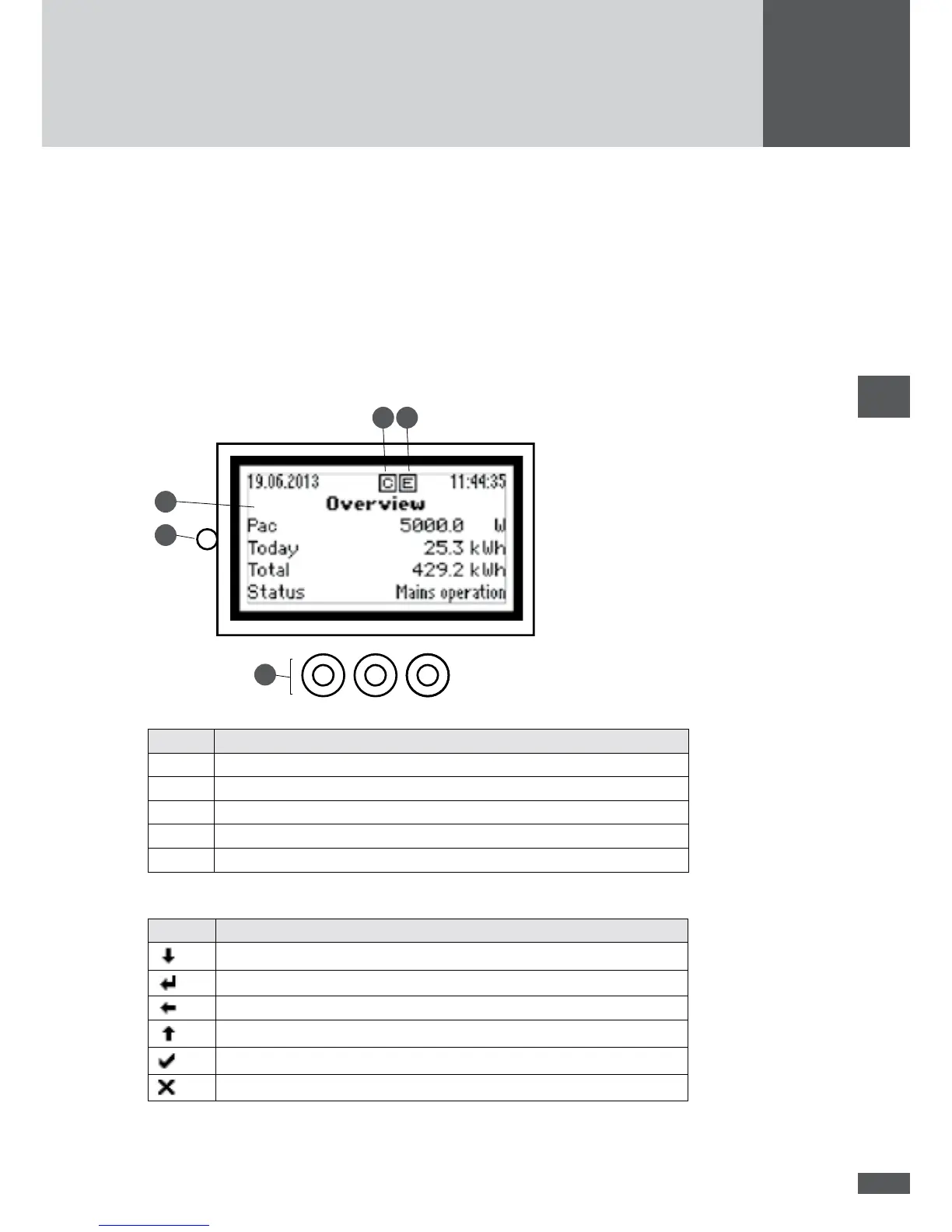
The graphics display shows the system values, status information, and the inverter’s fault
messages. The graphics display can be used for obtaining information on the current
operating status, accessing the integrated data logger and entering various settings on
the inverter.
1
3
4
2
5
No. Description
1 Graphics display with backlighting
2 Status LED: operating status display (see section 7.7)
3 Function keys (membrane keypad)
4 Display with Ethernet connection (link display)
5 Display when data transfer takes place (communication).
The function keys can be used for navigating within the menu structure:
Symbol Description
Select menu or parameter
Edit parameter
Highlight number (parameter editing)
Increase highlighted number / select menu or parameter
Confirm
Cancel



 To Next Page