en
57
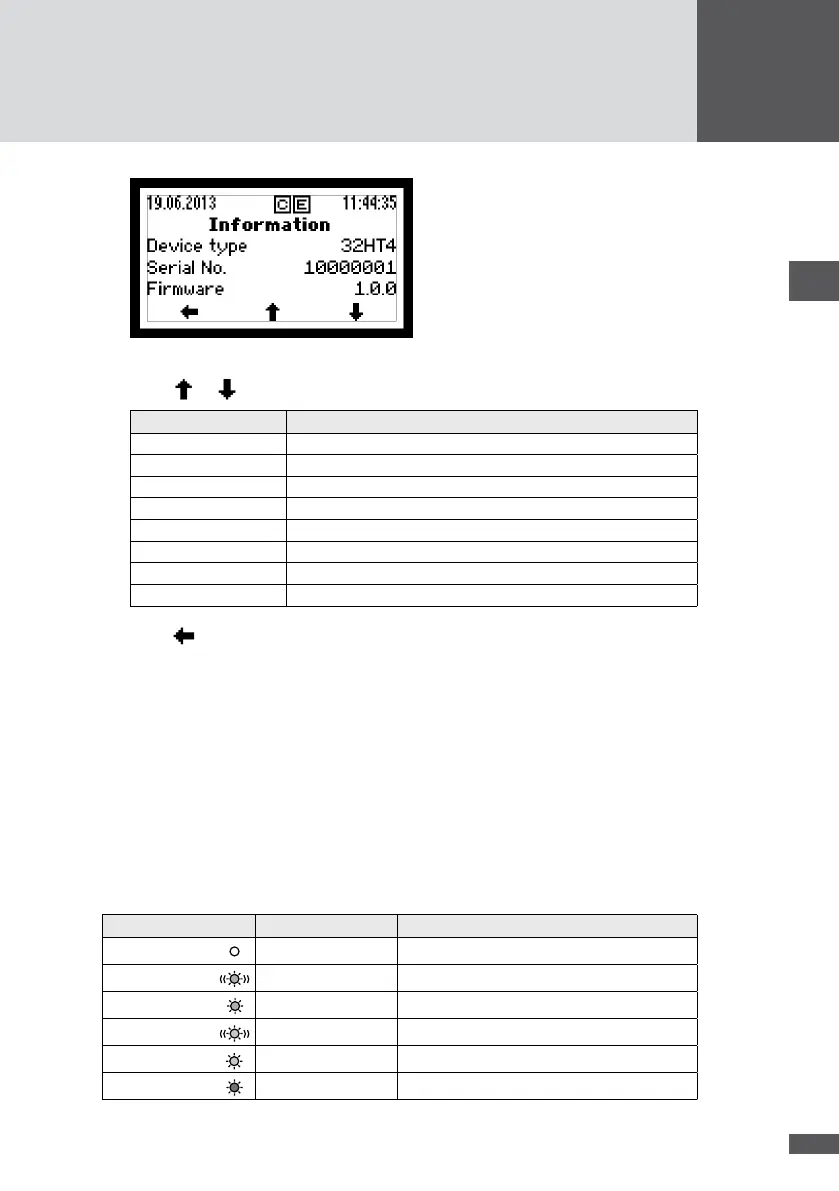
Figure 42 "Information" menu
2. Press or to scroll.
Display Description
Device type Inverter type
Serial No. Inverter serial number
Firmware Firmware version installed in the inverter
Status Current operating status
Warning Current warning message
Commissioning Date of initial start-up
Operating hours Total operating hours in mains operation
MAC address MAC address of the inverter
3. Press to return to the Main Menu.
7�7 Displaying the operating status of the inverter
The status LED (Figure 33/No. 2) signals the current operating status of the inverter by
its different signal colors. The status message, which gives a more detailed description of
the operating status, is displayed at the graphics display.
In addition to the status messages, the inverter also displays warnings. Warnings result
from device errors or external failures. The inverter continues to feed power into the
mains, but it is possible that yield is reduced. Warnings are independent of the oper-
ating status and are displayed on the graphics display alternately with the current status
message.
Status of LED Operating status Description
Off
- Inverter is switched off
Flashes green
Booting Inverter is starting up
Green
Mains operation Mains feed-in (normal operation)
Flashes orange
-
Warning → no grid disconnection
Orange
Failure
External failure → grid disconnection
Red
Error
Device error → grid disconnection



 To Next Page