38
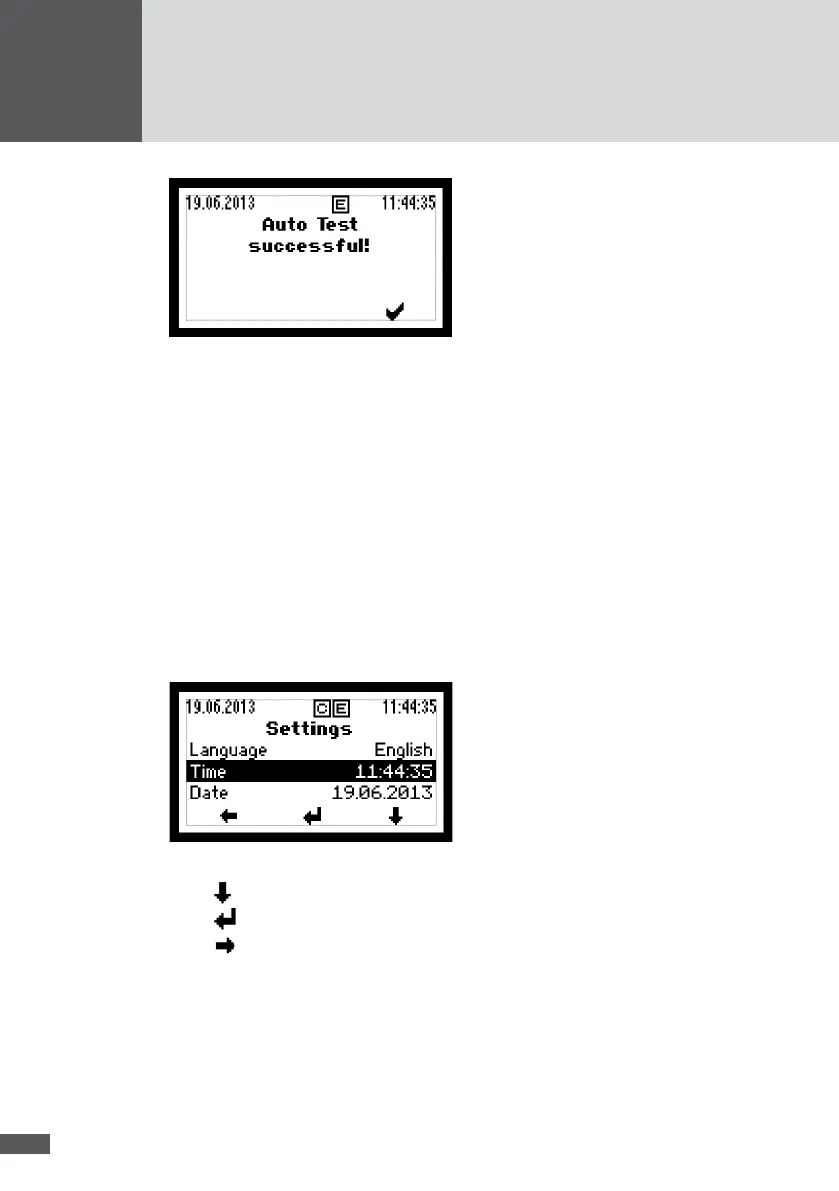
Figure 27 Display after successful auto test
4. Ensure that the inverter resumes normal operation (in this case the status message
"Mains operation" will be shown on the graphics display).
6�4 Settings
Different communication parameters and monitoring functions can be set in the "Set-
tings" menu of the graphics display. All settings except the IP mode can also be made
using the MaxTalk service software.
6�4�1 Changing parameters
The parameters in the "Settings" menu can be changed as follows:
1. In the Main Menu select the "Settings" menu.
Figure 28 "Settings" menu
2. Press to select the parameter (e.g. "Time").
3. Press to change to the editing mode.
4. Press to select the required number.



 To Next Page