56
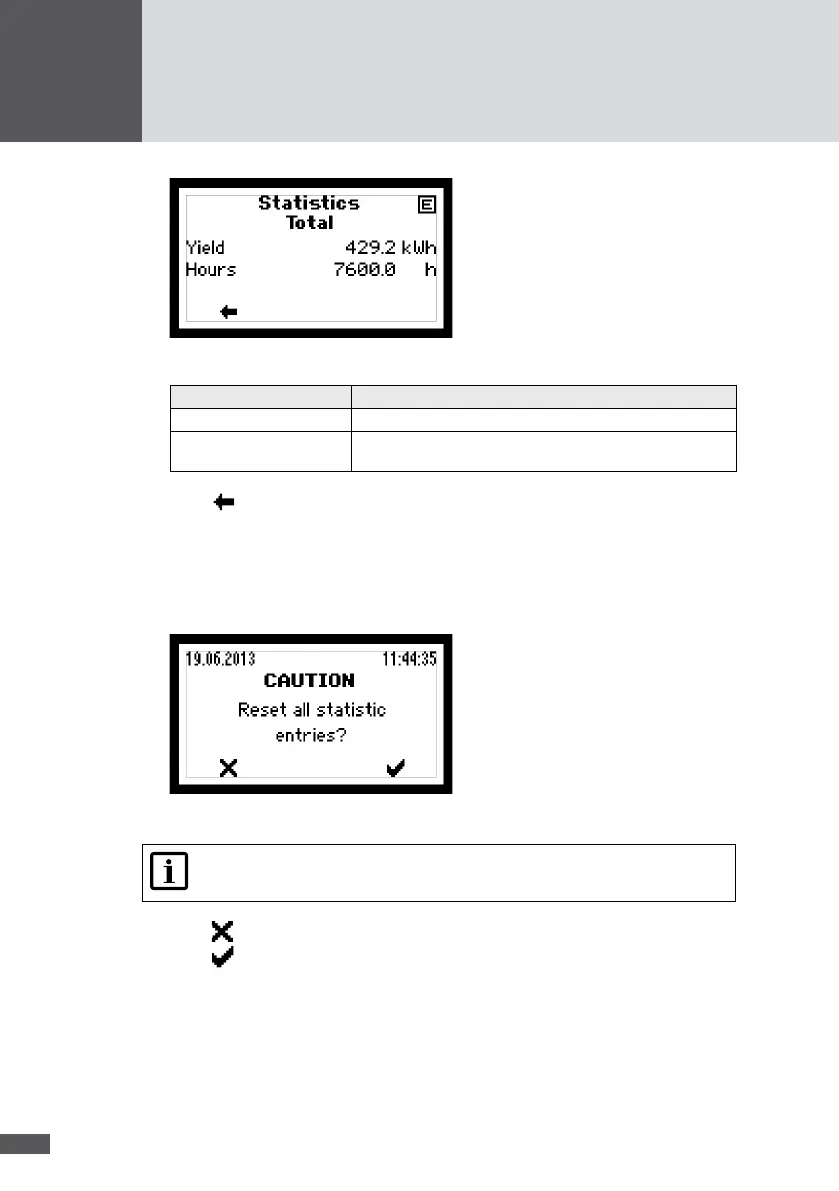
Figure 40 Total statistics
Statistics value Description
Yield Total yield [kWh]
Hours Total operating hours in the operating status "Mains
operation"
2. Press to return to the "Statistics" menu.
7�5�5 Deleting the statistics values
The statistics values in the data logger can be deleted.
1. In the "Statistics" menu, select the "Reset" sub-menu.
Figure 41 Resetting the inverter's data logger
Note
Once data are deleted, this cannot be undone!
2. Press to cancel the deletion process.
3. Press to delete all statistics values.
7�6 Displaying information
This menu displays information about the inverter. The menu can be used to identify the
inverter.
1. In the Main Menu, select the "Information" menu.



 To Next Page