en
39
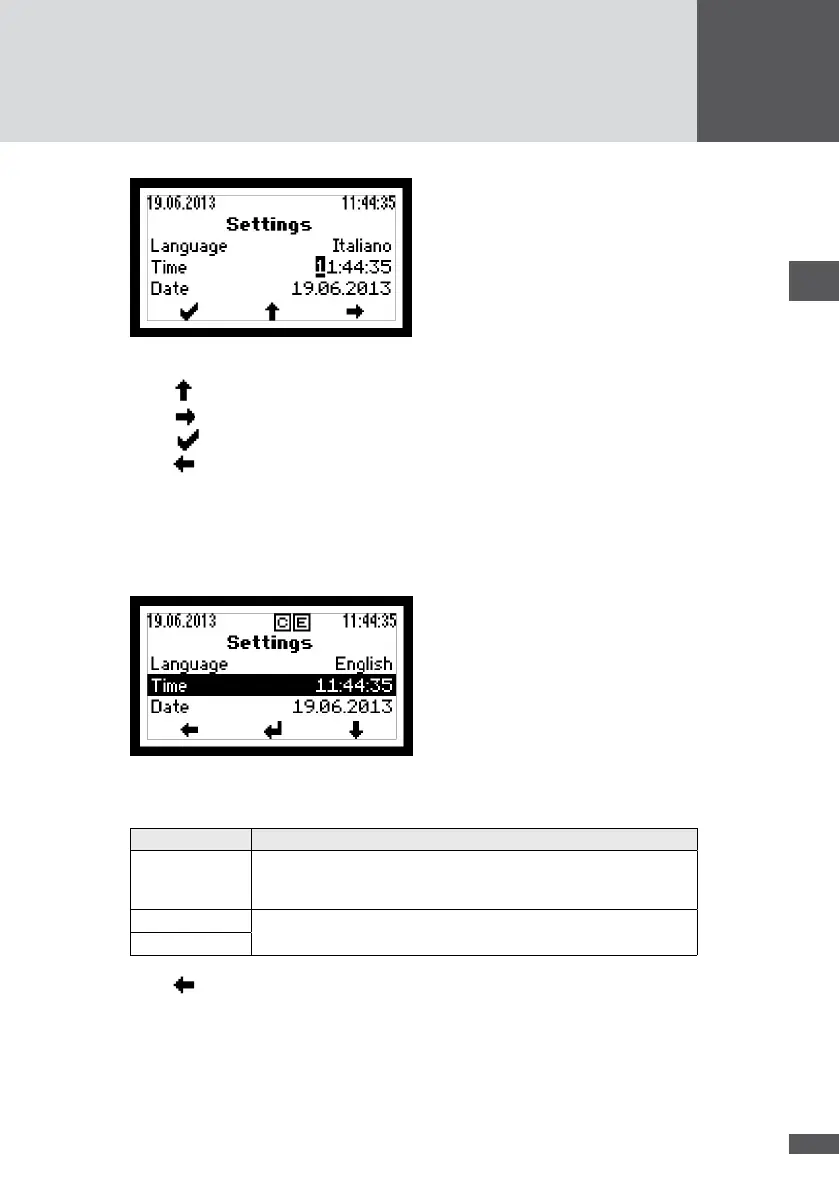
Figure 29 Selecting the number and changing the value
5. Press to increase the value of the selected number.
6. Press to select the next number.
7. Press to conrm the parameter value.
8. Press to return to the Main Menu.
6�4�2 Setting the display language and system time
The inverter's display language and system time can be changed in the "Settings" menu.
1. Select the "Settings" menu:
Figure 30 Changing the display language and system time
2. Select the parameter and update it:
Parameter Description
Language Selection of the display language: German, English, French, Italian
or Spanish. The display language can be selected independent of the
country setting.
Time Date and system time of the inverter
Date
3. Press to return to the Main Menu.



 To Next Page