13
MediaShower TV
Adult Content Locking
TheAdultLockingfeatureisavailabletosetonyouraccountwhenyour
MediaShowerTVserviceisinstalled.Youhavetheoptiontolock,unlockandchange
thePINusedforthisfeature.Thisfeaturewilllocktheadultcontent,whichincludes
anyprogrammingratedAO,TV-MAorNC-17.Whenoneofthesetitlesisscrolledover
intheon-screenprogramguideorintheprogramminginformationbaratthebottom
ofthescreen,youwillseeamessagethatstates“LockedAdultContent”.Thisfeature
isenabledtoavoidanyadultcontentdescriptionsortitlesfromappearing.Tolockor
unlockthiscontentortochangeyourPIN,followthestepslistedbelow.
Important Information
Allfeaturesthatyouchange(examples:ParentalControls,AdultContentLocking,
Favorites,anySettings)arespecictotheset-topbox(STB)thatyousavethem
to. If you want to set up Parental Controls, Favorites, etc. on multiple TV’s, you’ll
havetoprogramthesettingstoeachset-topbox(STB).
IfyousubscribetoMediaShowerDVRservice,allDVRfeaturesandrecordingswill
beavailableonallSTB’sinyourhome.You’llonlyneedtoprogramonceandyour
recordingswillbestoredonallSTB’s.
VODandPPVmoviesarealsomadeavailableonallSTB’sinyourhome.Forexample,
if you order a movie in one room, it will play on all other TV’s in your home.
IfyouforgetyourParentalLockingPIN,pleasecontactourTechnicalAssistance
Center at 888.676.8638 or 715.421.6085.
Ifyouopttoenable“Lockadultprograms”inParentalControlsortheAdult
ContentLocking,thefollowingwillbeaected:
US TV Parental GuidelineswillautomaticallylocktheTV-MAsettingsandyouwill
losethe“unlockall”optionforthatmenu.
Movie RatingswillautomaticallylocktheNC-17settingsandyouwilllosethe
“unlockall”optionforthatmenu.
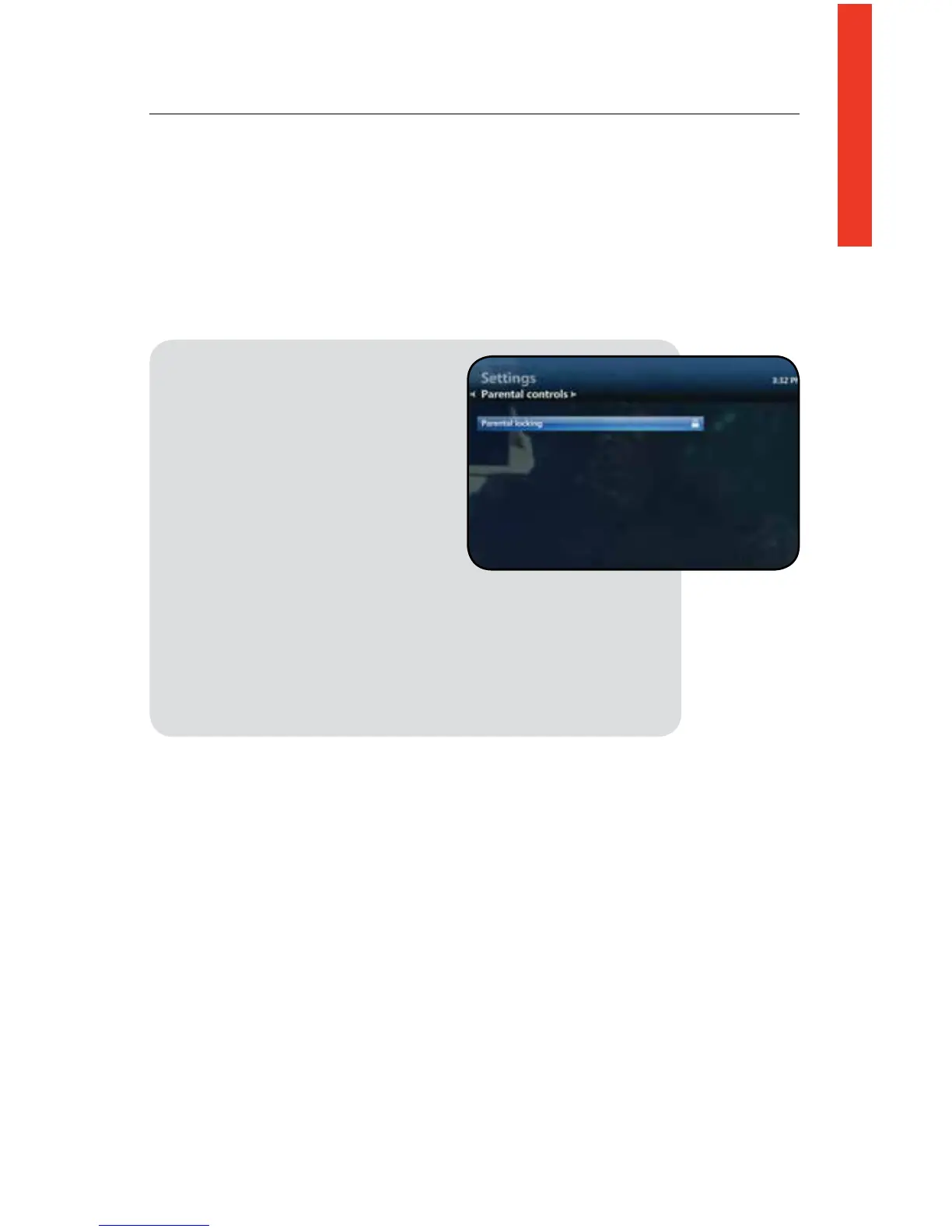
1. Press the Menu button on your
remote control
2. Scroll to Settings
3. Scroll to the Parental Controls
and press OK on your
remote control
4. Scroll to Adult Locking and
press OK
5. You will be prompted to enter
your 4-digit PIN
6. To lock/unlock this feature press the OK button on
your remote control while the Lock Adult Program
field is high lighted (a lock image will appear if content
is locked)
7. Once you have made your selection scroll to Save or
Don’t Save to save or reset your selections



 To Next Page