8
MediaShower TV
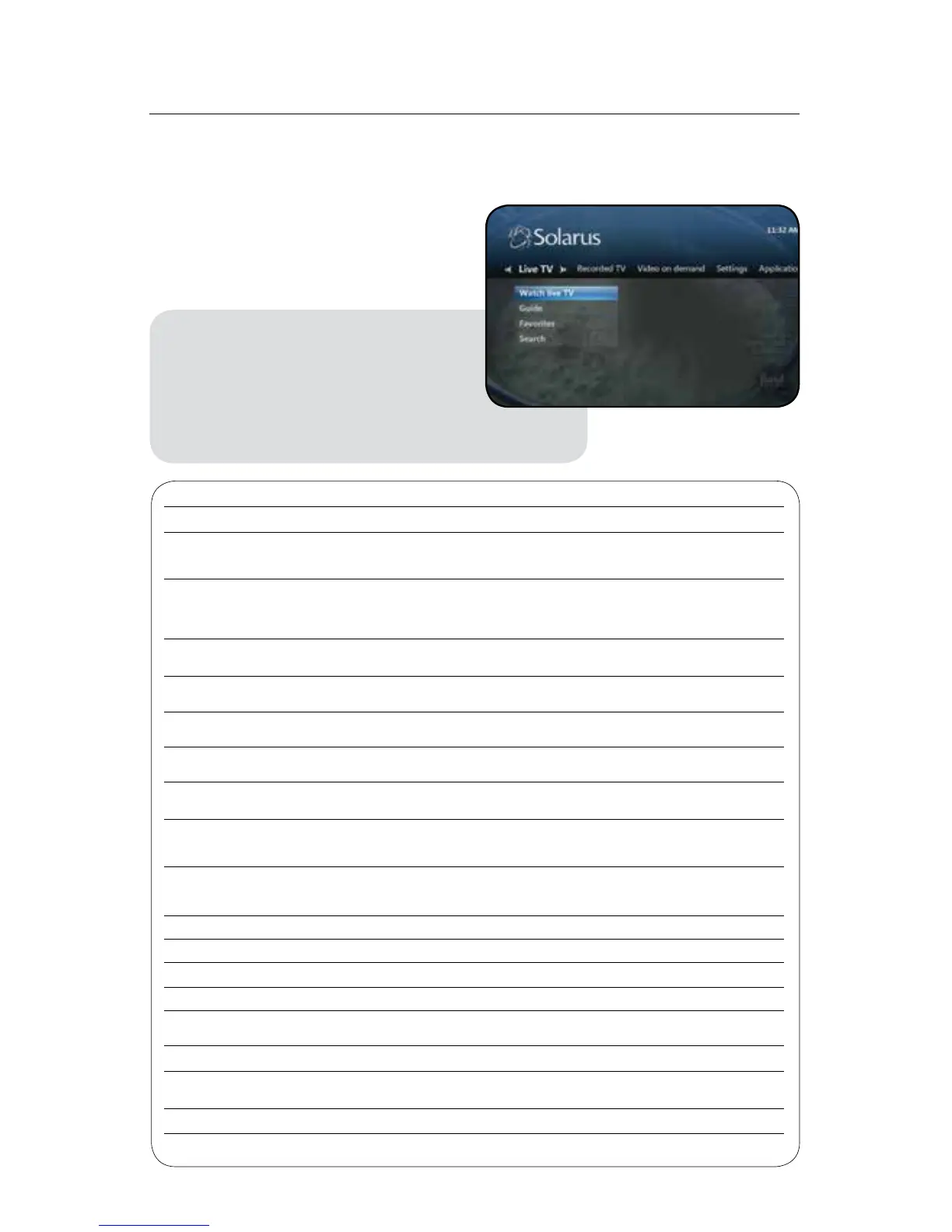
The Menu
UsetheSolarusmenutowatchLiveTV,
viewRecordedTV,accessVideoOnDemand,
manage your Caller ID on TV, or manage your
Solarus MediaShower settings.
Access The Menu
1. Press the Menu button on your
remote control (The menu
displays on the TV screen)
2. Use the cursor (arrow) keys to
select an option
3. Press OK to access one of these options
Options Use Functions
LiveTV WatchliveTV ViewprogrammingcurrentlyairingonliveTV
Access all programming. Channels, program titles and
Guide timeframesareindicated.YoumayalsopresstheGuide
button on your remote control
Select Favorites to view the program guide with only
Favorites your favorite channels listed. For more information on
managing your favorite channels see the Favorites
section on page 17
Search Use the search function to find programs in the guide or
intheOnDemandlibrarybytitle,keywordorperson
RecordedTV ViewRecordings Manage,edit,deleteorviewrecordingsbydateortitle
onyourwhole-homeDVR
Scheduled Manage and edit your scheduled recordings and series
recordings
AddRecordings SchedulenewrecordingsbyusingtheGuide,search
functions or manually using the program channel time
VideoOn VideoOnDemand Browsefrommovieandprogramtitlesavailable
Demand On Demand (VOD)
View VOD titles that you have rented up to 72 hours
CurrentRentals afteryourinitialrentalconrmation(availabilitytime
varies by title)
Search The search function is available for you to search the
entire On Demand library for content by program or
person
Settings General Manageyoursysteminformation
Television Manage your guide, favorites and display settings
Audio Manage your audio settings
ParentalControls ManageyourDVR/Set-topboxparentalcontrols
RestartSystem UsetheRestartSystemfunctiontoautomaticallyreboot
yourDVR/Set-topbox
Applications Favorite Channels Currently not supported, reserved for future use
Caller ID Management View and manage your Voicemail Settings, Caller ID
Settings and Caller ID History
ManageSTB Accessyour8-digitAccountIDforRemoteDVRManager
My MediaShower Photos and Music



 To Next Page