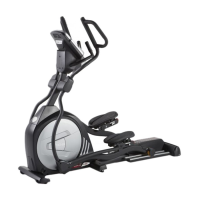
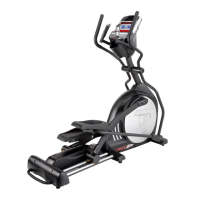
ELLIPTICAL
FEATURES
ADJUSTABLE FOOT PEDAL
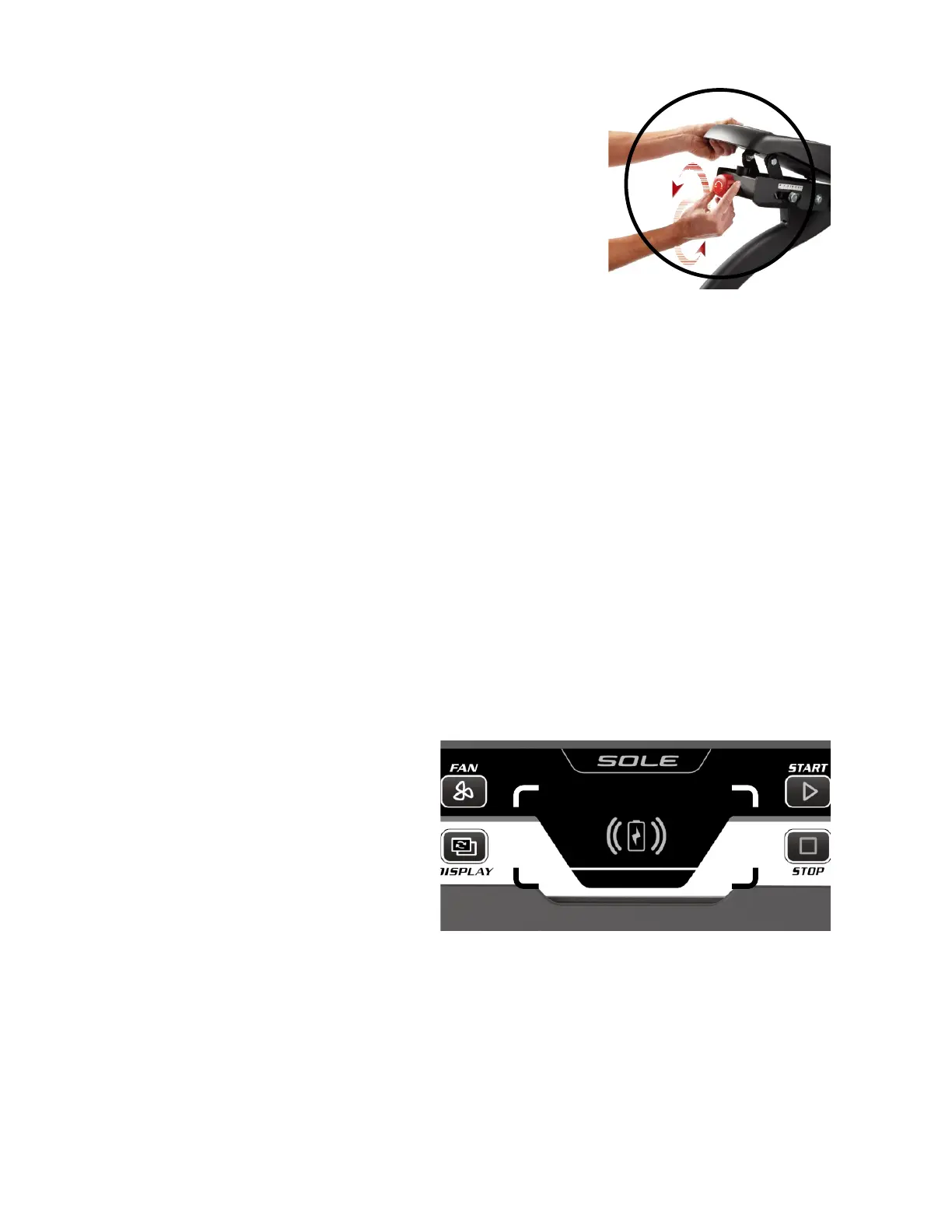
To adjust the footpad angles, turn the red knob on the rear of
both pedals. The pedal goes UP when turning in the
CLOCKWISE direction; the pedal goes DOWN when turning in
the COUNTERCLOCKWISE direction.
** Make sure to adjust both pedals at the same position.
INCLINE ADJUSTMENT
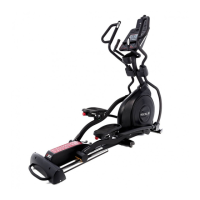
The E95 has an incline feature that will further increase the variety of your workouts. When
the incline is at its lowest position you get a normal elliptical workout. As the incline increases
you will feel your knees rise higher with each step, which means you are involving more
muscle fibres, due to the increased range of motion.
The E95 has a computer-controlled power incline. The power incline can be controlled by the
buttons on the console or the swing arms. It will automatically adjust via the incline motor
when you exercise using the built-in workout program.
Wireless Charging
Wireless Charging function:
Charge your device during your workout by placing it inside the wireless charging box/area
properly.
NOTE:
** Your device must be set in the
landscape orientation for the best
result.
** Your device’s “charging” icon will
indicate it is charging.
*** It provides up to 10 watts of power
for many cell phones supporting
wireless charging functions.


 To Next Page