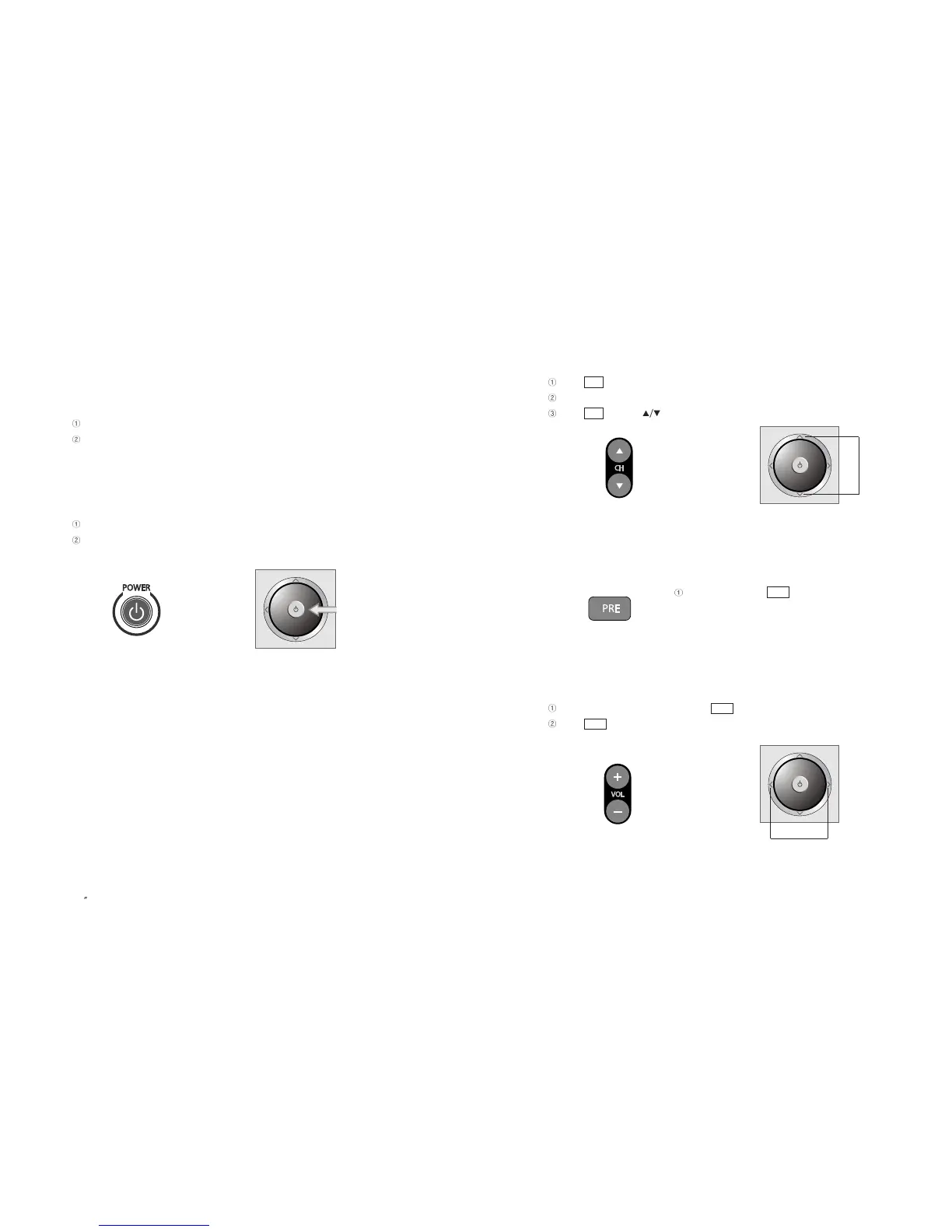
3) Channel Selection
Press button on the remote control to change channels.
Press numeric buttons (0~9) to go to a channel directly.
Press buttons ( ) on the TV set to change TV channel up or down.
4) Move to Previous Channel
When pressing the button on the remote
control, it moves back to a previous channel.
5) Volume Control
Increase/decrease volume by pressing button on the remote control.
Press button ( + / - ) on the TV set to control the volume.
Volume Button on the TV SetVolume Button on the remote control
VOL
VOL
Previous Channel Button
PRE
Channel button on the TV setChannel button on the remote control
CH
CH
31
PAL/SECAM
3-1. Watching TV
1) Precautions in the initial installation
Check whether TV antenna cable is properly connected.
Check input voltage then connect power cord and adaptor to TV.
TV is now ready to be turned on.
2) Turning on TV
Press the Power button on either the TV set or the remote control.
Each pressing the button turns on or off the set.
Power Button on the TV SetPower Button on Remote Control
EN 30
15 TFT-LCD TV



 To Next Page