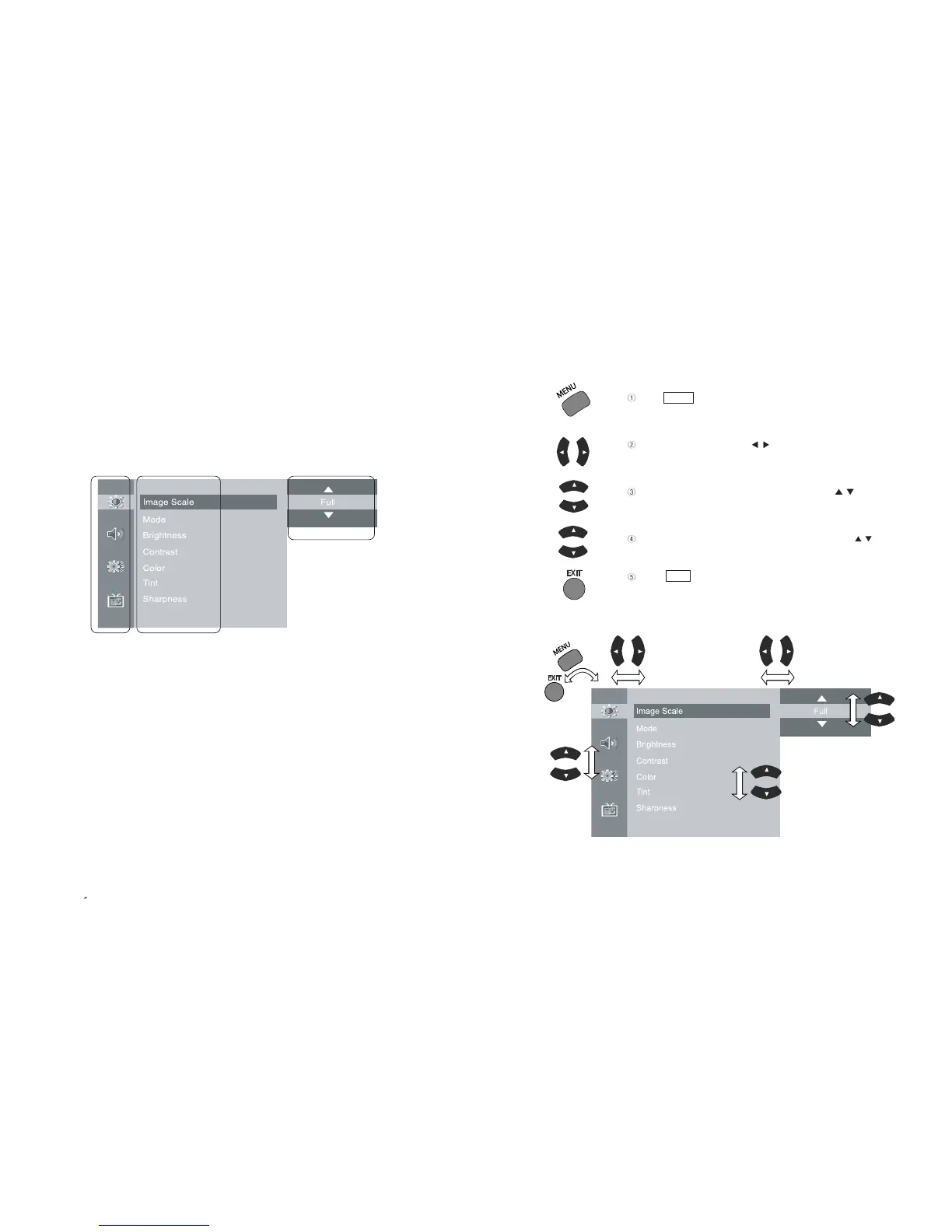
2)
Using Remote Control
Press button to display main menu.
Press Menu control button ( / ) to move to sub menu of a
selected main menu.
To move among menus, use Menu control button ( / ).
To change a selected menu setting, use Menu control button ( / ).
Press button to return from sub menu to main menu or
from main menu to menu removal.
EXIT
MENU
19
PAL/SECAM
1-4. MENU Configuration
Most functions of the TV set can be controlled by MENU and selection buttons on the
remote control, so learning how to operate them would be convenient for you.
1) Menu Configuration
EN 18
15 TFT-LCD TV
Main Menu
Sub Menu
Settings



 To Next Page