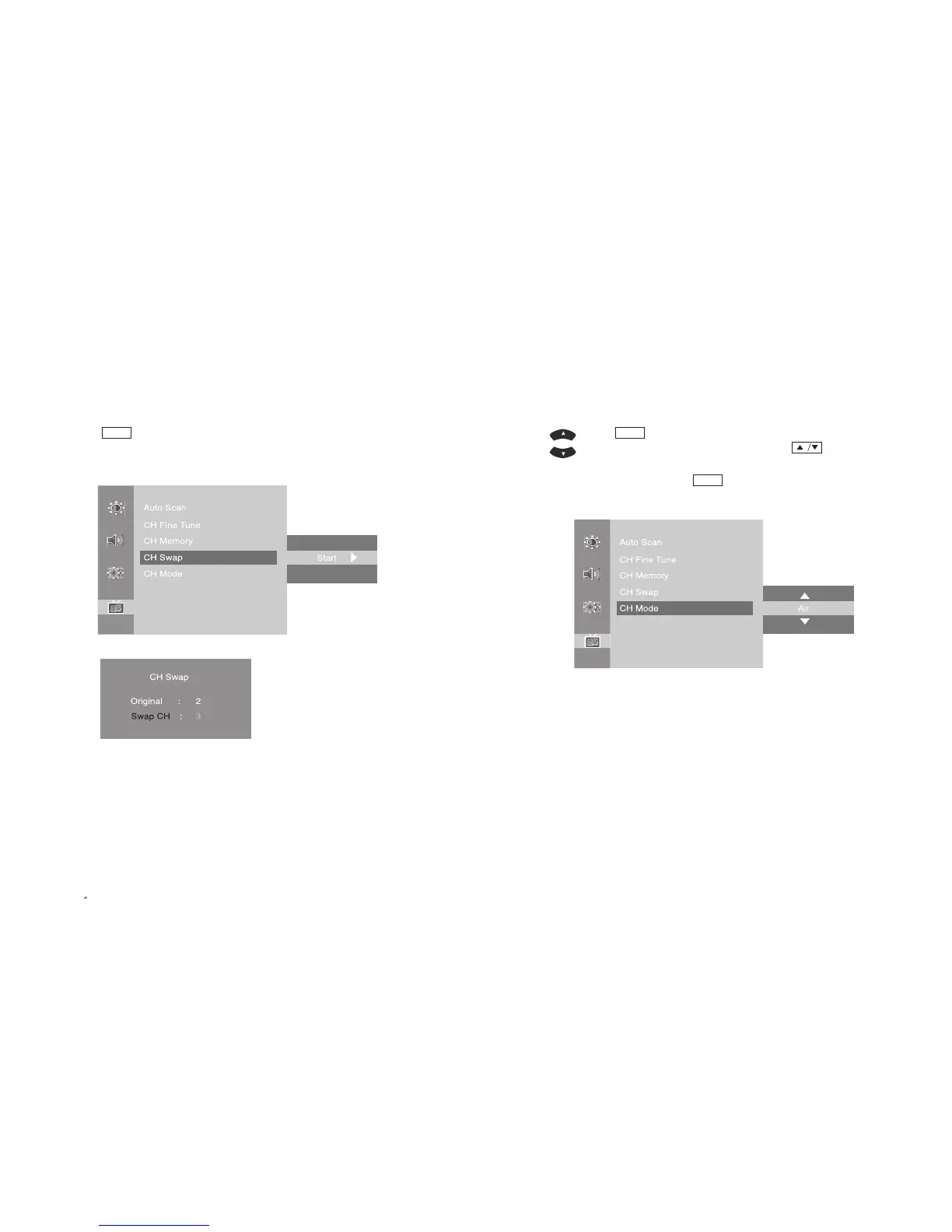
3-6. Change TV Channel Mode
Please choose your TV input type by selecting either Air or Cable.
If set as Air, some cable broadcast stations will not be displayed.
-
Press button on the remote control and move to <CH Mode> menu.
- Set the CH Mode between Air & Cable by using button on the
remote control.
- Once the setting is complete, press button.
- Also, it can be set in OSD menu by using JOG button.
MENU
MENU
37
PAL/SECAM
3-5. Channel Swap
For frequently watched channels, you can store and swap between those channels.
- Move to a channel to change.
- Press button on the remote control and move to <CH Swap> menu.
- Set both channels that you are watching and want to swap.
- Change the default and escape the menu.
MENU
EN 36
15 TFT-LCD TV



 To Next Page