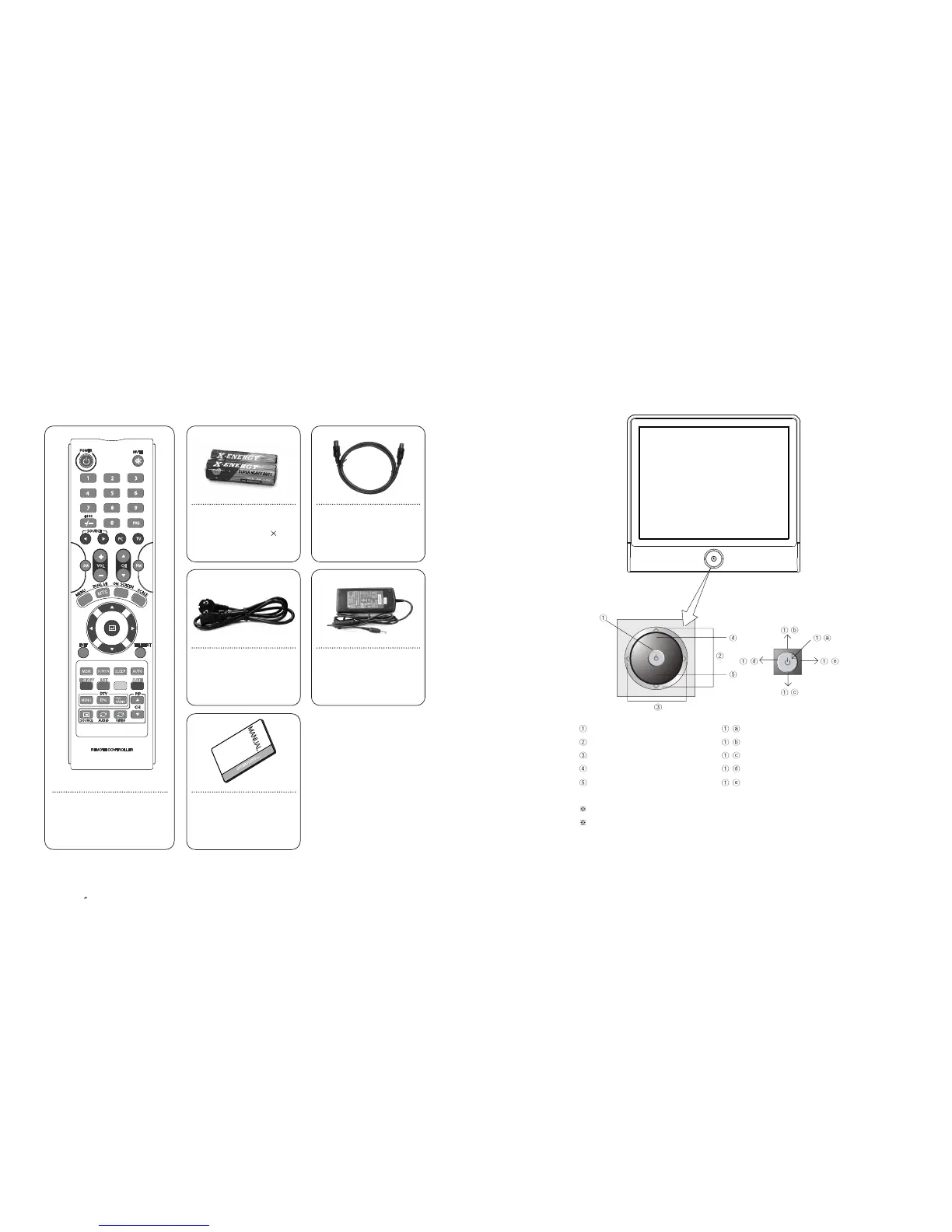
1-2. Panels
1) Front Panels
Power/Menu - Power-On/Off
Channel Button - AUTO / Move above Menu
Sound Cont. - SOURCE / Move under Menu
Remote Control Sensor - Exit Menu
LED - Load Menu
Auto button operates as auto adjustment function when it’s input singnal is PC.
Power button is jog shuttle type button and it operates different functions by pushing it
to Up/Down/Left/Right.
13
PAL/SECAM
1-1. Accessories
Please make sure the following items are included with your LCD TV.
If any items are missing, contact your dealer.
EN 12
15 TFT-LCD TV
-
--
-
-
Remote Control
AAA-type battery( 2)
Power Cord
RF Cable
DC Adaptor
User’s Manual



 To Next Page