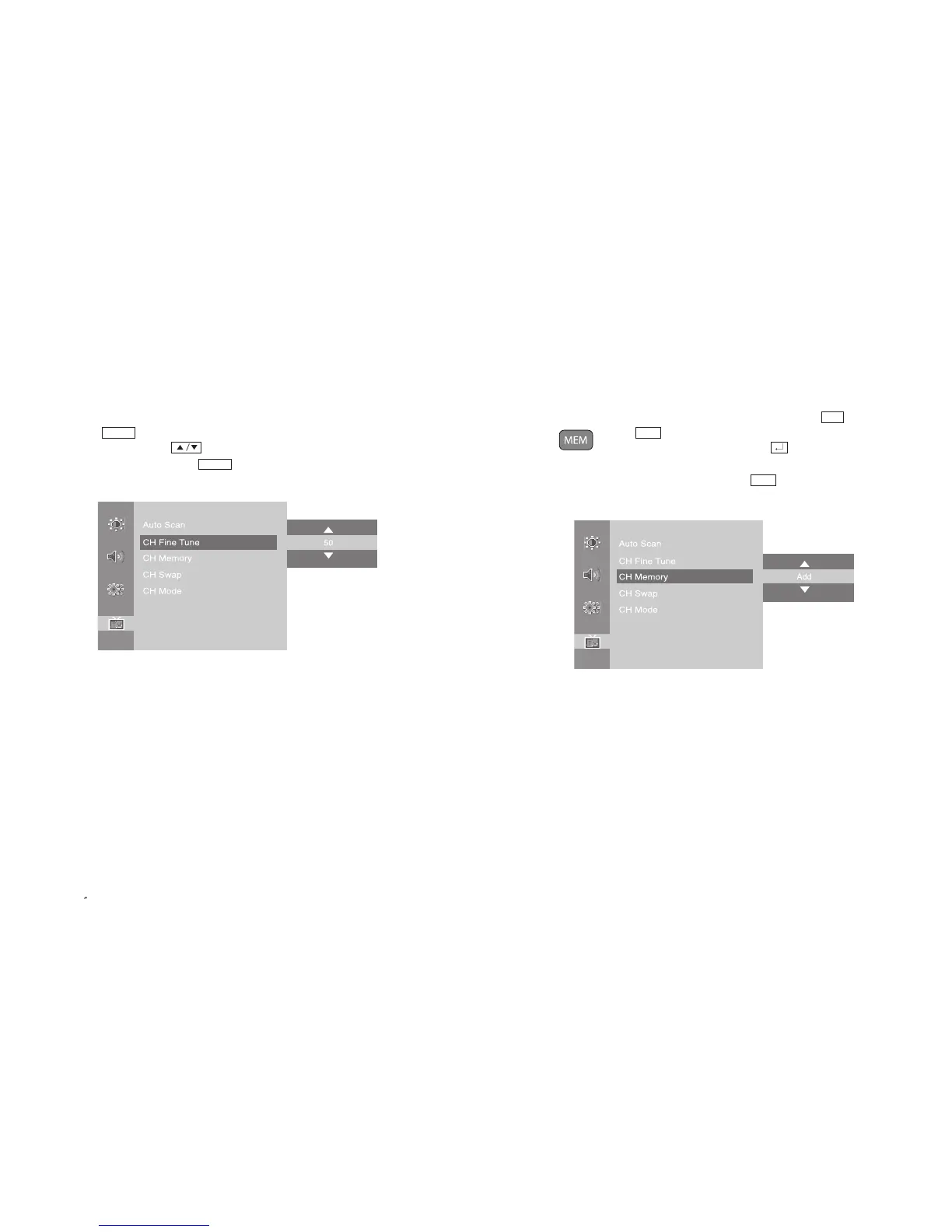
3-4. Add/Remove Channel
You may add or remove a channel as your need.
-
Channel can be added or removed by pressing numeric buttons(0~9) or button.
- Press button on the remote control.
- In case of adding a channel by using button on the remote
control, move to Add.
- Once the setting is complete, press button again.
- Also, it can be set in OSD menu by using JOG button.
MEM
MEM
CH
35
PAL/SECAM
3-3. Fine Tune
If a searched channel is unclear or the sound is not working properly, use Fine Tune
function to adjust.
- Press button and move to <CH Fine Tune> menu.
- Set the best status with button on the remote control.
-
To stop channel search, repress button on the remote control.
- Once the setting is complete, exit from menu.
MENU
MENU
EN 34
15 TFT-LCD TV



 To Next Page