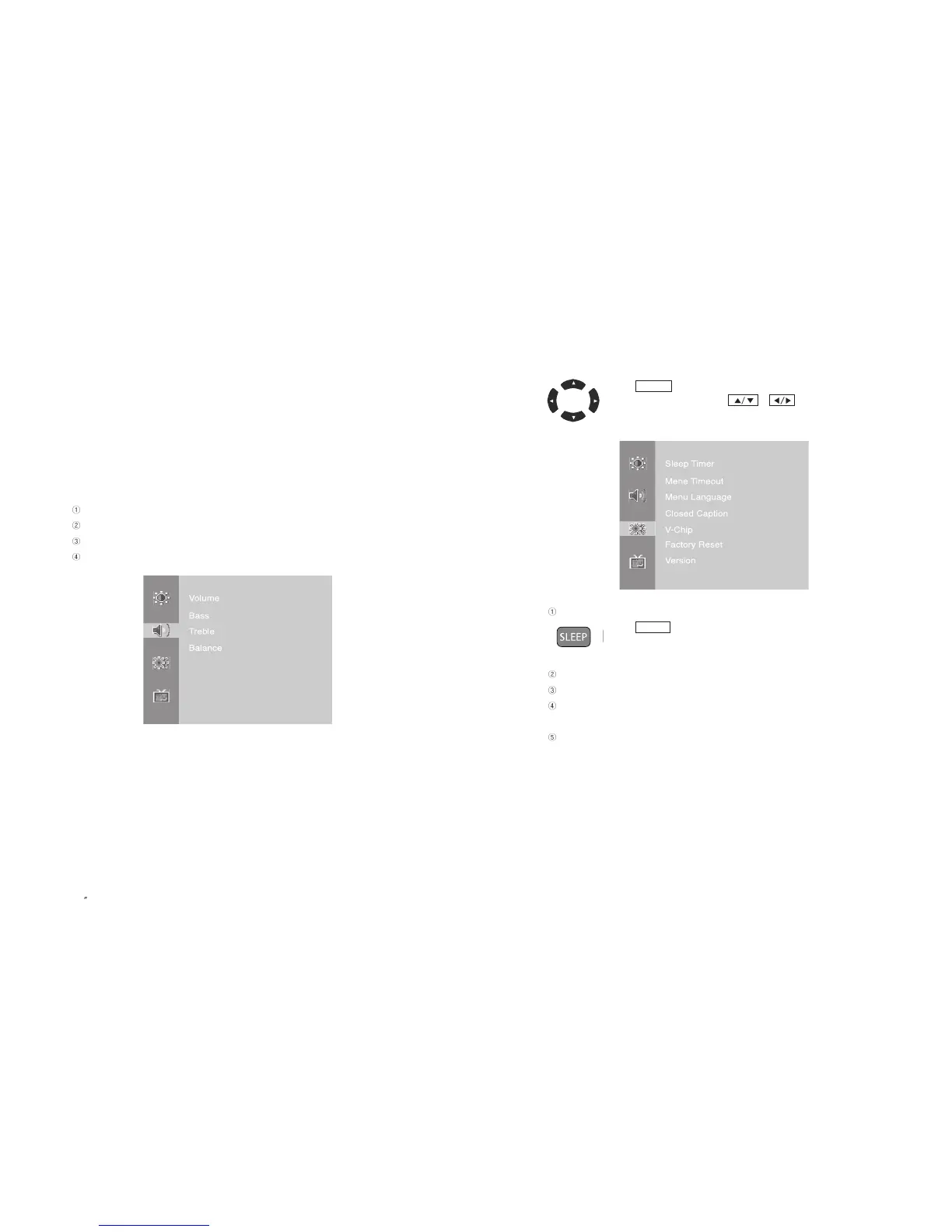
4-3. Setting Option
- Press button on the remote control to move to Main Menu.
- Change the settings by using / button on the remote
control.
Sleep Timer
- Press button on the remote control.
- Sleep timer can be set up to 180 minutes.
Menu Timeout : It can be adjusted to display OSD Menu between 5 ~ 60 seconds.
Menu Language : Change a language to display OSD.
Factory Reset : Reset all the OSD control settings back to the factory default
setting.
Version : It shows the product version.
SLEEP
MENU
45
PAL/SECAM
3) Brightness : Adjust screen brightness
4) Contrast : Adjust screen contrast
5) Color : Adjust screen color
6) Tint : Adjust screen tint
7) Sharpness : Adjust screen sharpness
4-2. Setting Sound Mode
Volume : Adjust volume
Bass : Adjust bass
Treble : Adjust treble
Balance : Adjust balance of left & right speaker
EN 44
15 TFT-LCD TV



 To Next Page