38
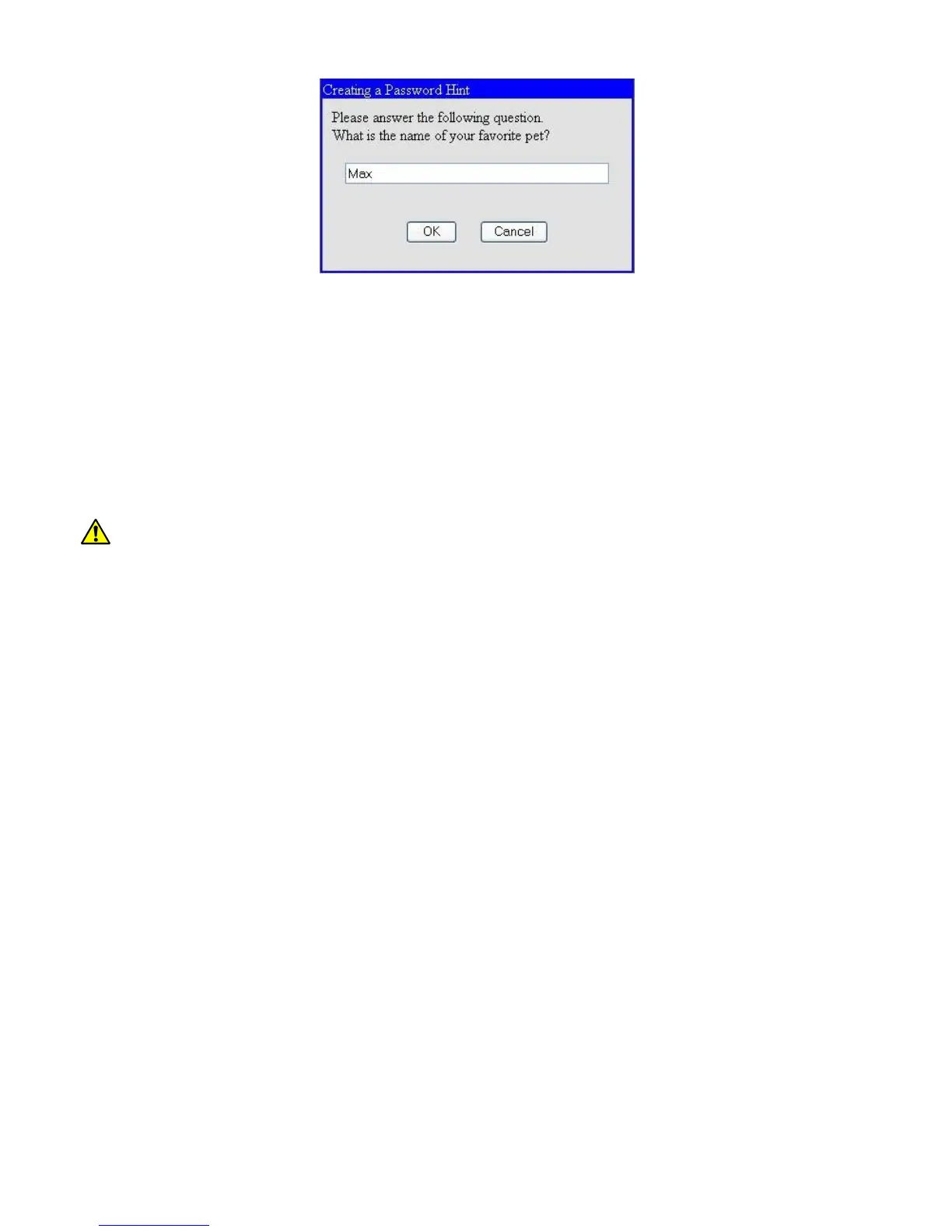
Once established, this hint answer can be used to reset the admin password, if it has been forgotten,
via the ‘recover’ Telnet login, as follows:
> Login: recover
> Password: (default)
Once logged in as ‘recover’, the hint will be given:
> What is the name of your favorite pet?
Upon successful answer, the admin password can then be changed.
It is strongly advised that the admin password, and hint answer be recorded and
stored in a secure location.
Notes:
(a) Password & hint fields are case sensitive and no spaces are allowed.
(b) Password & hint should be 6-32 characters in length.
(c) To avoid a ‘weak password’ warning when changing the password via Telnet, it is required that
passwords contain a mix of uppercase letters, lowercase letters, numbers and symbols.
(d) Legal characters are: all alphanumerics, plus the following symbols:
@ (at sign) - (dash) . (period) ‘ (tick) _ (underscore)


 To Next Page