42
21. Event Log
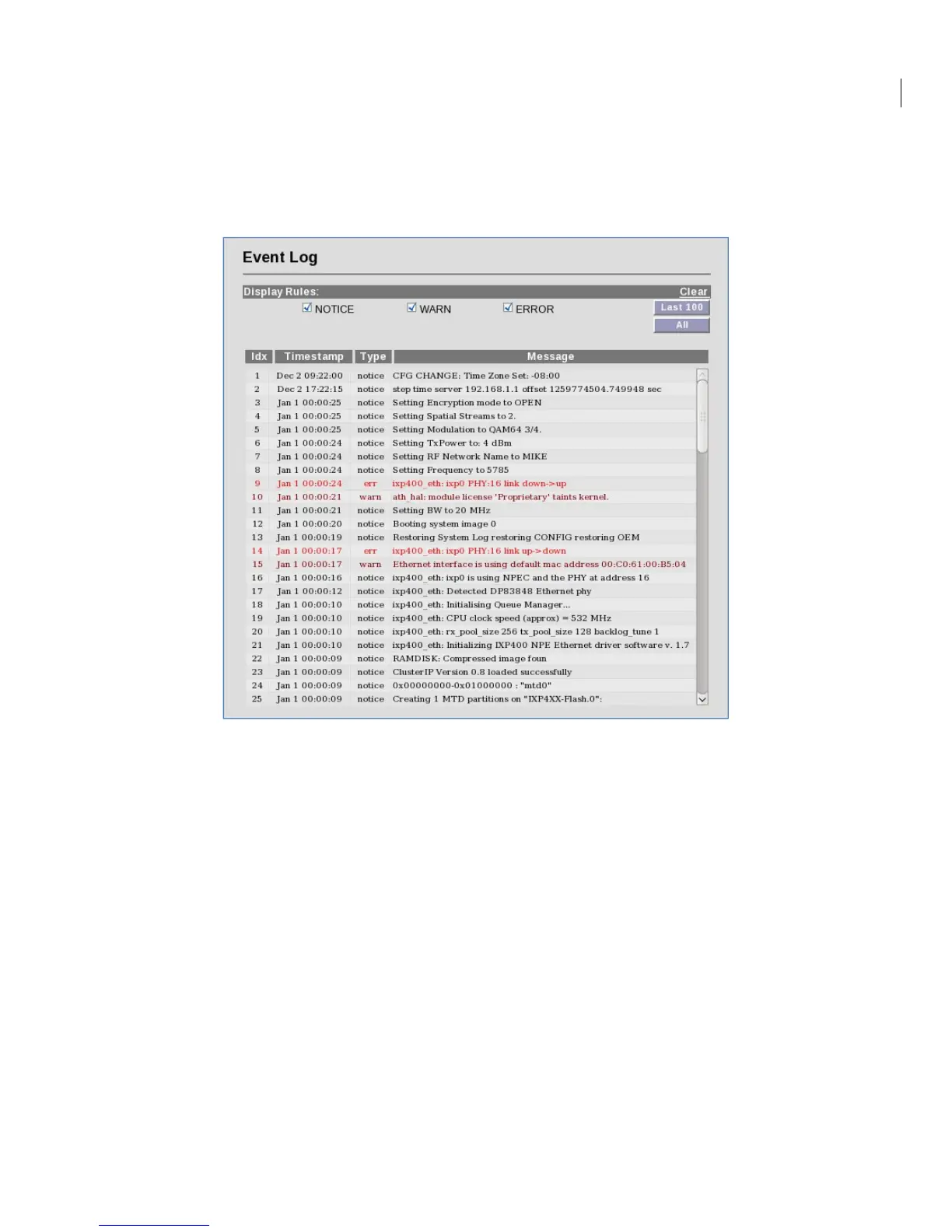
The Event Log displays all major events that may be noteworthy for the system administrator for
both monitoring and troubleshooting purposes.
Navigate to Status -> Event Log to access the Event Log Screen:
There are three categories of events:
Notice: This is informational in monitoring the operation of the unit. A Notice entry is part of the
normal operation.
WARN: This may indicate something wrong with the unit or operation. For example, downing of the
RF port may be due to malfunction or user intervention (power off).
ERROR: This is indicative of unanticipated or erroneous operating conditions.


 To Next Page