37
18. Password Management
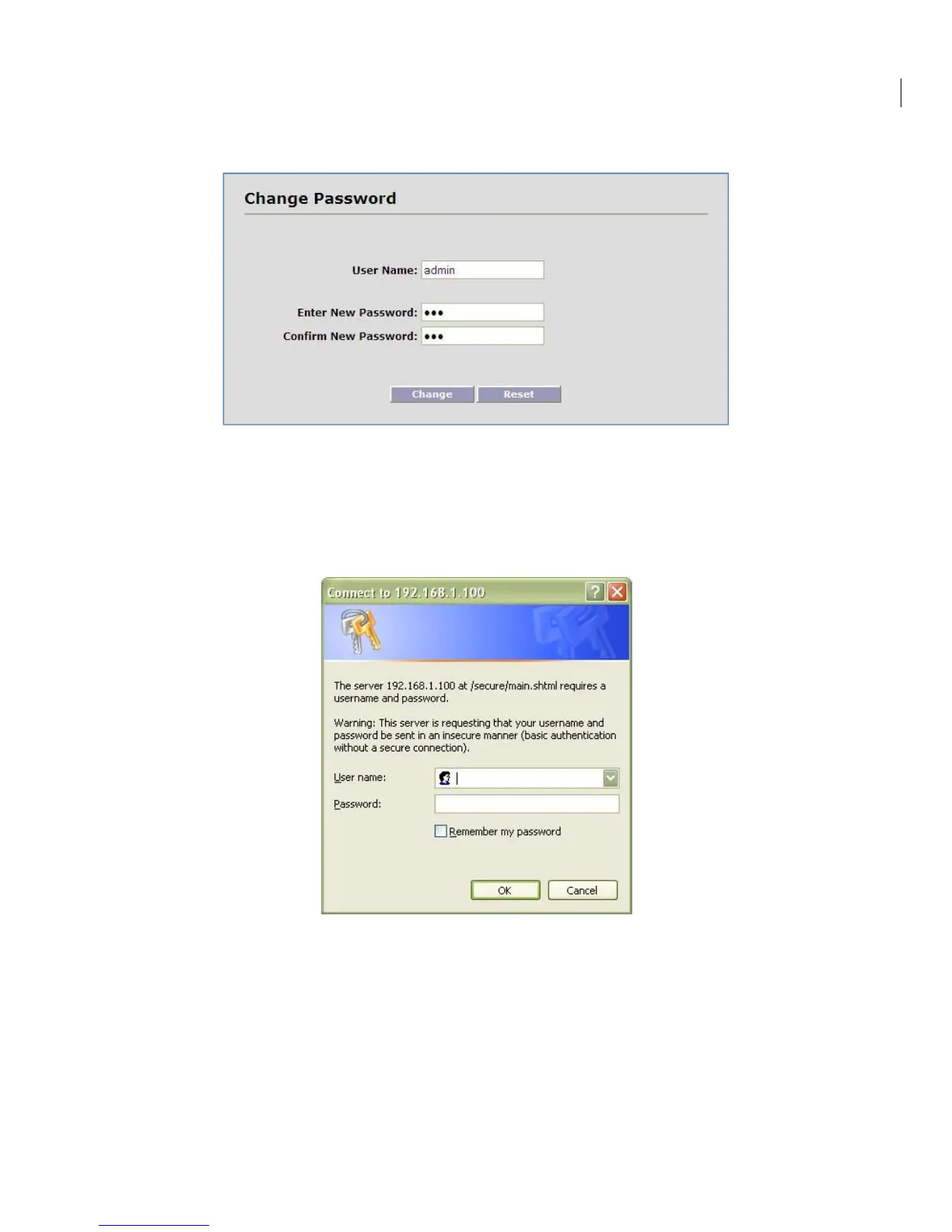
Navigate to Management -> Password to access the Login configuration screen:
Enter New Password: Enter the new password.
Confirm Password: Re-enter the new password for confirmation.
Select the “Change” button.
The browser will popup a new login window. You must log back in to the system with the new
password.
At the time of the first password change, a password ‘hint’ prompt will be displayed.


 To Next Page