40
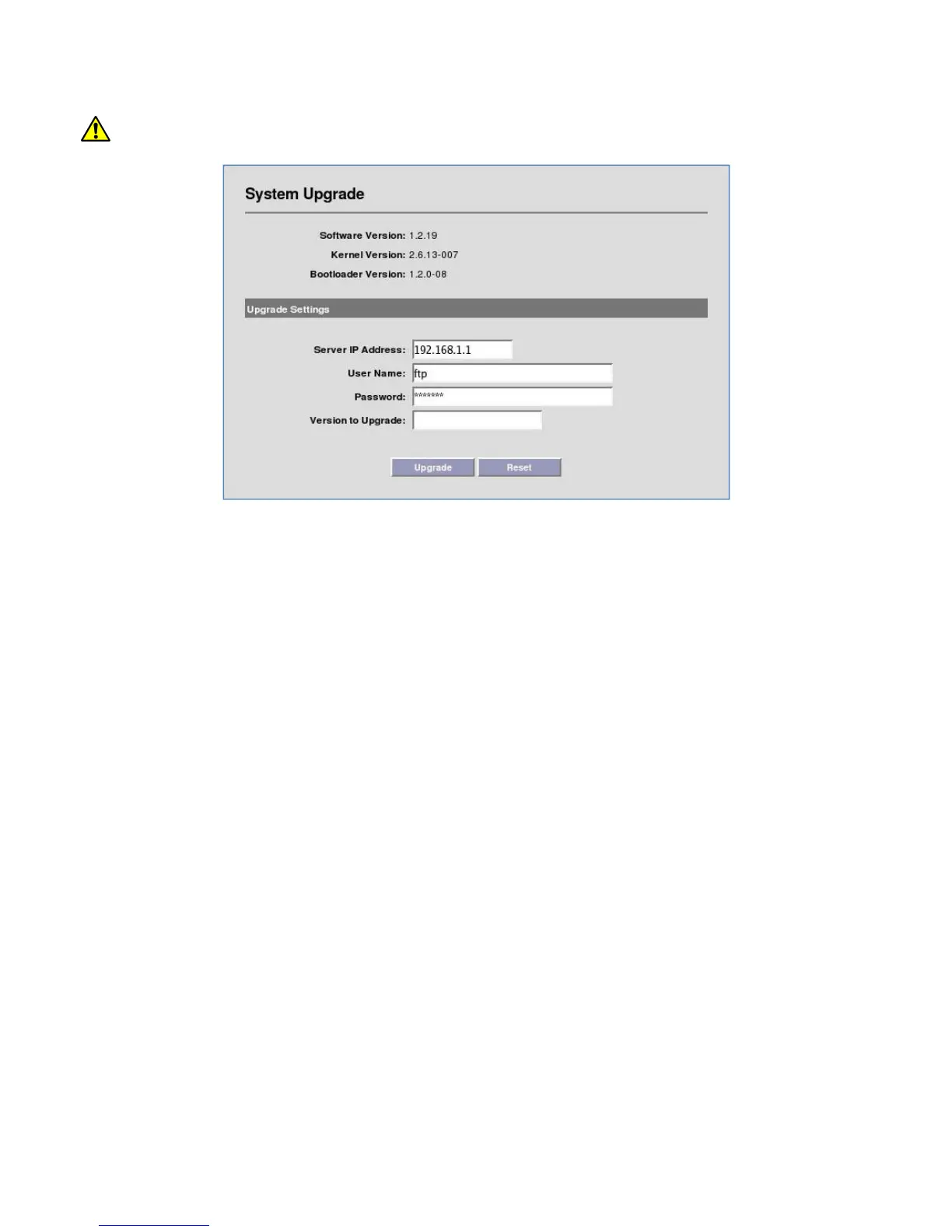
11. Once complete, the unit must be rebooted for the upgrade to take effect.
Do not power down or unplug the unit during the upgrade process.
If the upgrade fails to complete, or times out:
- Verify the FTP user account has read permission on the target folder.
- Verify that the FTP server’s software firewall is disabled. For example, Windows XP has an
integrated firewall that can block the upgrade.
- Retry Upgrade procedure.


 To Next Page