a mix of the low-latency input signals (Inputs 1-2), together with a custom
headphone mix (3&4). You can toggle between the two modes whenever
you like.
Setting Up Your DAW To Record
Now that you have chosen your input(s), set the levels and can monitor
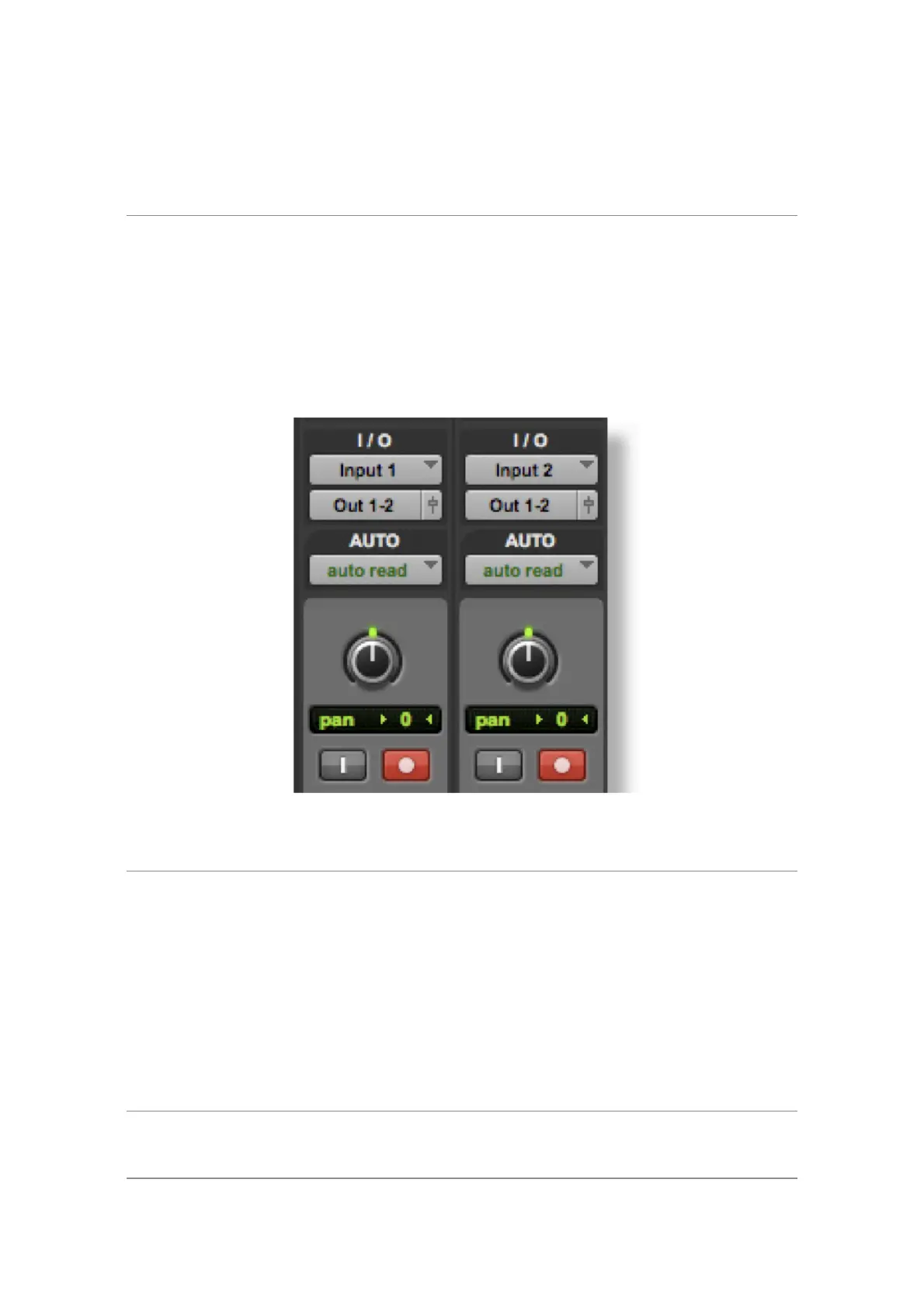
them, it's time to record into the DAW. The following image is taken from a
Pro Tools session but the same steps will apply to any DAW. Please consult
your DAW's User Guide for its operations. If you have not already done so,
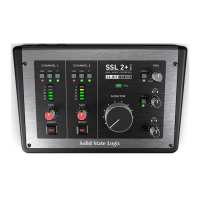
please ensure that SSL 2+ MKII is the selected Audio Device in your DAW's
audio setup.
Setting Up Your DAW Tracks
• Set up new audio track(s) in your DAWs.
• Set the appropriate input on your DAW track(s): Input 1 = Channel 1, Input
2 = Channel 2.
• Record Arm the tracks you are recording.
• You are ready to hit record and do a take.
Low Latency - Using The Mix Control
What is Latency in relation to recording sound?


 To Next Page