DISTRIBUTION: INTERNAL + SOLOPROTECT CUSTOMERS
SoloProtect ID US: User Guide
US SoloProtect ID User Guide v2.0 d1909189
© SoloProtect Ltd, 2018 Page 19 of 31
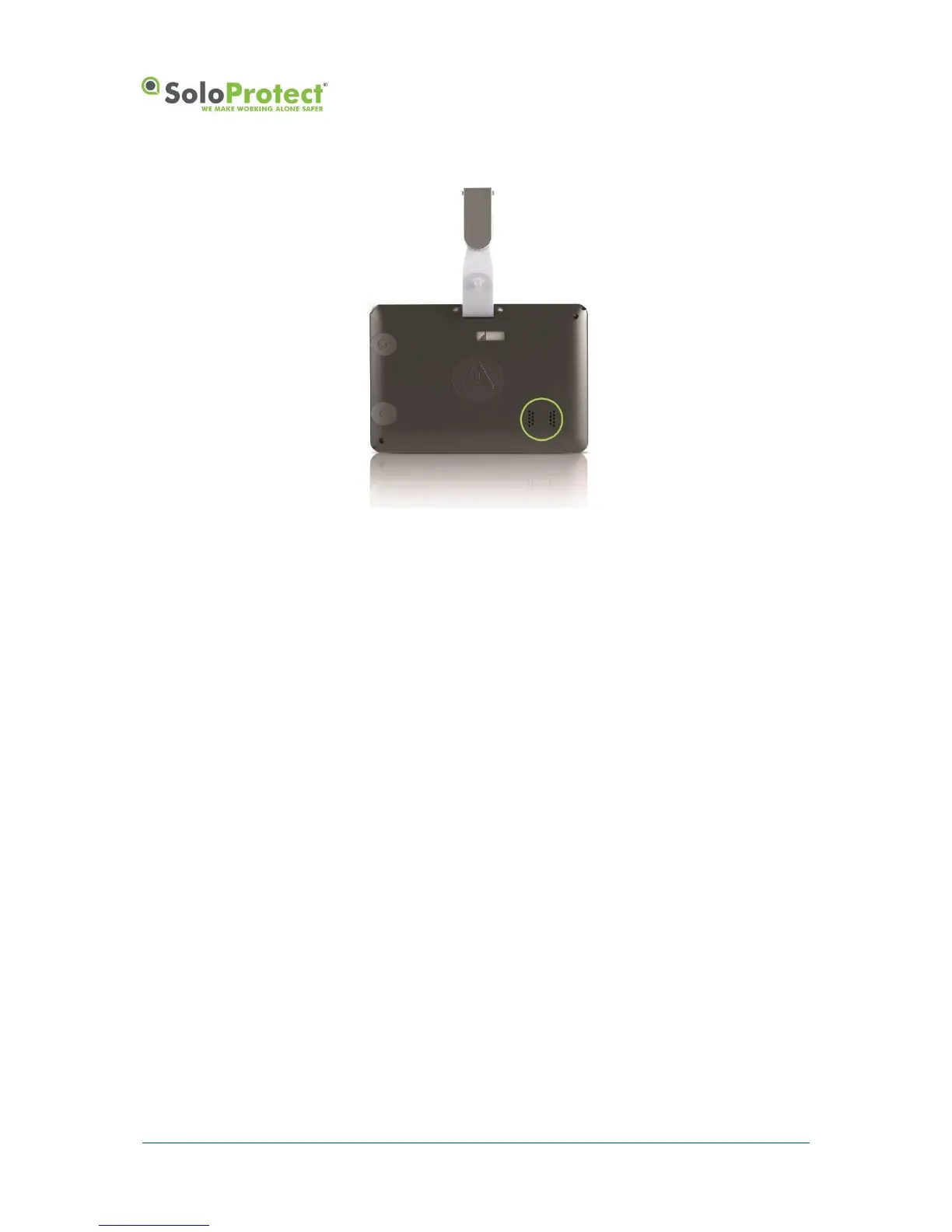
Figure 11: SoloProtect ID Loud Speaker during Incapacitation Alarm
Incapacitation detection is always disabled when the unit is on its charger or switched off.
*Check with your Employer or your SoloProtect Account Manger as to whether you have this function enabled.
4.1.8 Closing down your Red Alert or Incapacitation Alert (ManDown)
Once you feel that your situation no longer needs monitoring you can close your Alert down.
If your Red Alert activation was raised by the Rip Alarm, you must first re-insert the lanyard plug.
The Red Alert call can only be closed by you. After you feel your set of 2 vibrations or 3 vibrations,
press and hold the Red Alert button for 1.5 seconds, you will feel 2 longer vibrations. You Red Alert
call is now closed.


 To Next Page