Other Parameters
SP25-55_User Manual_B8_EN_2012-11-06 30/32
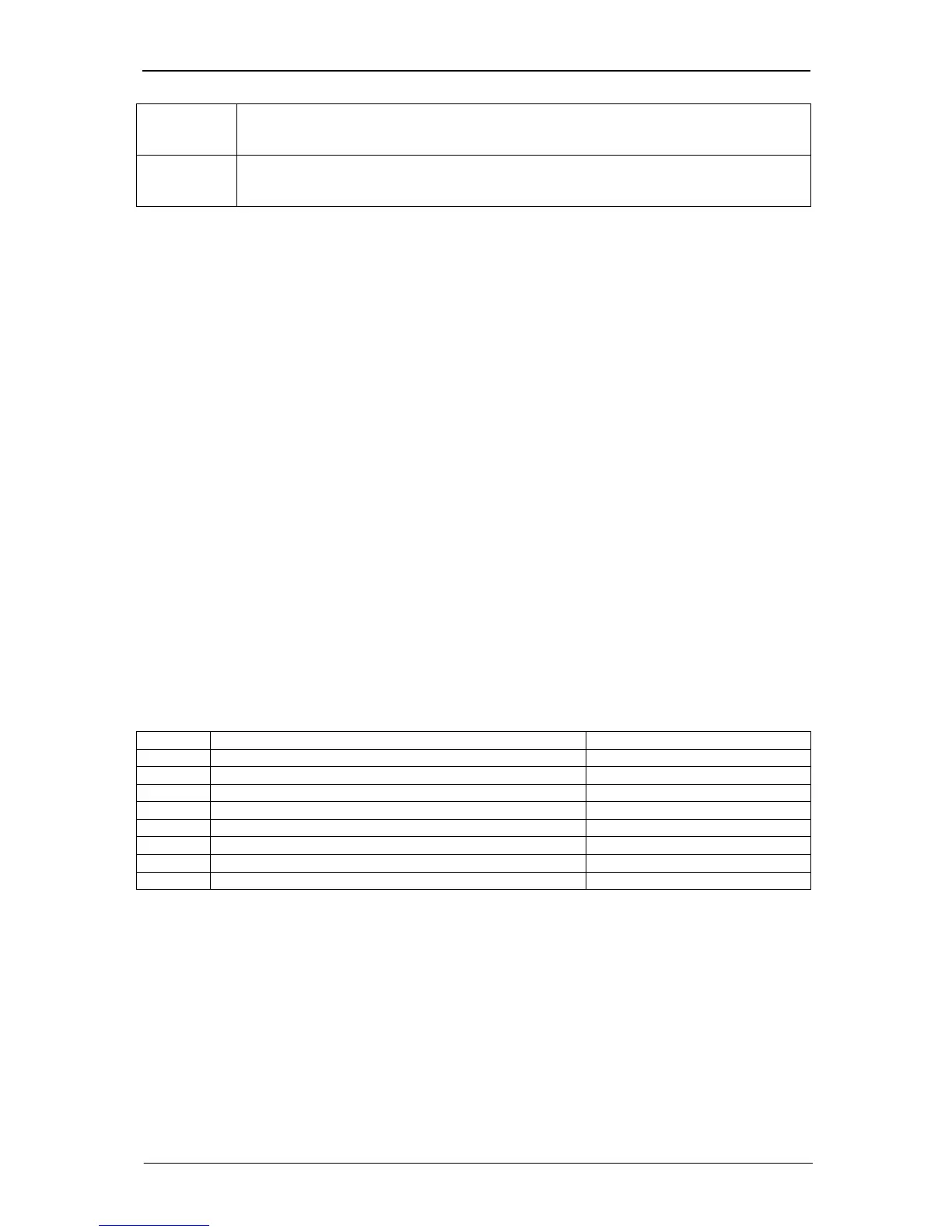
Value = 73 If you set parameter 66 to the value 73, the total yield meter (parameter 108 or 12) will
be deleted. To enable this function, you have to set at least password level 2 (Fitter)
beforehand.
Value = 74 If you set parameter 66 to the value 74, the sensor total yield meter (parameter 217 or
219) will be deleted. To enable this function, you have to set at least password level 2
(Fitter) beforehand.
20 Other Parameters
Setting the date and time
To change the date, time and day of the week, go to the main menu item Inverter, select the "Date" or
"Time" option, press the OK button and then change the settings.
Use the ◄ or ► button to select the digit to be changed and then use the ▲ or ▼ button to change
the value.
The date/time you have set is adopted when you press the OK button.
Note: The time in the display is only updated when you reselect the corresponding menu. The
changed time, however, is adopted accurately to the second.
When entering the weekday, the following convention applies: 0 = Sunday, 1 = Monday, etc.
Parameter 122: Maximum power today
Menu: Actual values/output
Unit: W
Resolution: 1 W
Parameter 122 indicates the maximum power level fed into the grid today.
Parameter 147: Device class
Menu: Device configuration
Unit: ---
Resolution: 1
Default setting: 50
Password level: 4
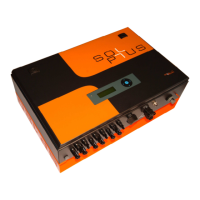
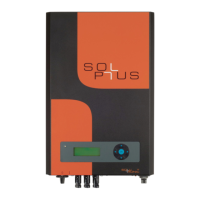
The following inverter models are currently available:
Value Description Nominal inverter output
25 SOLPLUS 25 IP 21 with display 2500 W
26 SOLPLUS 25 IP 54 with display 2500 W
35 SOLPLUS 35 IP 21 with display 3500 W
36 SOLPLUS 35 IP 54 with display 3500 W
50 SOLPLUS 50 IP 21 with display 4600 W
51 SOLPLUS 50 IP 54 with display 4600 W
55 SOLPLUS 55 IP 21 with display 5000 W
56 SOLPLUS 55 IP 54 with display 5000 W


 To Next Page